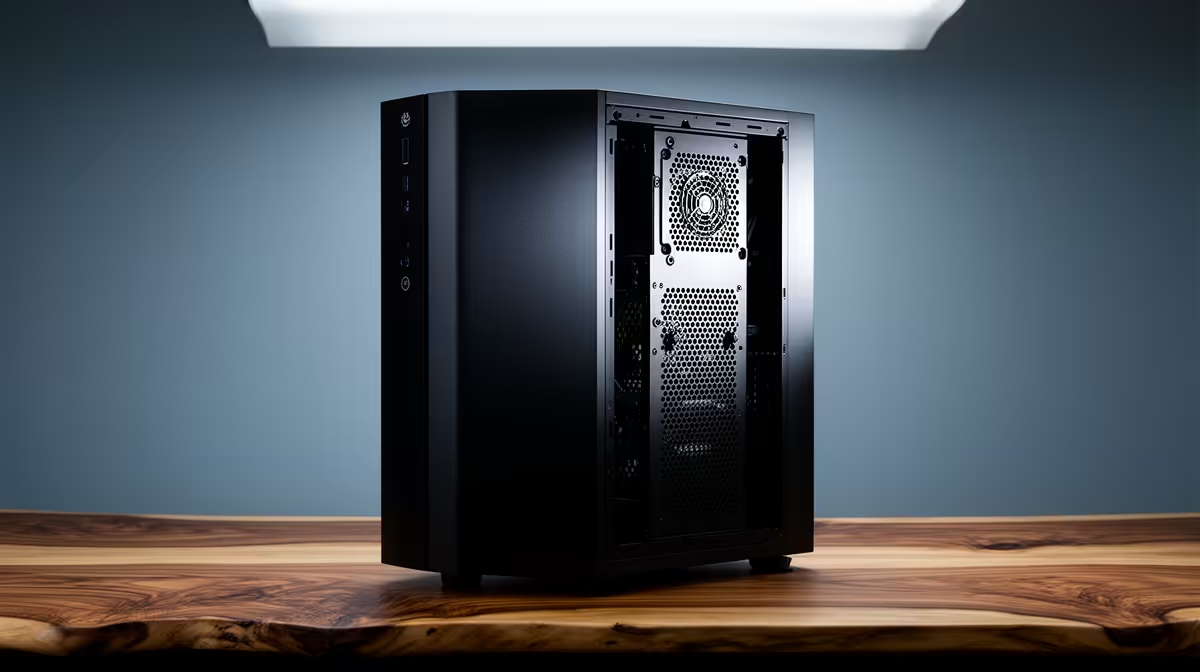
A 750W power supply belongs inside a desktop tower and offers no practical benefit for note-taking in a lecture hall. The DeepCool PF750 750W 80 Plus Standard unit costs a verified R550 for a compatible PC build. A student who needs mobility should direct the purchase toward a laptop, battery runtime and backups.
Separate the lecture device from the home PC
The Core Ultra 5 226V ASUS ExpertBook P5405 combines 16GB memory and 512GB storage at a verified R12,700. It provides a mobile Windows reference after checking campus applications, keyboard comfort, charging ports and real battery needs. Carry the correct charger and keep liquids away from the desk.
For a separate home tower, calculate PSU capacity from the CPU, graphics card, motherboard, drives and fans. Confirm connectors, physical length and case ventilation. A large wattage does not improve notes, Office files or browsing. Never mix modular cables from another PSU unless the manufacturer approves them for both exact models.
Organise notes by module and sync them to an approved account. Save a second offline version before travel or the exam period. Test whether the lecture venue permits charging, but do not rely on finding a free socket.
Run a full campus day
Start with a full battery, take notes through the normal timetable and review them on the commute home. Record remaining power and keyboard comfort. At the desktop, test the actual gaming or creator load separately when sizing a PSU.
Buy the laptop for lecture mobility. Choose the 750W unit only for a component list that requires it at home.
Equipping a lecture and home setup? > Ask Evetech to compare business laptops and correctly sized desktop PSUs.