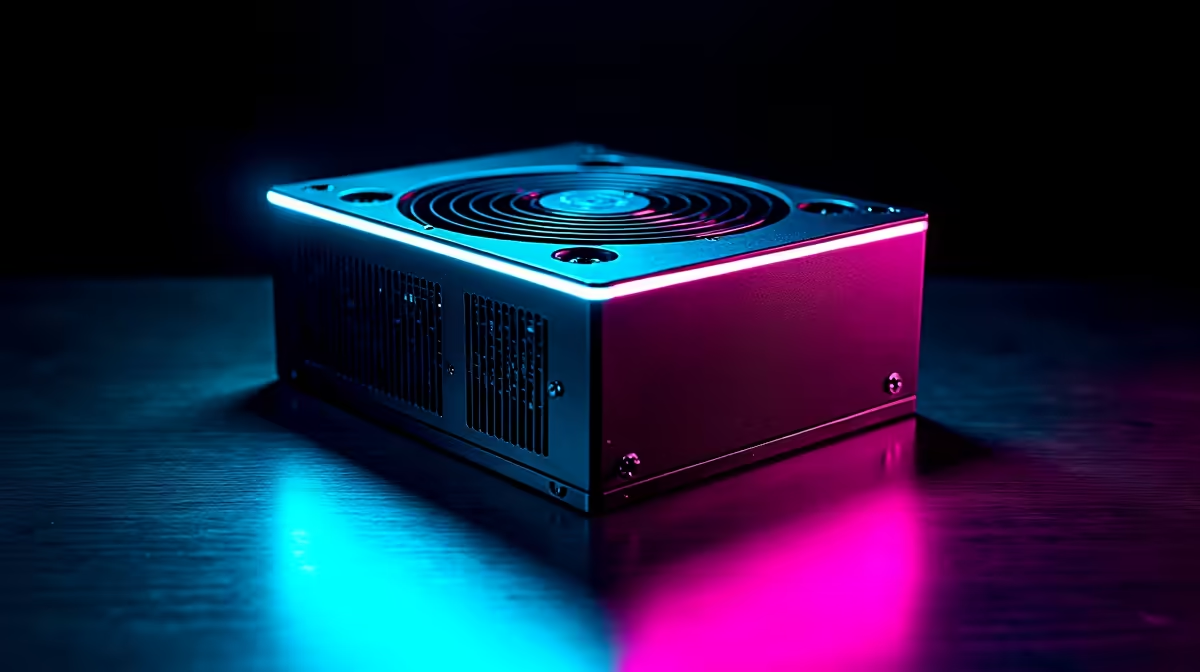
A 750W power supply is worthwhile for an Apex Legends desktop when the final graphics card, processor and drives fit within its supported capacity and connectors. The game does not require that wattage by name. Choose the resolution, refresh target and parts first, then calculate power from manufacturer guidance.
Build the competitive system
The verified FSP PF750 is priced at R550, but its 750W rating must be assessed with the exact Apex system and connector plan. Review current cable types, dimensions, efficiency, protection and warranty. For a supported competitive-gaming build, the verified GeForce RTX 5060 at R4,800 provides a concrete GPU around which to calculate power. Confirm motherboard, processor balance, case clearance and graphics power requirements before combining parts.
Test match performance separately
Run Apex Legends at the intended Full HD or higher-resolution settings and record frame pacing, temperatures and stability. Then test online latency and packet loss over Ethernet, since a stronger supply cannot improve server routing. Follow connector guidance, avoid unapproved adapters and keep the power-supply intake clear. Save graphics and keybind settings before driver work. If the system uses a lower-draw GPU and processor, unused wattage may provide no practical benefit. Run a repeatable Apex Legends session while logging temperatures, frame times and wall-power behaviour, then compare those results before and after any graphics upgrade. Keep the existing supply model and cable layout in the service notes.
Planning an Apex desktop? > Tell Evetech the resolution, refresh target, GPU and complete parts list.