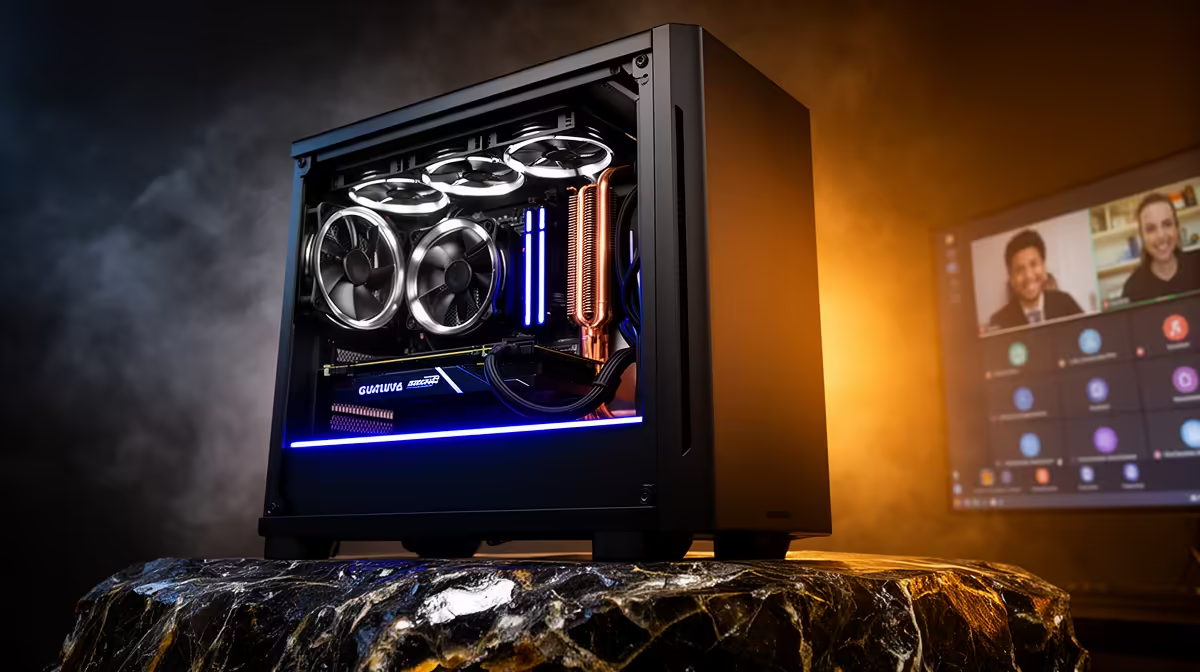
A 750W power supply can easily handle Teams and video calls, but the applications are not the reason to choose that capacity. Webcam, microphone and office software add little demand compared with a gaming GPU or workstation processor. The PSU should be sized from the complete desktop hardware, with correct connectors, protections and headroom. Call quality depends more on network, camera, audio and lighting.
Size power from components, not meetings
The DeepCool PF750 750W power supply is priced at R550 in the verified facts. Check current availability, efficiency rating, protection features, CPU and GPU connectors, physical dimensions and warranty. Compare it with a reliable lower-capacity unit when the computer uses integrated graphics and modest office components.
List the processor, graphics card, drives, fans and expansion hardware, then check vendor recommendations. A larger unit does not improve microphone clarity or prevent a weak Wi-Fi call from dropping. Test Teams with the normal office applications open, and inspect processor use, memory, network stability, echo and camera exposure.
Choose 750W when gaming, rendering or a realistic upgrade path supports it. For a straightforward call station, use a correctly sized quality supply and invest in a clear webcam, headset, stable connection and file backup. PSU capacity should follow electrical demand rather than the name of the meeting application.
Sizing a desktop power supply? > Ask Evetech to verify capacity, connectors and case fit for the hardware.