Quick Answer
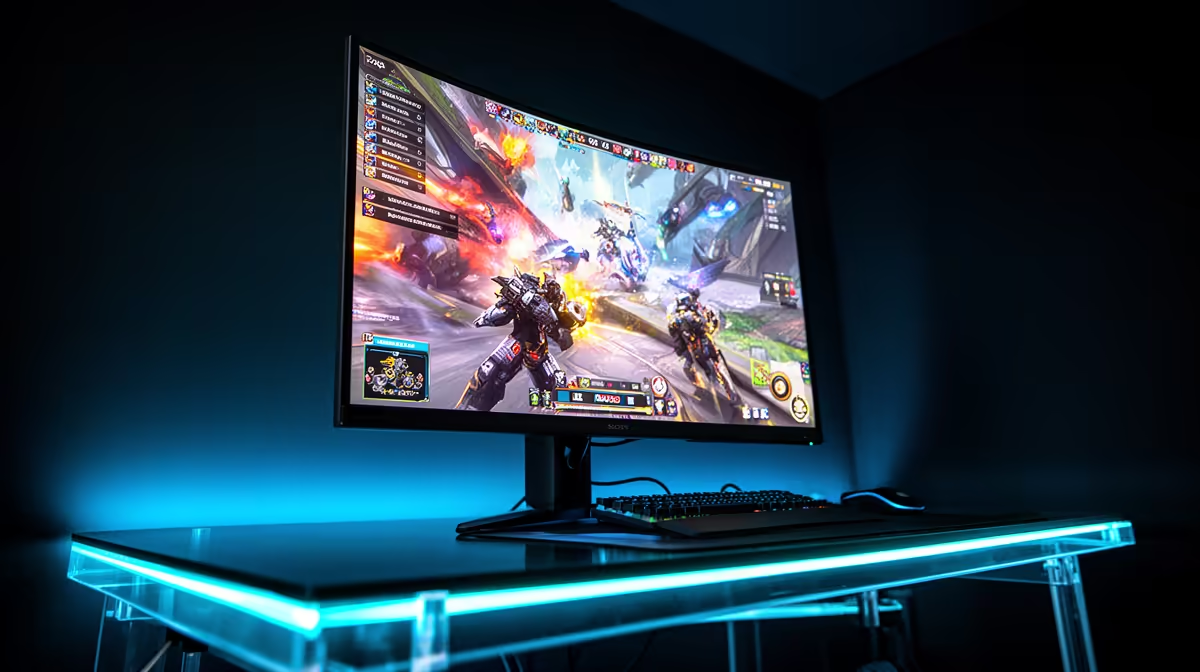
A 4K 240Hz gaming monitor requires an RTX 5080 or RTX 5090 GPU to reach that refresh rate in practice, a DisplayPort 2.1a UHBR20 cable and port on both the GPU and monitor for uncompressed signal, at least 32 GB of DDR5 system RAM, and a fast NVMe SSD to prevent storage becoming the frame-rate bottleneck in open-world games. Total system cost including the monitor runs R90,000 to R140,000 for a properly matched build.
GPU Requirements: The Foundation of 4K 240Hz 🎮
No GPU is optional in this discussion.
AMD's top-tier cards (RX 9080 class) compete with the RTX 5080 at 4K, using FSR 4 upscaling to push frame rates toward the 200 fps threshold in supported titles. AMD's frame generation implementation works in a growing number of titles and is a viable path for buyers who prefer the AMD ecosystem.
CPU, RAM and Storage Requirements 🔧
At 4K, the GPU is the primary bottleneck rather than the CPU in most games. However, a weaker CPU can still cap frame rates in CPU-bound games or CPU-intensive simulations. For a 4K 240Hz build, the AMD Ryzen 9 9950X or Intel Core Ultra 9 285K are appropriate partners for an RTX 5080 or 5090. Both processors deliver sufficient single-threaded and multi-threaded performance to avoid CPU bottlenecks across the full range of current gaming titles.
RAM should be 32 GB DDR5 at minimum, with 6000 MHz CL30 as the performance sweet spot for both AMD and Intel platforms. 64 GB is worthwhile if the machine doubles as a creative workstation. For storage, a PCIe 5.0 NVMe SSD of 2 TB or more eliminates shader compilation stutter and asset streaming delays in modern open-world games.
Monitor Interface and Sync Requirements 📡
The monitor side of a 4K 240Hz build has its own non-negotiable requirements. DisplayPort 2.1a UHBR20 on both the GPU output and the monitor input is needed for uncompressed 4K 240Hz. A UHBR20-certified cable (typically limited to 1 to 2 metres) completes the chain. HDMI 2.1 is sufficient for 4K 144Hz or 4K 240Hz with DSC compression if preferred.
Adaptive sync (G-Sync Compatible or FreeSync Premium Pro) is mandatory at 4K 240Hz because even the most powerful GPU will drop below the maximum refresh rate in demanding scenes. Without adaptive sync, those frame rate dips produce visible screen tearing. HDR support at DisplayHDR 1000 or True Black 400 completes the feature set for a system that costs R90,000 or more to assemble.
Pair Your PSU to Your GPU Honestly ⚡
The RTX 5090 has a 575W TDP and the RTX 5080 sits at 360W. In a full high-end build with a 9950X, a 1000W to 1200W 80+ Gold or Platinum PSU is the minimum responsible choice. South African 230V mains delivers cleaner wattage headroom than 110V markets, but sizing the PSU for 20 to 30% headroom above your expected load remains best practice.
FAQ
Is a 4K 240Hz monitor worth it over a 4K 144Hz monitor for a high-end gaming PC?
For a PC powered by an RTX 5080 or 5090, yes. Those GPUs can push frame rates meaningfully above 144 fps at 4K in many titles with DLSS 4, and the 240Hz ceiling provides additional headroom for esports games where frame rates climb highest. For anything below RTX 5080 performance, 4K 144Hz is the better ZAR allocation.
Does 4K 240Hz require more internet bandwidth for online gaming?
No. Monitor resolution and refresh rate have no effect on network bandwidth or latency. Online gaming performance is determined by your ISP connection quality. South African fibre providers like Vumatel and Openserve provide 100 Mbps to 1 Gbps home connections that are more than adequate for any online game.
What power supply is recommended for a 4K 240Hz high-end gaming build?
For an RTX 5080 system, a 850W to 1000W 80+ Gold PSU is appropriate. For an RTX 5090 build, 1000W to 1200W is the recommended range to provide sufficient headroom during GPU boost peaks.
Building a high-end gaming PC for 4K 240Hz and need every component in one place?
Evetech stocks RTX 50-series GPUs, high-end CPUs, DDR5 memory, NVMe SSDs, and premium 4K monitors, all with local warranty and knowledgeable support.