



PCIe 5.0 vs PCIe 4.0 for Strategy and Sim Games in SA
PCIe 5.0 and PCIe 4.0 differ most in lane support, compatibility, and upgrade value for strategy and sim games. SA buyers should match the choice to their actual hardware and games.
Read moreRight, on a high-end SA gaming rig, a 360mm AIO liquid cooler pays back the cost through stable temps and 360mm radiator. Confirm compatibility, then balance performance against warranty and SA-stock availability.
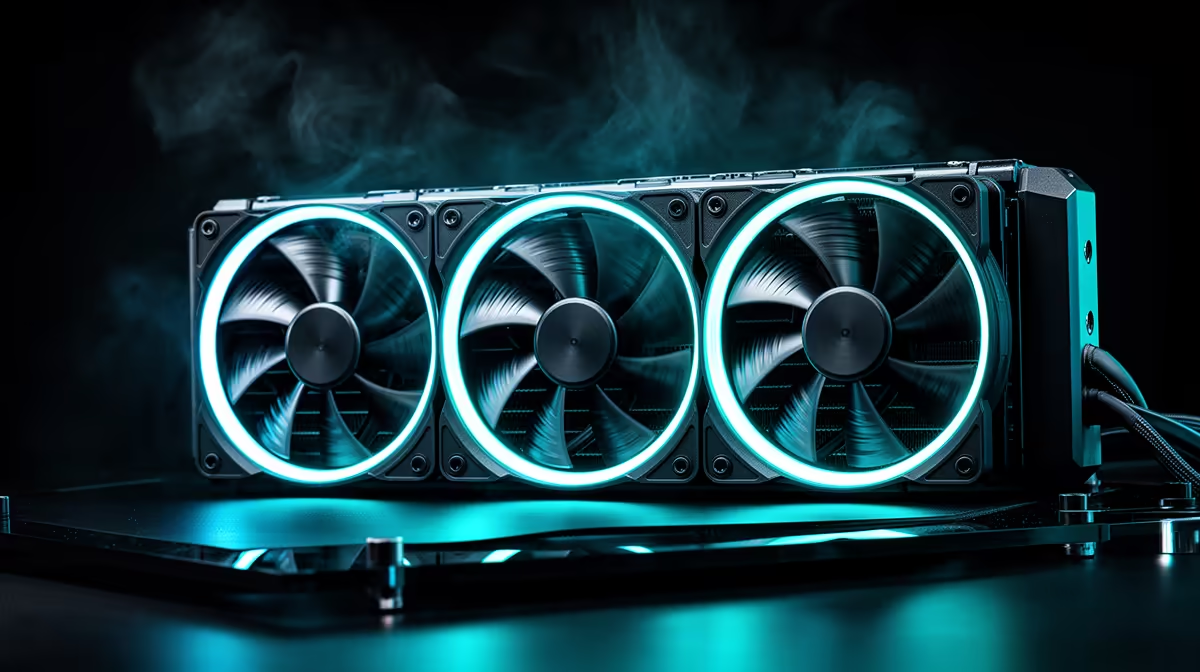
Static pressure fans are mandatory for 360mm radiator cooling because they push air through the resistance of dense radiator fin stacks. An airflow fan optimised for open spaces loses most of its CFM against a radiator; a static pressure fan rated at 2.5mm H2O or above maintains effective airflow through the fins at the same RPM. For a 360mm AIO, use three matched static pressure fans at 120mm diameter.
Fan performance has two key axes: airflow volume (CFM) and static pressure (mm H2O). An airflow-optimised case fan with wide blades and low resistance profiles moves large volumes of air in open environments, like as intake or exhaust fans on an unobstructed case panel. Placed against a radiator's fin pack, the same fan stalls against the fin resistance, delivering only 30 to 50 percent of its rated CFM.
Static pressure fans use narrow, curved blade profiles that increase pressure differential per unit of blade area. Designs like Corsair's LL120 Pro, Noctua's NF-F12 iPPC, and the ROG STRIX 120mm included with ASUS AIOs prioritise building up pressure behind the blade arc rather than moving bulk air.
The relationship between RPM and cooling performance is not linear. Doubling fan RPM does not double heat dissipation; at higher RPMs the returns diminish while noise increases sharply. For a 360mm radiator with three 120mm static pressure fans cooling a 180W CPU load in a 24-degree ambient room: at 1,000 RPM, fan noise is around 22 dBA and CPU temperature stabilises at 78 to 82 degrees Celsius. At 1,400 RPM, noise rises to 26 dBA and CPU temperature drops to 72 to 76 degrees.
If your AIO ships with substandard fans (a common cost-cutting measure on budget AIOs), replacing them with quality static pressure units improves performance noticeably.
For ARGB matching, replace with ARGB static pressure fans from the same brand as your motherboard's lighting ecosystem to ensure sync compatibility. ASUS ROG ARGB fans, Corsair LL120, or MSI MEG ARGB fans in the R350 to R550 range each provide both the static pressure profile and addressable lighting for ecosystem integration.
In a top-exhaust 360mm radiator setup, mount fans to push air through the radiator from inside the case toward the outside. Pull configuration (fans on the outside pulling air out) is slightly less efficient in top-mount setups because the fans pull turbulent, warm exhaust air. Push configuration forces fresh air through the fins more efficiently. For front-intake radiators, either orientation performs comparably, so push is used there for cleaner cable routing.
No. A 360mm radiator uses three 120mm fan mount positions. It is not compatible with 140mm fans. If you want larger fan diameter for lower RPM operation, consider a 420mm radiator (three 140mm fans), which requires a case explicitly rated for 420mm radiator mounting.
No. Blade colour is entirely cosmetic and has zero effect on airflow, static pressure, or noise performance. Choose blade colour for aesthetic matching to your build theme.
Every three to six months depending on your environment. SA homes in dusty areas accumulate significant debris on fan blades and radiator fins. Dirty fan blades reduce airflow efficiency and can unbalance spinning fans, causing vibration noise. A compressed air blast every three months maintains performance.
Upgrading your 360mm radiator fans? Browse static pressure 120mm case fans at Evetech, including ARGB options that sync with your motherboard lighting ecosystem.
PCIe 5.0 and PCIe 4.0 differ most in lane support, compatibility, and upgrade value for strategy and sim games. SA buyers should match the choice to their actual hardware and games.
Read more
AM5 vs AM4 for video editing in 4K Difference explained is mostly about compatibility, budget, upgrade path, and setup fit. SA buyers should check device support and real needs before expecting a clear win from either option.
Read more
OLED vs QD-OLED for strategy and sim games buyers - what changes is mostly about compatibility, budget, upgrade path, and setup fit. SA buyers should check device support and real needs before expecting a clear win from either option.
Read more
DisplayPort 2.1 and 1.4 differences matter when SA PC builders match GPUs, monitors, and refresh targets. Use this difference between displayport 2 1 and displayport 1 4 explained pc builders guide to avoid mismatched parts.
Read more
Ray tracing vs Path tracing depends on Strategy and sim games needs, platform limits, and budget fit. Compare compatibility, latency, upgrade path, and real setup constraints before choosing for an SA build.
Read more
wireless mouse guide for Gqeberha gamers should be shortlisted around the job it must do. South African buyers should compare sensor, shape, weight, and wireless latency, warranty path, and upgrade room before treating any pick as best.
Read more
From 1 October 2026, WhatsApp Business Platform service replies in South Africa are expected to cost about $0.0076, or 12 cents, per delivered message.

DDR5-8000 RAM Kits pros and cons depend on the build, budget, and workload. Weigh gaming needs, platform fit, power, cooling, warranty support, and South African pricing context before shortlisting it.

Wi-Fi 6E vs Wi-Fi 6 depends on AAA single-player gaming needs, platform limits, and budget fit. Compare compatibility, latency, upgrade path, and real setup constraints before choosing for an SA build.

Ryzen 9 9950X3D dead pixel checks should isolate the panel first. Run colour fills, inspect the monitor menu, test another cable or input, and capture proof before linking it to the SA CPU upgrade.

YouTube will count public views from the first frame across video formats from 24 August, while earnings and eligibility remain tied to engaged viewing.

Canonical expects Ubuntu on WSL users to outnumber native Ubuntu desktop users before the end of 2026. The software is open source and runs inside supported Windows PCs.

Telkom's daily bundles pair WhatsApp access with 10 all-network voice minutes. The R15 option includes 300MB, while the R17 option uses a fair-use threshold.

A 10,000-hour test found similar image retention across older and newer OLED TVs, while newer panels were brighter and more efficient. Local OLED monitors started at R9,999.

Windows 11 update KB5121003 is linked to crashes in several multiplayer games on versions 24H2 and 25H2. Check the build, report the fault and avoid risky file or update changes unless the problem is confirmed on your PC.

Comsol's standalone 5G network covers about one million Gauteng homes and starts commercial ISP service in September. Early packages range from R275 to R875 a month, but coverage and fair-use rules still decide the real value.

Sennheiser's Momentum True Wireless 5 adds user-replaceable batteries, 12-hour playback and a $299.95 launch price. There is no confirmed South African date, so compare longevity with live earbuds from R199 to R2,999.

AVerMedia's GC531 and GC535 are professional HDMI capture devices for continuous streaming, with RGB24 capture up to 2K30 and 4K30. South African creators should compare them with live 4K capture cards from R2,099.