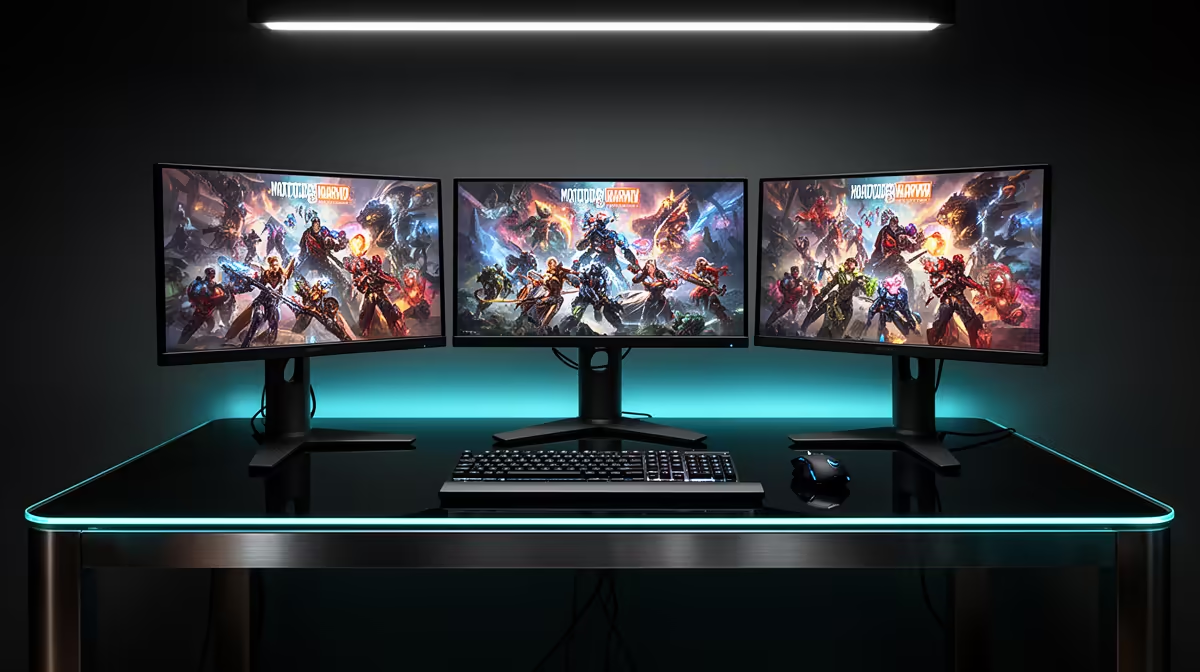
Triple screens multiply more than the display count: mounts, cables and GPU workload grow with them. An ACC triple-screen setup in South Africa should be costed as one matched system before the first panel is bought.
Quick Answer
An Assetto Corsa Competizione triple-screen build needs three matched monitors, a rigid stand, the right video outputs, and enough GPU headroom for three times the horizontal image. Plan it as a complete system. Buying the displays first can leave you with an awkward mount, mismatched ports, or a frame rate that falls apart in a crowded night race.
Keep your wheel and pedals central while planning the display structure. The sim racing equipment range covers the driving side of the rig, and the mounting ideas visible in the flight simulator gear category can help when comparing cockpit footprints. Your final monitor stand must state support for the combined size and weight you intend to mount.
Start with three displays that behave alike
Matched models make alignment easier. You get the same panel size, native resolution, refresh support, connection layout, bezel shape, and colour controls. Three unrelated screens can work, but differences in image height, scaling, and refresh behaviour add friction before you drive a lap.
Choose a resolution with the GPU workload in mind. Three 1920 x 1080 monitors produce 5760 x 1080 pixels before bezel correction. Three 2560 x 1440 panels produce 7680 x 1440, which is a much heavier target. Higher refresh rates also matter only when the system can deliver a useful frame rate across all three screens.
Check adaptive-sync support and the connection needed to use it. The monitor specification, GPU ports, and cable standard must line up. Adapters can change supported refresh rates or variable-refresh behaviour, so direct connections are preferable when possible.
Use the same cable type and a sensible length for each monitor. Confirm that the graphics card has three suitable outputs and that none is reserved for another display you need. Motherboard video ports do not extend the gaming GPU's triple-screen output in a dependable universal way.
Treat the stand as structural equipment
Three monitors place a broad, uneven load on a frame. A freestanding triple-monitor stand separates that load from the wheel base, which can reduce screen shake under strong force feedback. An integrated cockpit mount saves floor space but needs enough rigidity for the wheel and displays together.
Check supported screen size, total weight, VESA pattern, and adjustment range. Monitor weight without the original desk stand is the relevant figure. Allow for brackets and any extension arms in the load.
Measure the assembled width with side screens angled towards the seat. The rig may fit across a wall but still block a door or cupboard. Include space behind the displays for connectors and enough side access to adjust the arms.
Align the centre monitor first. Put its midpoint in front of your eyes and set a comfortable distance. Then bring each side screen in at a matching angle, with panel edges meeting cleanly. Small height differences are distracting because track lines appear to jump at the joins.
Size the PC for race conditions
ACC can stress both the processor and graphics card, especially with many visible cars, night lighting, rain, mirrors, and high-resolution triples. Test or plan against those situations. A hot lap alone gives an optimistic picture.
The GPU must render the combined resolution and hold enough graphics memory for textures and effects. The CPU must prepare the simulation and visible field. If lowering resolution or upscaling brings a large improvement, GPU load is likely central. If crowded grids remain slow even after a major graphics reduction, CPU load or game settings tied to visible cars may be involved.
Pick a frame target you can sustain. Stable delivery supports braking and steering rhythm better than a high number that collapses during race starts. Tune one setting group at a time. Reflections, mirror quality and distance, shadows, effects, foliage, and visible opponents are useful places to test.
Use monitoring tools to watch GPU utilisation, graphics memory, CPU behaviour, temperatures, and frame-time spikes during a representative race. Avoid reading one percentage as a verdict. The pattern across several laps tells you more.
If you are choosing a complete PC for triples, specify the exact monitor count, native resolution, desired frame target, and ACC conditions. A machine described only as a gaming PC may perform well on one screen yet miss your triple-screen target.
Configure Windows and ACC in the right order
Connect all three monitors to the discrete GPU and set their native resolution and intended refresh rate in Windows. Arrange them left, centre, and right in the correct order. Confirm that moving the pointer crosses each boundary in the expected direction.
Depending on the GPU platform and game configuration, you may use a combined desktop mode or ACC's triple-screen support. Follow current game and driver guidance for your setup. Avoid mixing scaling values unless required, since it can complicate alignment.
In ACC, enter the physical screen width, distance, and side angle as accurately as the available tools allow. A tape measure beats guessing. The correct geometry helps corners and cars maintain believable shape as they move between displays.
Apply bezel correction with restraint. It should hide the image area physically covered by the bezels, not stretch the scene to remove every visual seam. Sit in the driving position while judging it.
Set mirrors and field of view after the physical geometry. Triple screens are valuable because side vision can come from real display area. Excessively wide in-game values can undo that advantage by distorting distance.
Budget for the pieces people forget
Include three suitable cables, the monitor stand, VESA hardware, cable management, a surge-protected power arrangement, and enough sockets. Confirm whether monitor arms include the bolts needed for your VESA depth. Bolts that are too long can damage a display.
The room also has to handle heat. Three monitors and a gaming PC add warmth during a long race. Leave ventilation around the PC and monitor power components. Keep cables away from pedals, seat rails, and folding joints.
Plan assembly help. Large monitors are awkward to hold while lining up a rear bracket, and a side panel can swing as a joint is loosened. Build the stand on a protected floor, mount the centre display, and add one side at a time. Follow the stand manufacturer's sequence.
A lower-risk upgrade route
If the complete cost or PC demand is uncertain, begin with one of the three intended monitors. Test ACC at that panel's native resolution, measure the rig space, and confirm the viewing distance. You will not reproduce the final GPU load, but you can verify ergonomics and image preference.
An ultrawide monitor is another route to a broader view with one panel and fewer cables. It does not wrap around you like well-positioned triples, but it simplifies mounting and output setup. Virtual reality offers a different form of immersion and has its own comfort and performance demands.
Choose based on the room, the PC, and how long you race. Triples earn their cost when you value peripheral vision, can keep the structure aligned, and have enough performance margin for difficult race conditions.
FAQ
Do all three monitors need to be identical?
No, but matched models reduce problems with size, refresh rate, colour, ports, bezels, and mounting. Mixing screens requires more measurement and may force the group to use a common lower refresh mode.
Is triple 1440p much harder to run than triple 1080p?
Yes. The combined pixel count rises from about 6.2 million to about 11.1 million before bezel correction. Actual performance depends on the GPU, CPU, settings, grid, weather, and frame target, so test under representative ACC conditions.
Should the monitor stand attach to the cockpit?
Either design can work. A separate stand can isolate the screens from wheel vibration and allow independent positioning. An integrated mount uses space well but needs a cockpit rigid enough to keep three panels steady.
Plan your ACC triple-screen rig as one matched system, then choose controls, mounting, and PC performance around the exact displays you will use.