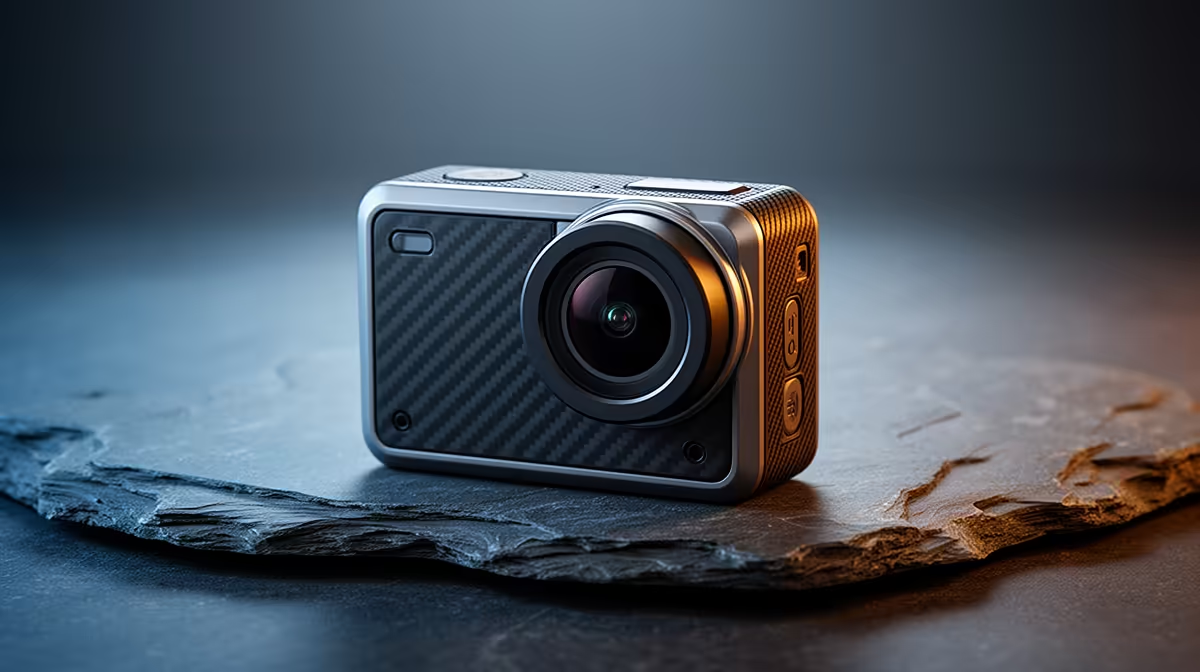
An action camera is the right YouTube tool when the channel involves movement, outdoor filming, tight mounting positions or conditions that would endanger a phone or larger camera. It is a poor default for a creator who mainly speaks at a desk, where lens perspective, audio and continuous operation matter more than ruggedness.
Storyboard the shots before choosing hardware
List the next ten videos and mark every moving, mounted, handheld and indoor scene. Check required resolution, stabilisation, field of view, microphone arrangement, battery duration and transfer method. Include the editing computer and storage workflow in the test.
No currently priced action camera is verified by the supplied factpacks. Assess available options for stabilisation modes, usable resolution and frame rates, low-light behaviour, weather sealing terms, replaceable batteries, storage-card support, microphone options, app permissions, mounting ecosystem, warranty and local support. Confirm which accessories are included.
Borrow or demonstrate a candidate where possible, then film one representative route and one indoor speaking segment. Inspect motion, audio, heat, battery use and file-transfer time on the actual editor. Secure mounts with the maker’s guidance and never let filming distract from safe movement.
Buy when rugged mobile shots define the channel. Choose a webcam, phone or conventional camera when fixed framing, longer sessions and controlled audio dominate production.
Building a YouTube camera kit? > Browse Evetech creator gear and verify every included accessory.