

Back-to-School Parent Guide: GPUs in SA
Back-to-School Parent Guide: GPUs. Everything you need to know with SA pricing, step-by-step instructions & expert recommendations.
Read moreDiscover how adaptive bias lighting uses ambient light sensors to automatically adjust your monitor's RGB backlight. This smart tech not only creates stunning immersion for gaming and movies but also helps reduce eye strain during long sessions. Ready to upgrade your setup? ✨ We break it all down. 🖥️
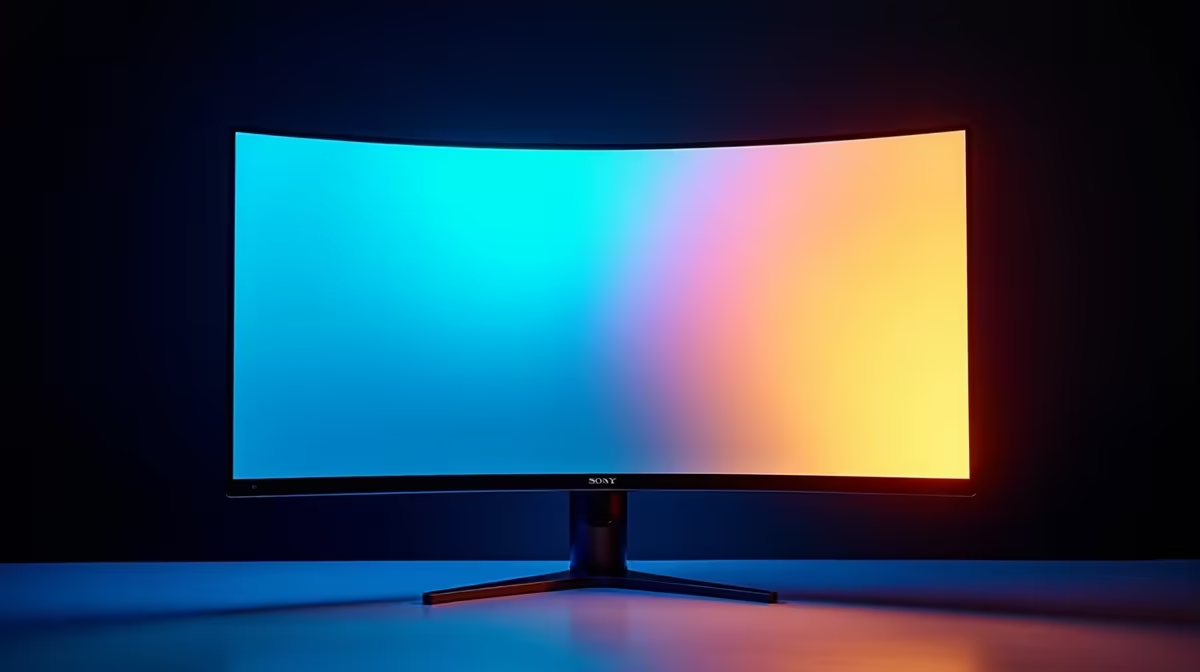
Ever finished a late-night gaming session with tired, burning eyes? You’re not alone. Staring at a bright screen in a dark room is a recipe for eye strain. But what if your monitor could fight back? Enter adaptive bias lighting, a clever feature built into modern light sensor monitors. It’s not just a gimmick with flashy colours; it’s a practical tool designed to make your gaming experience more comfortable, immersive, and visually stunning. 🚀
At its core, bias lighting is a soft, indirect light source placed behind your monitor. Its job is to create a gentle glow on the wall, reducing the harsh contrast between your bright screen and the dark surroundings. This simple trick helps your eyes relax.
Adaptive bias lighting takes this a step further. Light sensor monitors have a built-in sensor that measures the ambient light in your room. The monitor then automatically adjusts its own brightness and the colour and intensity of the backlights to create the perfect viewing environment. If the sun sets and your room gets darker, the lighting adjusts. If you turn on a lamp, it adapts again.
This smart technology ensures you always have optimal contrast and reduced glare, which is a massive win for anyone looking at the best PC monitor deals in South Africa.
The real magic happens when this tech syncs with your game. Imagine exploring the dark, moody streets of Night City in Cyberpunk 2077.
This effect is especially powerful on the latest generation of high-resolution 4K and 5K monitors, where every detail is meant to be savoured, not squinted at.
Staring at a bright rectangle in a dark room forces your pupils to constantly dilate and constrict, leading to fatigue, headaches, and dryness. Adaptive bias lighting provides a neutral grey or coloured reference point for your eyes, which significantly eases this workload.
By increasing the average light in your field of view, the monitor’s light sensor helps to:
This technology is becoming a standard feature across many of all gaming monitors, especially those designed for long hours of use. For maximum immersion, pairing this tech with one of the many available curved monitors creates an unparalleled viewing cocoon. ✨
don't need a brand-new monitor to get started. You can create a basic setup with an aftermarket LED strip. For the best results, look for a kit that offers a "6500K" white light setting. This is the industry standard for colour accuracy and provides a neutral white that won't distort the colours on your screen. You can find plenty of options in our [monitor accessories](https: www.evetech.co.za PC-Components buy-monitor-accessories-368.aspx) section.
So, should your next display be one of these light sensor monitors? If you frequently play in a dimly lit room, the answer is a resounding yes. The benefits for both immersion and eye comfort are undeniable. While your main screen gets the immersive treatment, remember that good lighting benefits your entire setup, even if you use a secondary portable monitor for Discord or guides.
The technology that was once a premium, high-end feature is now more accessible than ever. When browsing our full range of PC monitors, look for terms like "Light Sensor," "Ambiglow," "G-Sync Ambient," or "Adaptive Lighting" in the specifications. It’s a small detail that makes a massive difference to your daily experience.
Ready to Upgrade Your View? From intense esports battles to breathtaking single-player adventures, the right monitor makes all the difference. Explore our massive range of gaming monitors and find the perfect display to reduce eye strain and pull you deeper into the game.
Adaptive bias lighting is a smart feature on monitors that uses an ambient light sensor to automatically adjust the color and brightness of back-mounted RGB LEDs.
A built-in sensor measures the room's lighting conditions. The monitor then uses this data to dynamically change its RGB backlighting for optimal viewing and ambiance.
Yes. By providing a soft light behind the screen, it reduces the harsh contrast between a bright display and a dark room, easing the workload on your eyes and improving comfort.
Absolutely. It enhances immersion by extending the colors from your screen onto the wall behind it, making your gaming world feel larger and more dynamic.
Yes, you can purchase aftermarket adaptive RGB bias lighting kits that use a camera or software to sync with your screen's content and add this feature to any display.
Bias lighting is placed behind a screen to improve contrast and reduce eye strain. Smart or adaptive versions sync with screen content, unlike static RGB strips.
Back-to-School Parent Guide: GPUs. Everything you need to know with SA pricing, step-by-step instructions & expert recommendations.
Read more
Pre-Buy Checklist: 10 Things to Verify Before. Comprehensive checklist covering every spec and feature you should verify before buying in SA.
Read more
Fortnite Max Settings on RTX 4080. Tested & verified settings for best FPS and visual quality on SA hardware budgets.
Read more
RTX 4070 Ti Super Throttling Under Load. Everything you need to know with SA pricing, step-by-step instructions & expert recommendations.
Read more
Easter GPU Buying Guide. Hand-picked gift ideas at every budget tier. SA pricing & Evetech availability included.
Read more
Valorant Max Settings on RTX 4080. Tested & verified settings for best FPS and visual quality on SA hardware budgets.
Read more
Snapdragon X2 NPU Explained: How 80 TOPS Changes. Plain-English explanation of what it means, why it matters & how it affects your buying decisions in SA.

HBM? High Bandwidth Memory Used in GPUs and AI. Plain-English explanation of what it means, why it matters & how it affects your buying decisions in SA.

How much should you spend on sim racing accessories in South Africa for a realistic setup? We break down budgets by quality tiers, so you buy smart gear and avoid overspending 🎮💸

G-Sync and FreeSync? Variable Refresh Rate. Plain-English explanation of what it means, why it matters & how it affects your buying decisions in SA.

AMD Laptop: Value. SA-focused analysis with local pricing data, real-world insights & actionable buying advice.

How MacBook Neo Handles 30+ Chrome Tabs with Only. SA-focused analysis with local pricing data, real-world insights & actionable buying advice.

Why Apple Put 8GB RAM in MacBook Neo: The A18 Pro. SA-focused analysis with local pricing data, real-world insights & actionable buying advice.

Upgrade your work laptop with a New Motherboard. Step-by-step instructions with SA-specific tips, common pitfalls to avoid & expert recommendations.

Maintain wired headset — Checklist: • inspect cables • clean earpads • store properly 🔧🎧 Practical steps to preserve sound quality and avoid premature replacements.

Fix crackling headset fast: step-by-step checks for cables, connectors, drivers, and settings to remove static or distorted audio on wired headsets 🎧⚙️

Stereo vs mono headsets: learn which delivers clearer calls, better spatial music, or simpler mono voice performance — pick the right headset for meetings, music, or gaming 🎧💬

- Compare gaming headset vs studio headphones; - Assess comfort, mic and sound; - Recommend best daily picks. Gaming headset vs studio headphones: learn which suits work, music and casual gaming. 🎧⚖️