Unlocking Smooth Adobe Creative Cloud Performance on Mac with Apple Silicon
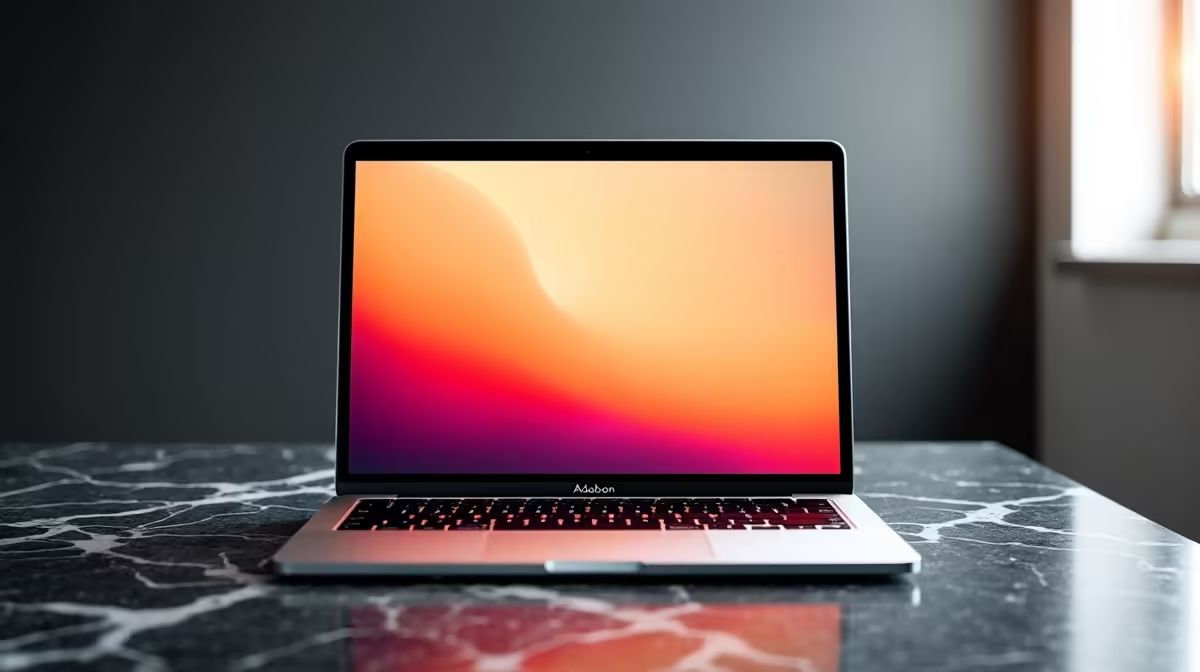
If you're a creative professional or hobbyist in South Africa, you want Adobe Creative Cloud on Mac running flawlessly. Apple Silicon Macs have transformed the way creatives work, but squeezing every bit of performance needs sharp know-how. Whether editing video, designing, or illustrating, this guide will help you optimise Adobe Creative Cloud on your Apple Silicon Mac for a silky-smooth workflow. 🚀
Why Apple Silicon Matters for Adobe Creative Cloud on Mac
Apple's M1 and M2 chips have brought a leap in power efficiency and speed. Apps like Photoshop, Premiere Pro, and After Effects now tap into custom cores designed to accelerate creative tasks. The native support for Apple Silicon means Adobe Creative Cloud on Mac delivers better thermal management and battery life.
Still, not all Macs are created equal. Choosing from a solid range of Apple Silicon models available locally is key. For instance, the MacBook Pro with M1 Pro or M2 Max offers more GPU cores, which noticeably boosts rendering times.
If you're considering a desktop or laptop upgrade to match your creative needs, browse this collection of notebooks for sale in South Africa to find Apple Silicon Macs that fit your budget and performance goals.
Optimising Adobe Creative Cloud Apps for Peak Apple Silicon Performance
Prioritise Native Apps and Updates
Ensure you're running the latest Adobe Creative Cloud versions optimised for Apple Silicon. Native apps avoid Rosetta translation, delivering smoother animations and faster exports. Check Adobe regularly for updates focused on Mac performance improvements.
Manage Background Processes
Monitoring your Mac's Activity Monitor can help identify apps hogging CPU or Memory. Quitting unnecessary background apps frees resources for your Adobe work. For heavy 4K video editing or complex 3D rendering, pause syncing services like Dropbox or OneDrive temporarily.
Calibrate Performance Settings in Adobe Apps
Tweak preferences within Adobe apps to balance performance:
- In Photoshop: Enable "Use Graphics Processor" for GPU acceleration.
- In Premiere Pro: Set "Renderer" under Project Settings to Metal for Apple Silicon.
- In After Effects: Allocate more RAM to Adobe apps but leave some for system use.
Upgrade Your Hardware Components
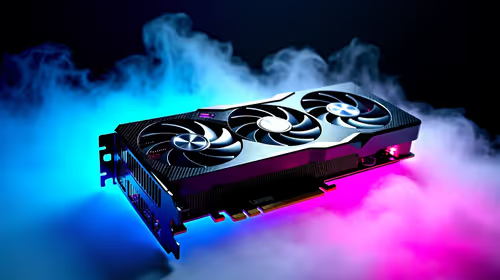
If you use an external GPU (eGPU) or need graphics power beyond Apple Silicon's integrated GPU, consider the latest graphics cards to boost your setup at home or office.
For South African creatives wanting a custom powerhouse, explore pre-built PC deals optimised for creative workloads alongside Macs for hybrid workflows.
Macro to Micro: Small Quick Optimisations That Help
Temporarily disabling GPU-heavy effects during creative work sessions reduces CPU load significantly... less lag, faster previews.
Network Speed and Storage: The Unsung Heroes
Creative Cloud apps rely on cloud syncing and large file transfers. South Africa's improving fibre infrastructure means you can leverage faster upload/download speeds, but optimise local storage use too.
Choose ultra-fast SSDs with ample capacity or consider upgrading internal Mac storage if possible. For seamless cloud syncing, a fibre connection above 100 Mbps makes collaboration fluid. See current specials on tech gear to upgrade your setup at competitive prices.
Managing projects with many large assets? Use external SSDs over Thunderbolt 3 for rapid file access without clogging your Mac's internal bus.
Balancing Portability and Power: Which Mac Fits Your Workflow?
If you often create on the go, an Apple Silicon MacBook offers the perfect blend of power and battery life supported by Adobe Creative Cloud on Mac. For studio-based heavy editing, consider M1 Ultra Mac Studio or higher-end Mac devices.
South African creatives have diverse preferences. If gaming or 3D design runs alongside Adobe apps, you might even want a dedicated gaming rig. Check out the latest gaming PC deals suited for high performance with creative and gaming tasks.
Final Thoughts on Adobe Creative Cloud and Apple Silicon
Apple Silicon Macs and Adobe Creative Cloud on Mac have entered a new era of performance. Regular app updates, smart hardware choices, and workflow customisation unlock that speed and efficiency. Your next project deserves the best tools… and these tips get you closer to flawless creativity.
Boost Your Creative Workflow Today
Ready to elevate your Adobe experience on Mac? Explore premium tech deals and gear tailored for creatives right here in South Africa. Shop now at Evetech for performance that leaves lag in the dust.