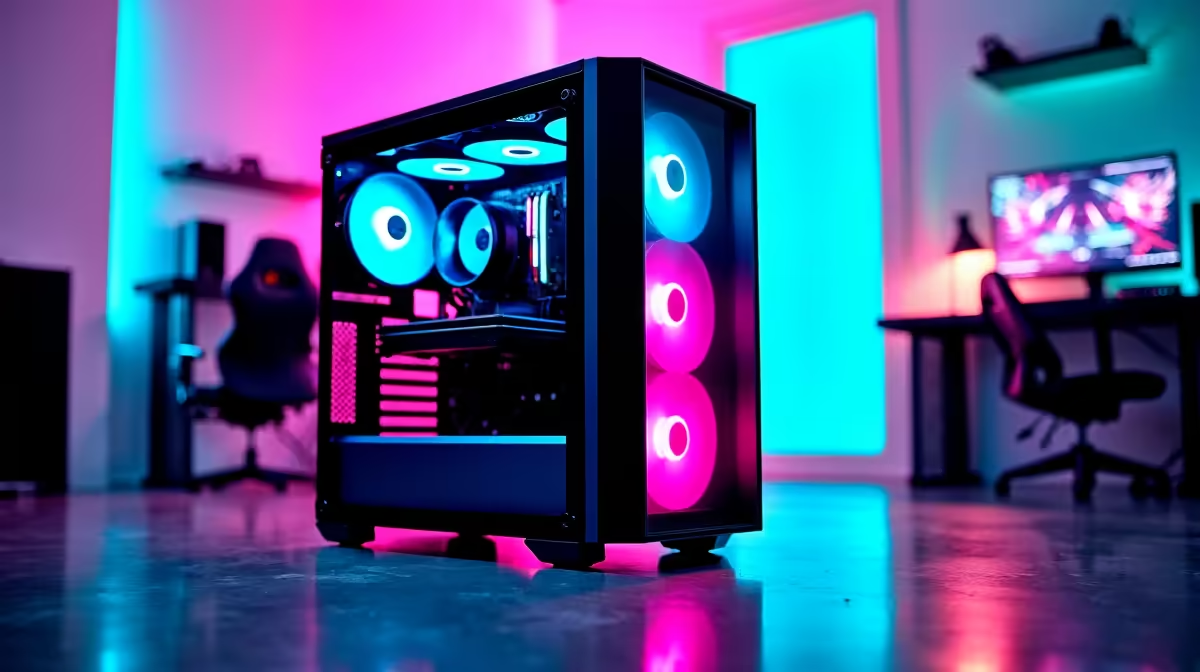
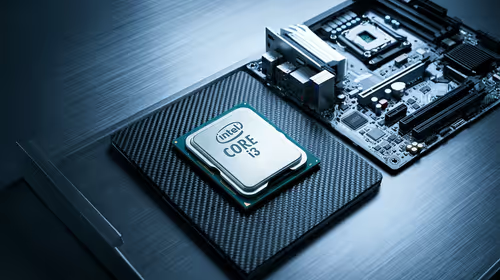
An AI upscaling computer can run some local AI models, but the upscaling label does not define model support. Video memory, system memory, software framework and model size determine what will load. Measure the intended model before buying a general creator system.
Start with model memory
Record the model, quantisation, context length, batch size and expected response speed. Check its supported graphics stack and licence. A model that fits at a short context may fail once the prompt or concurrent workload grows. Keep private inputs under the correct access policy.
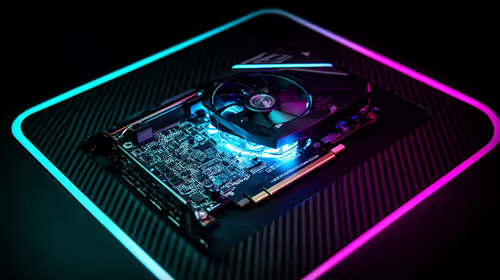
Leadtek prices the verified RTX 2000 Blackwell 16GB workstation graphics card at R12,000. A verified R16,700 applies to the PNY RTX PRO 4000 24GB card. Compare video-memory demand, application support, cooler dimensions and power connectors. A larger card still needs enough system RAM, storage and case airflow.
Protect long sessions correctly
The ELECSTOR 18W mini UPS carries a verified R536 price for compatible low-voltage network equipment. It cannot power an AI workstation. Size any desktop UPS from measured wattage and required shutdown time, and use safe earthing plus suitable surge protection.
Load the largest intended model, run a representative prompt and monitor memory, temperature and power draw. Buy the rig only after this test proves acceptable speed and stability. Record sustained power draw during the same run.
Planning a local AI workstation? > Ask Evetech to verify model memory, host resources, cooling and safe shutdown power.