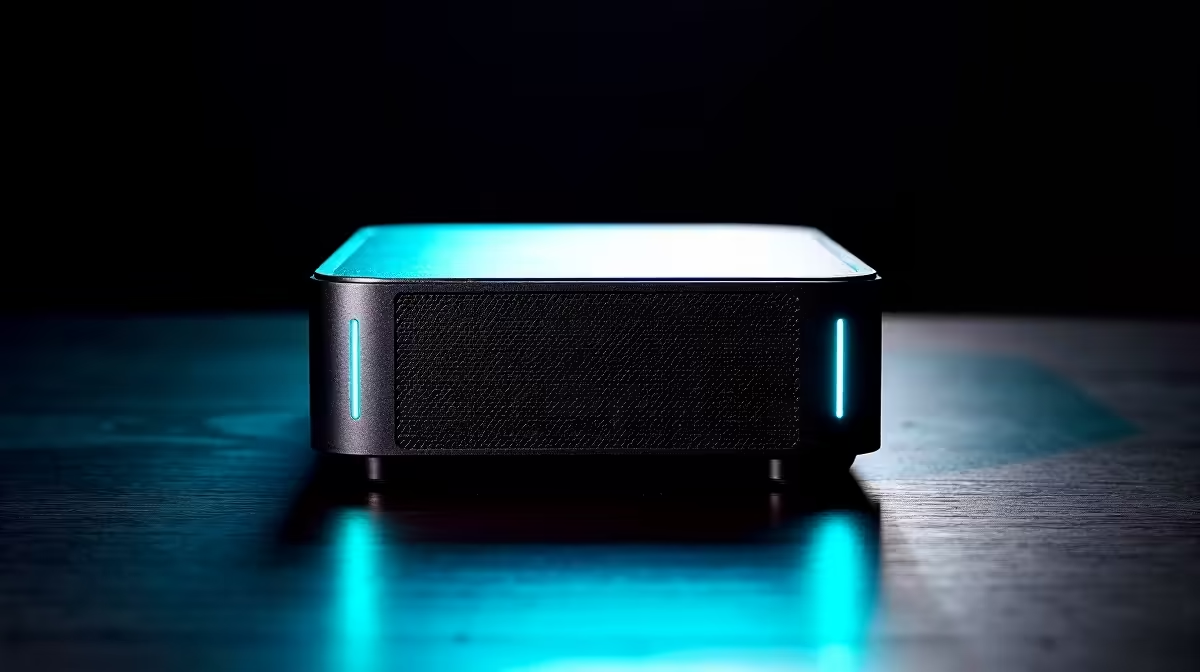
The UM750L 16GB/1TB at R4,600 suits SA buyers who want an always-on mini pc for light gaming, study work, media duties, and occasional SolidWorks use without paying for a full tower. Its 16GB memory and 1TB storage give it the best low-price balance here, especially where the machine will sit powered all day on a desk or shelf.
Best starting point for mixed home use
The Minisforum NAB6 Lite i5 8GB/512GB at R4,150 is the leaner entry option. It makes sense for browser work, streaming, admin apps, and a simple lounge TV unit, but its 8GB memory and 512GB storage leave less breathing room for heavier multitasking.
The NINKEAR M7 16GB/512GB at R4,650 is a close alternative when you want the same 16GB memory level as the UM750L but can live with 512GB storage. For a gaming room where files are kept tight and the main need is a compact always-on box, it is a sensible step above the 8GB entry model.
Creator desk or home office shelf in SA
For a more serious workload desk, the NINKEAR L12 PRO i9 at R8,150 is the stronger pick when processor headroom matters more than chasing the lowest price. The NINKEAR M8 16GB/1TB at R8,350 gives you a clearer storage story with 1TB included, useful when project files, launchers, and media folders all live on the same small system.
The HP AIO 22 at R10,036 solves a different desk problem because the screen is built into the computer, while the GEEKOM A8 Max 32GB/1TB at R12,900 keeps the computer separate and far smaller. That matters when you want the box tucked on a shelf, behind a display, or beside a router instead of committing desk space to a fixed screen unit.
Ready to choose the right mini pc?
Use Minisforum NAB6 Lite i5 8GB/512GB at R4,150 as the gaming room benchmark, then check whether its listed spec matches the space, workload, and upgrade path.