


Complete Gaming Setup Guide for the SA Esports Athlete in SA 2026
Complete Gaming Setup Guide for the Esports. Clear setup instructions with SA-specific considerations, troubleshooting tips & recommended components.
Read moreAmbient temperature in South Africa can spike fast, pushing PC fans harder and raising temperatures. Learn how heat affects fan curves, airflow, and thermal throttling—plus practical fixes for stable FPS 🔥❄️
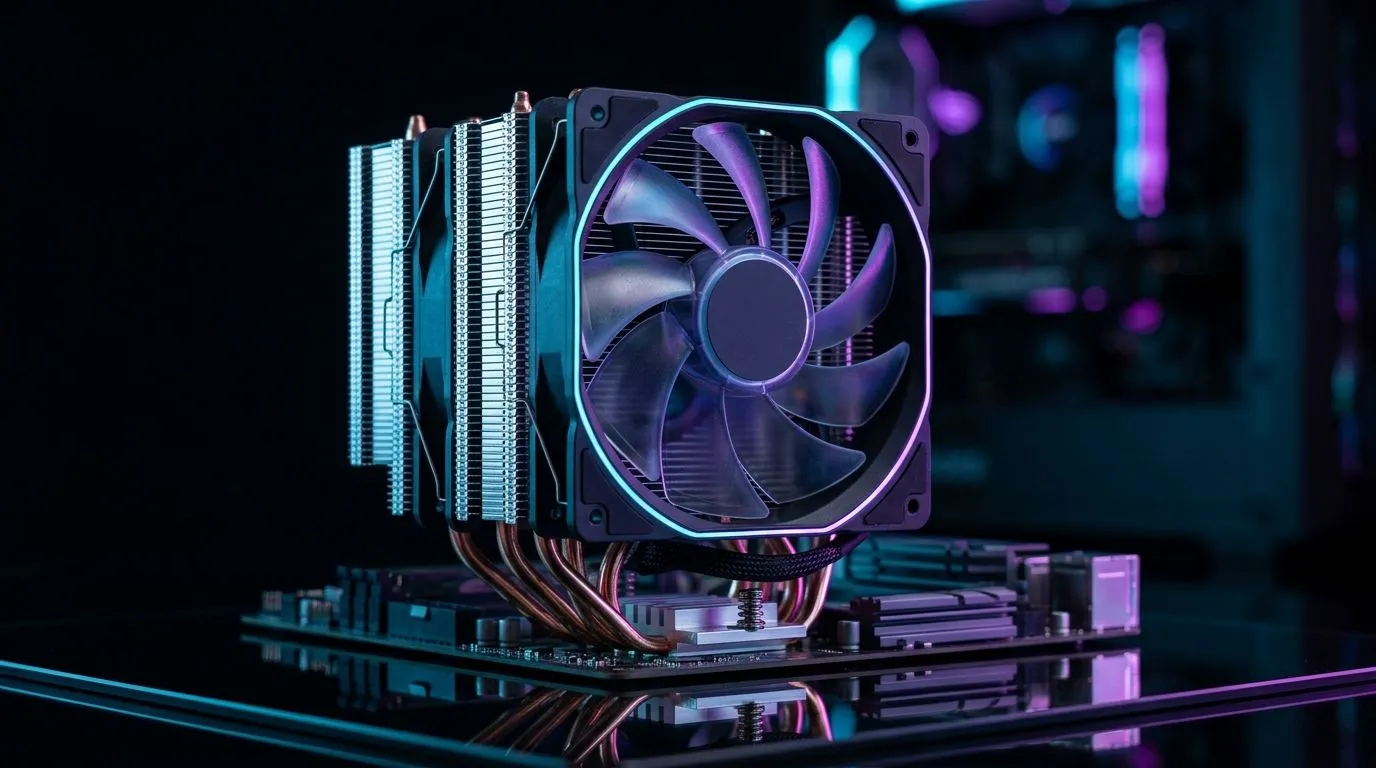
If you game in Gauteng summer heat or during a Cape Town “oh, it’s warmer than yesterday” week, your PC feels it first. Ambient temperature doesn’t just affect your CPU and GPU. It also changes how hard your fans need to work. The result? More noise, less boost performance, and dust buildup that turns into a slow thermal tax. 🔧
In other words… your fan setup is only half the story. The room temperature is the other half.
Fans move air based on temperature gradients and fan curves. When ambient temperature rises, the temperature difference between your components and the room shrinks. So the same fan curve may not pull temps down as effectively. You’ll notice this most under sustained loads like Warzone, Fortnite Creative sessions, or shader-heavy games.
Here’s the practical takeaway: in warmer rooms, a slightly better airflow layout can outperform a “small” fan upgrade. It’s not magic. It’s physics… plus good fan tuning.
Many gamers run conservative curves because they want quiet. In warm weather, that quiet can cost you. Consider adjusting curves seasonally:
Higher ambient temperatures also accelerate dust accumulation effects. Dust insulates heatsinks and clogs filters, which reduces airflow effectiveness over time. After a few months, your “same settings” behave differently. That’s when fan performance drops without you changing anything. ✨
Windows, check CPU GPU temps using a trusted monitoring tool and create a simple monthly routine: compare your idle and gaming peak temps against last month. If peaks creep upward, it’s often dust or a fan curve that’s no longer keeping up with your summer ambient temperature. Use that data before buying upgrades.
Not all fans are equal. Static pressure matters if you’re pushing air through filters, dense heatsinks, or radiators. Airflow matters more for open case areas. If you’re upgrading, use size and lighting needs as your starting point, then focus on placement.
If you’re aiming for better front-to-back airflow, you’ll likely want to match fan sizes across key intake and exhaust locations.
You can browse compatible options here:
For brand-minded builds, some gamers prefer tuned fan ecosystems:
And if you’re building a clean RGB setup (or deliberately avoiding it):
Want to compare the full lineup?
If you’re chasing lower noise in warm weather, larger fans and smart curve tuning often give better results than chasing raw RPM.
Ambient temperature changes your thermal headroom. But your fan performance can still stay consistent with the right airflow plan, sensible fan sizing, and seasonal curve tweaks. The best part? You don’t need a full rebuild. You just need the right fans in the right places. ⚡
Ready to Find Your Perfect Match? If you’re building for South African summer gaming, the right case fans can make a real difference. Browse Evetech’s options and find a setup that balances airflow, noise, and your style. Explore our massive range of case fans and lock in your cooling upgrade today.
Higher ambient temperature increases component heat load, so fans ramp up more often. This can raise noise and worsen thermal throttling if cooling is weak.
Yes. Most fan curves respond to CPU/GPU temperatures, which climb faster in warmer rooms, causing higher RPM and more aggressive fan behavior.
Thermal throttling usually happens when cooling can’t remove heat fast enough. In hotter ambient conditions, the CPU reaches TJmax sooner.
Prioritize strong case airflow, a capable tower or AIO, good thermal paste, and clean dust filters. Match cooler capacity to CPU power and local heat.
Improve airflow with optimized fan placement, keep filters clean, use balanced fan curves, and ensure the cooler mounts correctly with fresh paste.
Yes. In warmer environments, airflow inefficiencies show up faster. Use front intake and rear/top exhaust with minimal dead zones.
In dustier South African conditions, clean every 1–3 months. Dust blocks intake paths and reduces heat transfer, making fans run harder.
Complete Gaming Setup Guide for the Esports. Clear setup instructions with SA-specific considerations, troubleshooting tips & recommended components.
Read more
AIO Liquid 360mm Installation Guide for Your PC. Clear setup instructions with SA-specific considerations, troubleshooting tips & recommended components.
Read more
MacBook Display Colour Looks Wrong? Calibration. Everything you need to know with SA pricing, step-by-step instructions & expert recommendations.
Read more
Printer Terminology Guide. Everything you need to know with SA pricing, step-by-step instructions & expert recommendations.
Read more
Git on Mac: Complete Setup Guide for Beginners. Clear setup instructions with SA-specific considerations, troubleshooting tips & recommended components.
Read more
Ryzen 9 9900X Thermal Paste Dry: Reapplication. Everything you need to know with SA pricing, step-by-step instructions & expert recommendations.
Read more
AMD RX 9050 XT: Rumoured Specs, Price & Release. SA-focused analysis with local pricing data, real-world insights & actionable buying advice.

Can RTX 4080 Super Run AI Workloads for SA Developers Detailed answer with SA data, expert analysis & practical recommendations for local buyers.

Can RTX 4090 Run AI Workloads for SA Developers Detailed answer with SA data, expert analysis & practical recommendations for local buyers.

Top Settings for Intel Arc B580 at Ultrawide 1440p picks evaluated on performance, value & SA availability with current Rand pricing from Evetech.

RTX 4060 CS2 Low Settings at 1080p: FPS Results. Real-world benchmark data, FPS numbers & performance analysis. What SA gamers can actually expect.

Visual Artifacts: Possible GPU Issue Issue #1. Diagnosis steps, proven fixes & when to seek professional help. SA-specific support info included.

Can the RTX 4090 Handle 1440p 144Hz Gaming. Performance testing verdict with real data & practical recommendations for SA buyers.

Top ASUS GPU Under R15000 picks evaluated on performance, value & SA availability with current Rand pricing from Evetech.

GTA 6 Max Settings on RTX 5070. Tested & verified settings for best FPS and visual quality on SA hardware budgets.

Cyberpunk 2077 Max Settings on RTX 5080. Tested & verified settings for best FPS and visual quality on SA hardware budgets.

Starfield Max Settings on RTX 5070 Ti. Tested & verified settings for best FPS and visual quality on SA hardware budgets.

Top RTX 5090 Under R5000 picks evaluated on performance, value & SA availability with current Rand pricing from Evetech.