Quick Answer
AMOLED cooler displays provide real-time system data (CPU temp, clock speed, GPU temp, fan RPM) directly on the cooler head, while a basic pump cover is purely cosmetic. If you actively monitor system health or want a dynamic visual centrepiece in a windowed case, the AMOLED display is worth the R600 to R1,200 premium. If you run a compact or closed case where the cooler head is rarely seen, a basic pump cover is all you need.
What an AMOLED Display Actually Shows You 🖥️
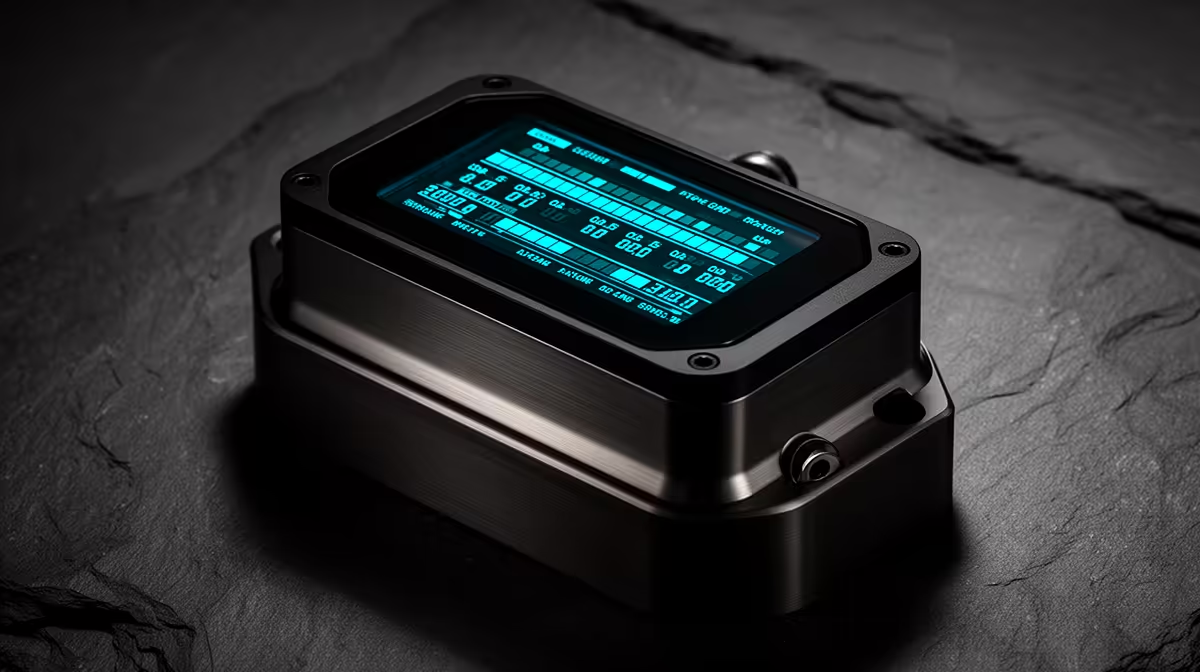
AMOLED pump head displays on premium AIOs, such as those found on the ASUS ROG Ryujin III and the Corsair iCUE Elite Capellix, typically measure between 1.77 and 2.1 inches and display live sensor feeds.
Basic Pump Covers: Clean, Reliable, and Cheaper 🔧
A basic pump cover is either a static logo plate or a simple ARGB ring that lights up in sync with your system's colour scheme. It adds polish to the cooler head without adding software overhead or failure points. There are no display drivers to update, no USB header to occupy, and no screen to potentially burn in over time. For a build where the aesthetic goal is a clean monochromatic scheme or where the case has limited windowed panels, the basic cover is the more sensible choice. Entry-level to mid-range AIOs in the R1,500 to R2,200 range typically use this approach, and for pure cooling performance the pump cover type has zero effect on thermal output.
Practical Monitoring Value vs Dashboard Software 📊
The main argument for an AMOLED display is convenience: at a glance during a gaming session you can confirm your CPU is staying below 85 degrees Celsius without alt-tabbing or running an overlay. This is genuinely useful for a Ryzen 9 9950X or Core Ultra 9 285K running near its 170W+ power envelope. That said, software overlays via RTSS (RivaTuner Statistics Server) or HWiNFO64 provide far more data and configurability at no extra hardware cost. If you already use an on-screen overlay while gaming or content creating, the AMOLED display becomes a secondary convenience rather than a primary monitoring tool.
USB Header Budget Check ⚡
AMOLED displays require a dedicated USB 2.0 internal header. Mid-range motherboards typically have two to three of these headers, which fill up quickly with RGB controllers, USB front panel connectors, and wireless receiver dongles. Count your available headers before purchasing an AMOLED AIO to avoid needing a USB hub that adds cable clutter behind the tray.
FAQ
Will the AMOLED display burn in over time?
AMOLED screens can develop burn-in if static images are displayed continuously for extended periods. Most cooler software includes a screensaver mode or display cycling option to mitigate this. Setting your display to rotate between temperature readouts rather than holding a static logo is the recommended approach for 24/7 builds.
Does the display affect cooling performance?
No. The pump head display is purely cosmetic and electronic; it does not alter coolant flow rate, pump speed, or radiator performance in any way.
Is an AMOLED AIO significantly more expensive in South Africa?
Yes. Expect to pay R600 to R1,200 more than an equivalent AIO without a display. Models with AMOLED heads typically start from around R3,000 stocked at Evetech, compared to R1,800 to R2,500 for quality AIOs with basic pump covers.
Want a cooler that looks as impressive as it performs?
Evetech stocks premium AIOs with AMOLED display heads alongside clean basic-cover options, across 240mm and 360mm radiator sizes.