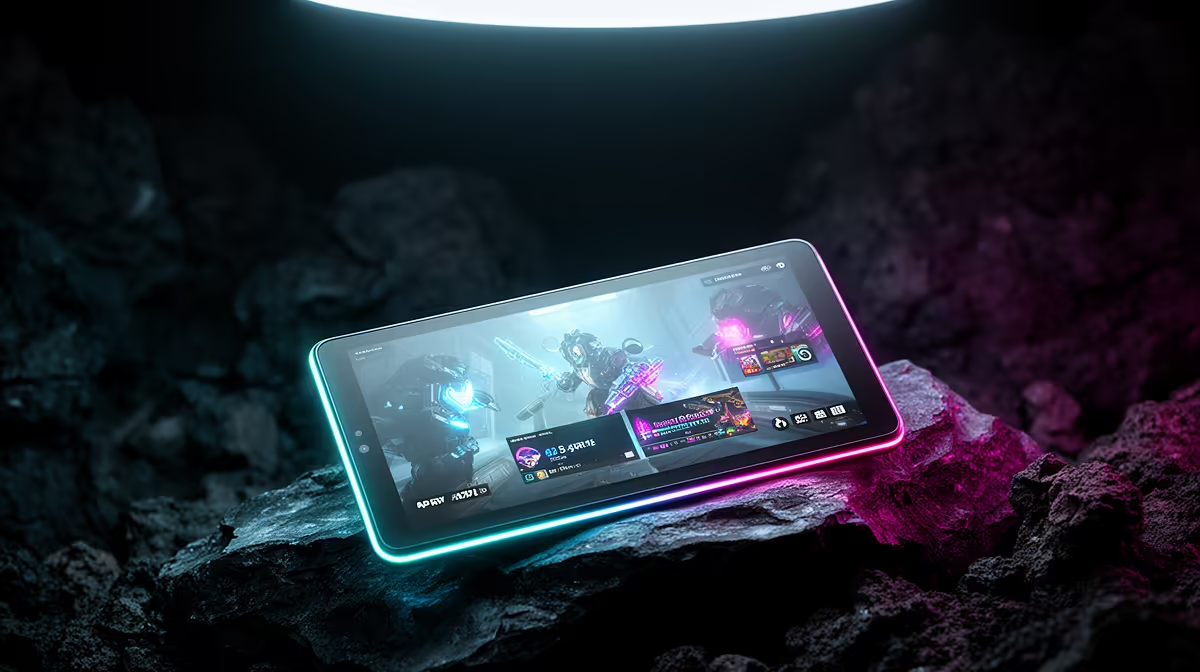
An Android tablet is overkill for an esports player who only needs schedules, chat or match viewing beside the gaming PC. It can become useful for coaching notes, VOD review or travel, but it does not increase frame rate, reduce latency or replace competition hardware.
Define the tablets match-day role
List the apps, accounts and files that must remain available. Test video playback, annotation, battery, charging and Wi-Fi at the actual desk. Confirm that alerts can be silenced and that the device will not consume network bandwidth or screen attention during a match.
The product facts do not provide confirmed pricing for an Android tablet. The ViewSonic VX2779A 240Hz monitor at R2,350 is a confirmed display reference, not a tablet or frame-rate guarantee. The Minisforum UM750L at R4,600 is a separate compact-PC reference. Verify current app support, operating-system updates, battery, storage, account controls, repair terms and warranty for any tablet.
Use a dedicated team profile, protect accounts with stronger sign-in and keep strategy files in approved versioned storage. Preserve paper or phone fallbacks for schedules. Disable nonessential notifications during competition.
Buy only when review or travel workflows prove recurring value. Stable frame delivery, reliable networking, practiced controls and clear team communication deserve priority. Observe whether the companion screen improves review or simply divides attention.
Refining an esports setup? > Compare Evetech gaming PCs and monitors after testing companion-device needs.