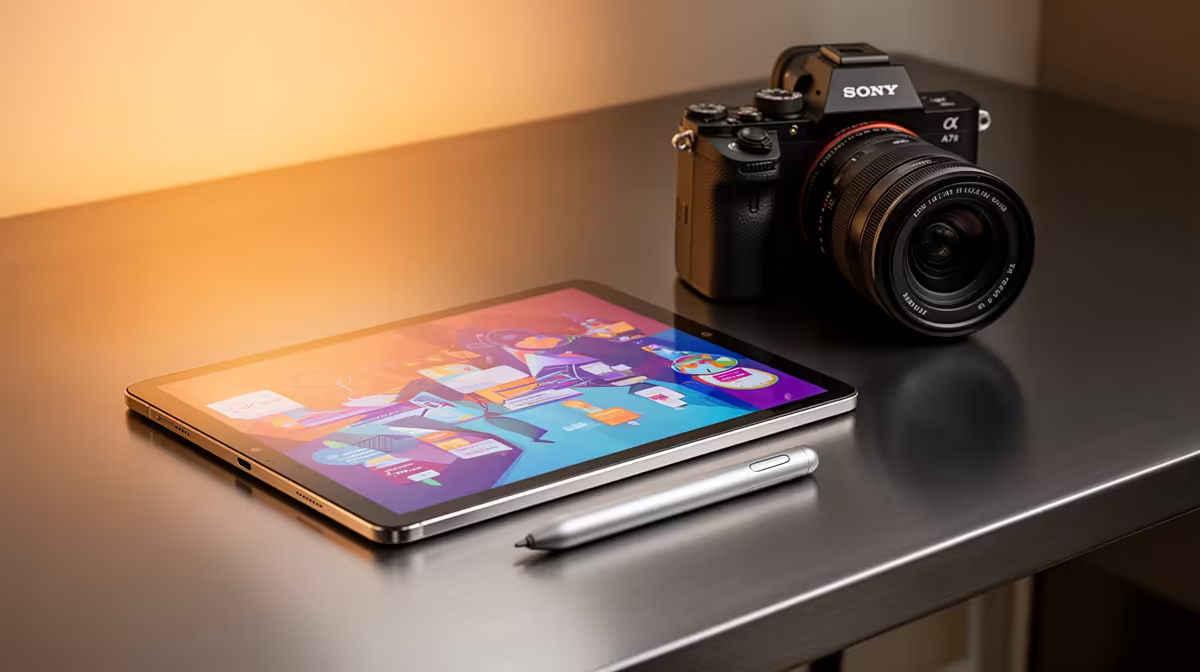
An Android tablet is useful for reading, meetings, notes and travel when company applications support it. It becomes redundant when the worker already has a phone and laptop that cover those tasks. The verified facts contain no Android-tablet SKU, so compare devices elsewhere after testing the employers security, VPN and document workflow.
Audit a complete workday
List video calls, authentication, file sharing, spreadsheets, document review and remote support. Check whether mobile apps preserve formatting and company access controls. Add a keyboard, stand, stylus and adapters to the tablet cost. The verified ASUS ExpertBook P1503 at R9,858 includes a Core i5-13420H, 8GB memory, 512GB storage and Windows 11 Pro as a conventional laptop option after software and memory checks.
Treat portability as the tablet role
Use the tablet for reading away from the desk, handwritten notes or a second meeting screen when those tasks save time. Keep company and personal profiles separate, enable encryption where supported and maintain a remote-wipe process. Test external display and printing if they form part of the workday. A budget tablet becomes poor value when missing desktop functions create daily transfers back to the laptop. Complete one real workday on the shortlisted device before purchase. Sign out of the employer account after the pilot day and confirm that cached documents no longer open from the personal profile.
Choosing home-office hardware? > Explore Evetech laptops and accessories, then compare any Android tablet against employer requirements.