

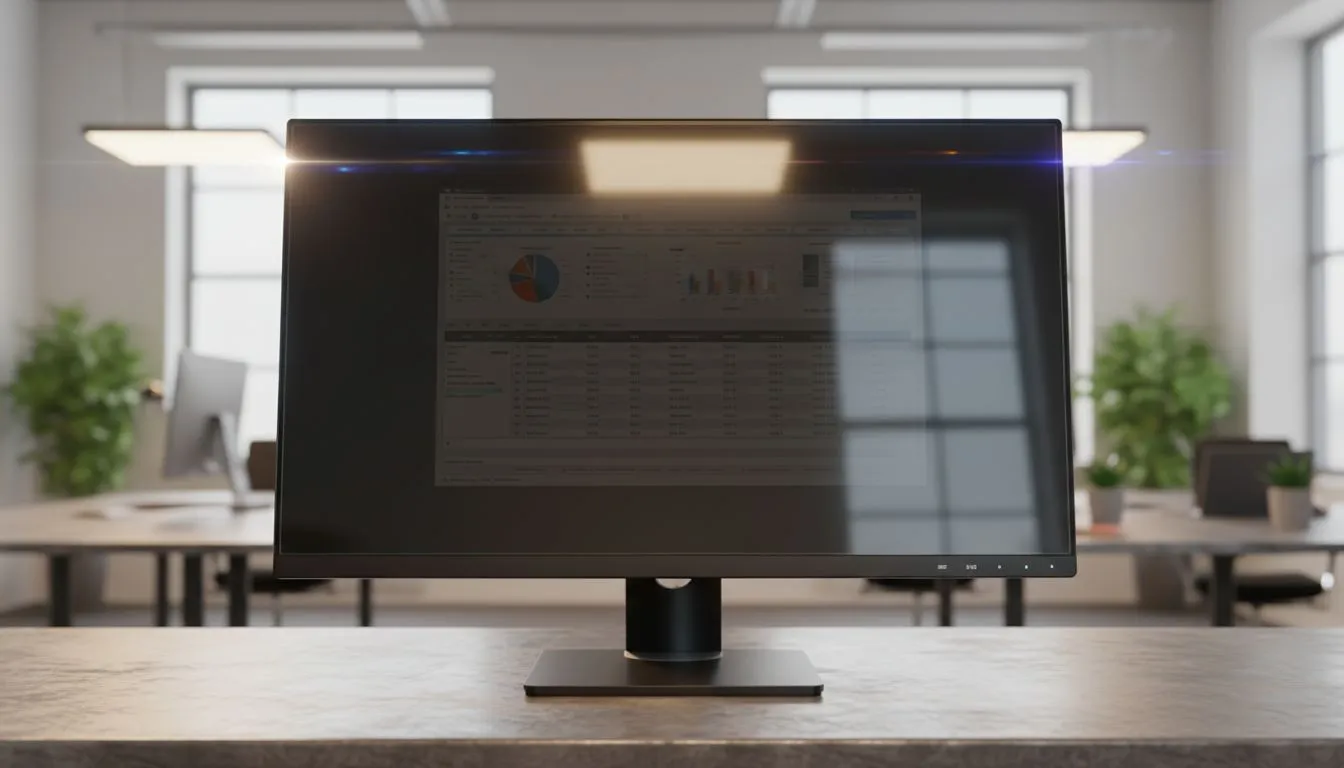
Anti-Glare Monitors for Bright Offices: Quick wins for South African desks 🌞🖥️
If you work in a sunlit office in Johannesburg or Cape Town, reflections can ruin your focus and colour work. Anti-glare monitors cut reflections, reduce eye strain and keep your screen readable without cranking brightness to uncomfortable levels. This guide explains why anti-glare monitors are essential, how to pick the right panel, and where to shop locally.
Why choose anti-glare monitors for bright offices
Anti-glare coatings scatter ambient light so you see content, not your reflection. For designers and gamers who need colour accuracy, a matt finish is often the better compromise than glossy glass. If you want to browse Evetech’s full monitor selection, start here: https://www.evetech.co.za/PC-Components/pc-monitors-89 — filter by size, resolution and price in ZAR.
Panels, performance and adaptive sync matters
Choosing the right panel type matters in bright rooms. IPS panels offer wider viewing angles and stable colour at off-centre positions — handy when light comes in sideways (specs and listings: https://www.evetech.co.za/PC-Components/pc-monitors-89?attributes-paneltype=IPS). For motion clarity in esports or fast-cut video, look for adaptive sync tech. AMD FreeSync helps reduce tearing on compatible GPUs: https://www.evetech.co.za/PC-Components/pc-monitors-89?attributes-adaptivesync=FreeSync+%28AMD%29. If you prefer cross-vendor flexibility, consider Adaptive Sync options: https://www.evetech.co.za/PC-Components/pc-monitors-89?attributes-adaptivesync=Adaptive+Sync. NVIDIA users can browse G-Sync supported models here: https://www.evetech.co.za/PC-Components/pc-monitors-89?attributes-adaptivesync=G-Sync+%28NVIDIA%29.
Flat vs curved: what works in bright offices?
A curved screen can reduce some edge reflections for single-user setups, but flatscreens remain cheaper and easier to wall-mount. Compare flat and curved options before you buy: flat displays https://www.evetech.co.za/PC-Components/pc-monitors-89?attributes-curved%2Fflatscreen=Flat and curved models https://www.evetech.co.za/PC-Components/pc-monitors-89?attributes-curved%2Fflatscreen=Curved. In shared spaces, flatscreens are often the practical choice.
Productivity Pro Tip ⚡
Position your monitor perpendicular to windows when possible. Use adjustable stands to tilt screens slightly away from light sources. For multi-monitor setups, match panel types and brightness to avoid visible shifts between displays.
Real-world tips for South African setups
- Reduce glare without losing colour: choose a matt IPS monitor and set brightness around 120–180 cd/m² for office lighting. Check local product pages for measured brightness and contrast before you buy.
- Desk placement matters: aim for side lighting rather than direct backlight. A simple blind or light-diffusing film helps in Cape Town or Durban where sun angles can be low.
- Budgeting in ZAR: set a target price range, then compare models and warranties on Evetech to get the best value and local support.
Small tech habits that pay off
Keep drivers and firmware updated for adaptive sync stability. Use built-in blue-light reduction during late sessions. For gaming, balance refresh rate and resolution to keep GPU load reasonable — Evetech's monitor filters make comparisons easy: https://www.evetech.co.za/PC-Components/pc-monitors-89?attributes-adaptivesync=Adaptive+Sync.
Final nudge — choose clarity over glare ✨
A good anti-glare monitor makes long hours more comfortable and colour work more reliable. Start by narrowing choices to IPS matt panels and the sync tech your GPU prefers. If you want to browse a curated range of monitors right now, see Evetech's main monitor hub: https://www.evetech.co.za/PC-Components/pc-monitors-89
Ready to Find Your Perfect Match? The Mac vs Windows debate is complex, but for maximum power, choice, and value in South Africa, Windows is hard to beat. Explore our massive range of laptop specials and find the perfect machine to conquer your world.











