

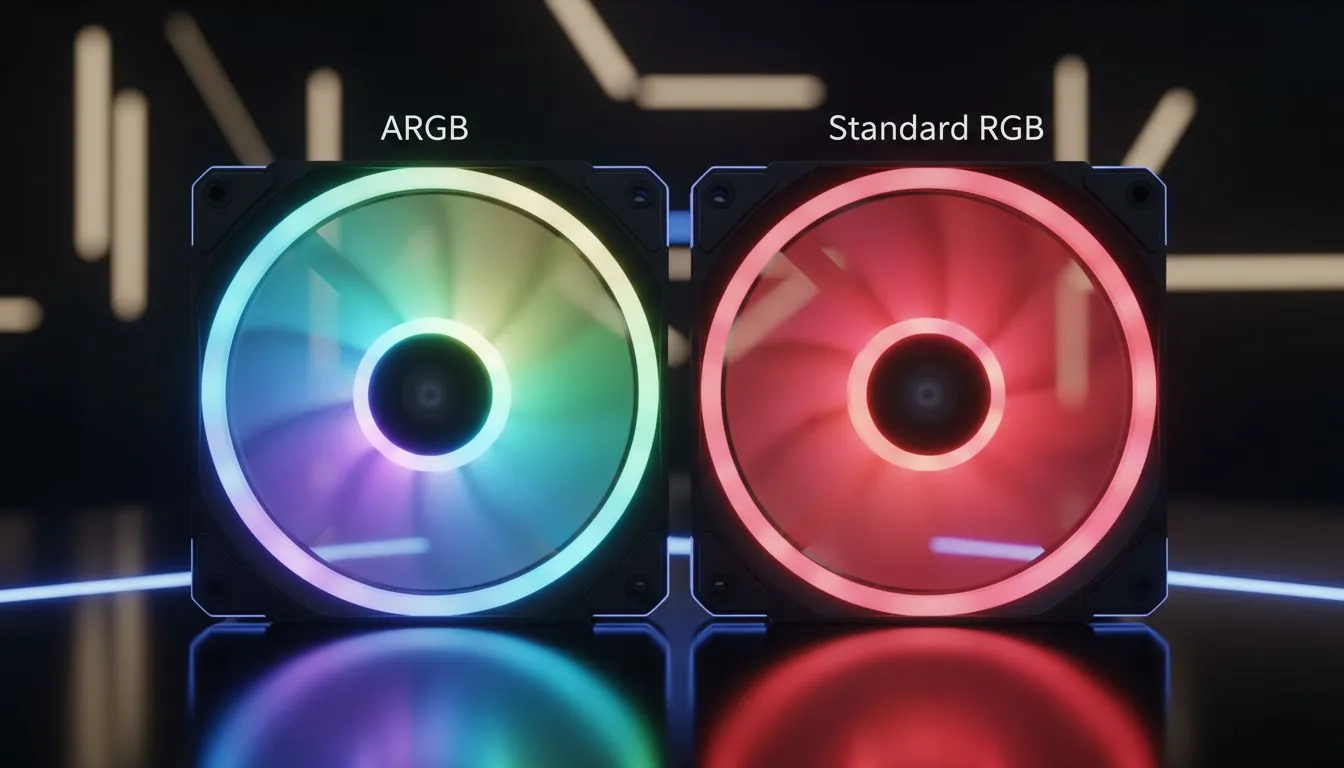
Walk into any local LAN party in Johannesburg or Cape Town... the first thing you notice is the glow. There is a massive difference between a static rainbow and a dynamic light show. If you want to level up your rig, understanding ARGB fans and how they differ from standard RGB is the first step to aesthetic mastery. Let's dive into the technical details of modern PC lighting.
Understanding the Basics of RGB Fans
Standard RGB fans have been the staple of gaming PCs for years. They use a 4-pin 12V header system. In this setup, every LED on the fan is connected to the same circuit. This means that every single LED must display the same colour at the exact same time. If you set your software to blue, the entire fan glows blue. While this is great for simple colour coordination, it lacks the fluid movement that modern gamers crave.
How ARGB Fans Differ from Standard RGB
Addressable RGB, or ARGB, is the modern standard for enthusiasts who want total control. These fans use a 3-pin 5V header. The "Addressable" part is the key... it means each individual LED on the fan has its own tiny integrated circuit. This allows your motherboard to tell every single LED exactly what to do independently.
Because of this, ARGB fans can produce complex effects like "breathing" rainbows, chasing lights, or even mimicking the flickering of a flame. Most high-performance computer cases now feature dedicated mounting points and controllers specifically for these 3-pin systems.
Compatibility Pro Tip ⚡
Always check your motherboard manual before connecting your lighting. A 3-pin ARGB connector will not fit into a 4-pin RGB header without force. If you do force it, the 12V power will likely destroy the 5V LEDs instantly. Using a dedicated ARGB hub is often the safest way to manage multiple fans while keeping your cables tidy.
Why Your Case Choice Matters for Lighting
The chassis you choose dictates how your lighting is perceived. If you want a clean and sophisticated aesthetic, Fractal Design PC cases are renowned for their premium build quality and tinted tempered glass. They provide a muted, professional glow that highlights your components without being distracting.
On the other hand, if you want high-airflow and a bold statement, Gamdias gaming cases often come with pre-installed ARGB fans. This saves you the hassle of buying and installing them separately, ensuring your build looks incredible from the moment you hit the power button.
Choosing the Right Setup for Your Budget
Building a beautiful PC in South Africa doesn't have to cost a fortune. While high-end ARGB setups can get pricey, there are fantastic entry-level options. You can find several Gamdias cases under R1500 that include the necessary headers and glass panels to showcase your lighting.
When planning your build, prioritise the motherboard's header count. If your board only has one ARGB header, you will need a splitter or a controller to sync all your fans. This ensures your entire rig glows in perfect harmony... rather than looking like a mismatched set of Christmas lights.
Ready to Light Up Your Setup? Choosing between RGB and ARGB is the first step toward a dream build. Whether you want a subtle glow or a full-blown light show, we have the hardware to make it happen. Explore our massive range of computer cases and find the perfect chassis to showcase your style.











