


Complete Gaming Setup Guide for the SA Esports Athlete in SA 2026
Complete Gaming Setup Guide for the Esports. Clear setup instructions with SA-specific considerations, troubleshooting tips & recommended components.
Read moreARGB lighting issues on CPU coolers are often wiring or software settings. This troubleshooting guide helps you fix flicker, rainbow, and non-lighting fast ✅💡
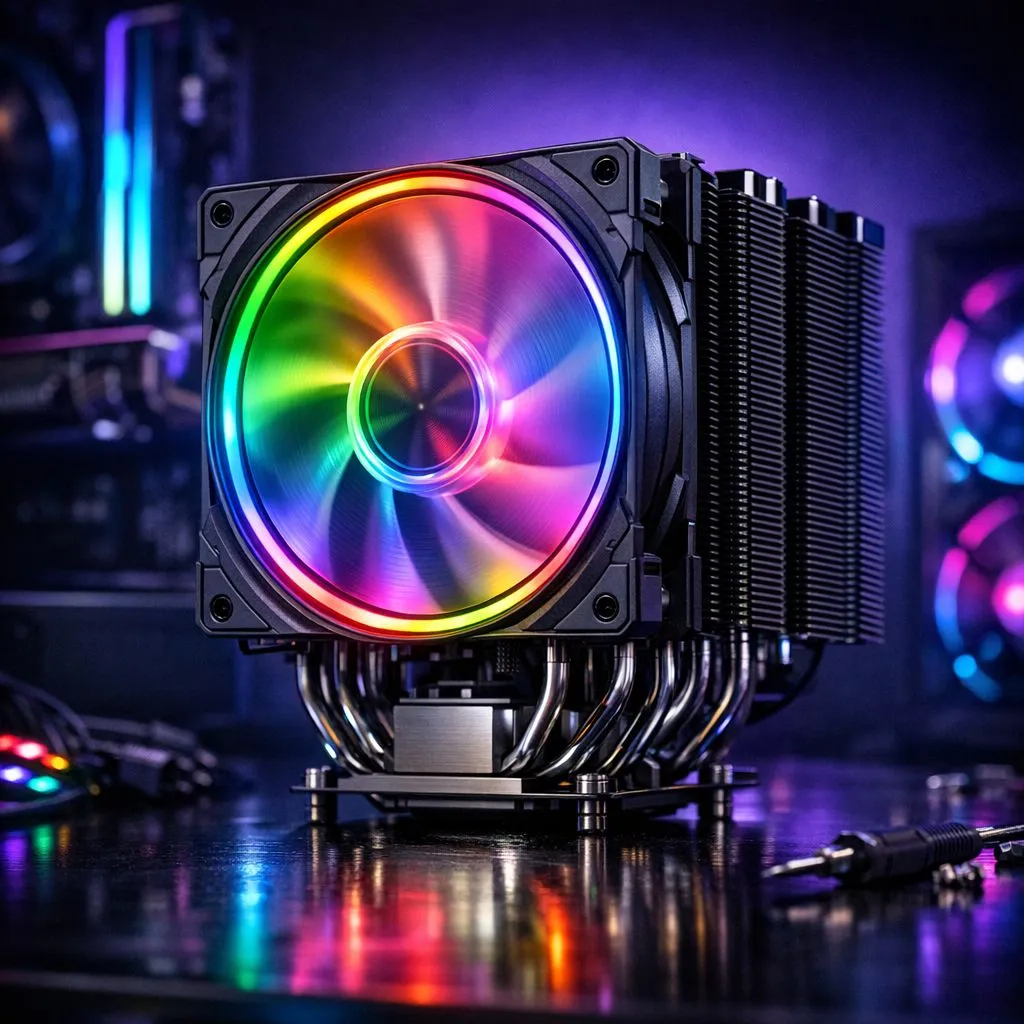
First, unplug and reseat every header. Many RGB faults are loose 3‑pin 5V ARGB plugs or misaligned connectors. Confirm your cooler is on the correct 5V header labelled ARGB, not the 12V RGB header. If you need compatible fans, browse our case fans collection for options and replacements: https://www.evetech.co.za/PC-Components/case-fans-97.aspx. Inspect cables for pin damage and check the motherboard manual for header orientation. Power cycle the PC after changes; a restart often forces the controller to reinitialise.
Software is the most common culprit. Match your cooler and fan brand to the correct RGB utility — Corsair iCUE for Corsair kits, for example. If iCUE fails, try a clean reinstall and remove legacy profiles. Looking for Corsair fans specifically? See our Corsair range here: https://www.evetech.co.za/PC-Components/case-fans-97.aspx?brands=CORSAIR. For Deepcool products, check the dedicated selection: https://www.evetech.co.za/PC-Components/case-fans-97.aspx?brands=Deepcool. Use the motherboard RGB utility as a baseline, then layer vendor software only if needed. Conflicting controllers can fight each other and cause flicker, desynchronisation, or no light at all.
If lights flicker, unplug secondary controllers and test one device at a time. This isolates the fault and saves hours of guessing.
Not all fans use the same lighting effects. Some kits advertise RGB but are actually 12V non-addressable RGB. Use this filter to compare addressable RGB with regular RGB: https://www.evetech.co.za/PC-Components/case-fans-97.aspx?attributes-lightingeffects=RGB. If you want simple no-light airflow fans, the non-RGB category helps narrow choices: https://www.evetech.co.za/PC-Components/case-fans-97.aspx?attributes-lightingeffects=None. Mechanical faults can also mimic software issues; a damaged controller board on the cooler will need replacement.
Physical size and airflow affect cooling but can also change lighting mounts. Confirm your fan size and header reach — 120mm and 140mm are common options: https://www.evetech.co.za/PC-Components/case-fans-97.aspx?attributes-size=120mm and https://www.evetech.co.za/PC-Components/case-fans-97.aspx?attributes-size=140mm. If a new fan solves the problem, you may prefer a full kit with integrated controller to avoid third‑party conflicts.
When to RMA or replace? If a fan is dead and warranty applies, claim RMA. Otherwise a trusted replacement from Evetech keeps your build looking sharp and performing well. Local South African support matters; we ship nationwide and often assist with compatibility queries.
I once helped a Cape Town builder whose cooler lights stuttered after a firmware update. We tested another ARGB device, found the motherboard firmware old, updated it, and restored full effects in twenty minutes. Practical steps: test a spare strip, update BIOS and RGB firmware, and isolate software suites. If you prefer hands‑on help, Evetech’s support can advise on compatible replacements and warranties. Small investments in tested fans save time and keep your rig festival‑ready. Try simple swaps; if lighting fails, RMA or swap for kit with one controller.
Final thoughts: ARGB lighting issues on CPU coolers are usually solvable with systematic checks — power, headers, software, and finally hardware. Keep spare headers and a known working ARGB strip to test quickly. Happy modding.
Ready to Find Your Perfect Match? The Mac vs Windows debate is complex, but for maximum power, choice, and value in South Africa, Windows is hard to beat. Explore our massive range of laptop specials and find the perfect machine to conquer your world.
Check the 5V ARGB (addressable) vs 12V (non-addressable) header, secure the ARGB cable, confirm the controller/passthrough is powered, then restart RGB software.
Flicker usually comes from loose connections or voltage mismatch. Reseat the ARGB connector, avoid overloading hubs, and verify you’re on the correct 5V ARGB header.
Rainbow often means a sync/profile is overriding your settings. Open your motherboard or controller software, select the correct ARGB channel, and disable conflicting effects.
Usually no. ARGB uses 3-pin 5V addressable signals; RGB uses different voltage and sometimes 4-pin connections. Match the label and pinout to avoid issues.
Detection failures can be bad header choice or an unpowered controller. Verify you’re using the correct ARGB header, try another port, and test with default lighting.
5V ARGB is addressable per LED; 12V RGB is typically non-addressable. Mixing them can cause no LEDs, wrong colors, or flashing.
Ensure the lighting device is selected, the ARGB mode is set correctly (addressable), and any firmware is up to date. Then re-link the channel and retest.
Yes: power off, unplug, reseat the ARGB connector, then boot with default lighting software settings. This clears stuck sync states and helps confirm wiring.
Complete Gaming Setup Guide for the Esports. Clear setup instructions with SA-specific considerations, troubleshooting tips & recommended components.
Read more
AIO Liquid 360mm Installation Guide for Your PC. Clear setup instructions with SA-specific considerations, troubleshooting tips & recommended components.
Read more
MacBook Display Colour Looks Wrong? Calibration. Everything you need to know with SA pricing, step-by-step instructions & expert recommendations.
Read more
Printer Terminology Guide. Everything you need to know with SA pricing, step-by-step instructions & expert recommendations.
Read more
Git on Mac: Complete Setup Guide for Beginners. Clear setup instructions with SA-specific considerations, troubleshooting tips & recommended components.
Read more
Ryzen 9 9900X Thermal Paste Dry: Reapplication. Everything you need to know with SA pricing, step-by-step instructions & expert recommendations.
Read more
AMD RX 9050 XT: Rumoured Specs, Price & Release. SA-focused analysis with local pricing data, real-world insights & actionable buying advice.

Can RTX 4080 Super Run AI Workloads for SA Developers Detailed answer with SA data, expert analysis & practical recommendations for local buyers.

Can RTX 4090 Run AI Workloads for SA Developers Detailed answer with SA data, expert analysis & practical recommendations for local buyers.

Top Settings for Intel Arc B580 at Ultrawide 1440p picks evaluated on performance, value & SA availability with current Rand pricing from Evetech.

RTX 4060 CS2 Low Settings at 1080p: FPS Results. Real-world benchmark data, FPS numbers & performance analysis. What SA gamers can actually expect.

Visual Artifacts: Possible GPU Issue Issue #1. Diagnosis steps, proven fixes & when to seek professional help. SA-specific support info included.

Can the RTX 4090 Handle 1440p 144Hz Gaming. Performance testing verdict with real data & practical recommendations for SA buyers.

Top ASUS GPU Under R15000 picks evaluated on performance, value & SA availability with current Rand pricing from Evetech.

GTA 6 Max Settings on RTX 5070. Tested & verified settings for best FPS and visual quality on SA hardware budgets.

Cyberpunk 2077 Max Settings on RTX 5080. Tested & verified settings for best FPS and visual quality on SA hardware budgets.

Starfield Max Settings on RTX 5070 Ti. Tested & verified settings for best FPS and visual quality on SA hardware budgets.

Top RTX 5090 Under R5000 picks evaluated on performance, value & SA availability with current Rand pricing from Evetech.