Quick Answer
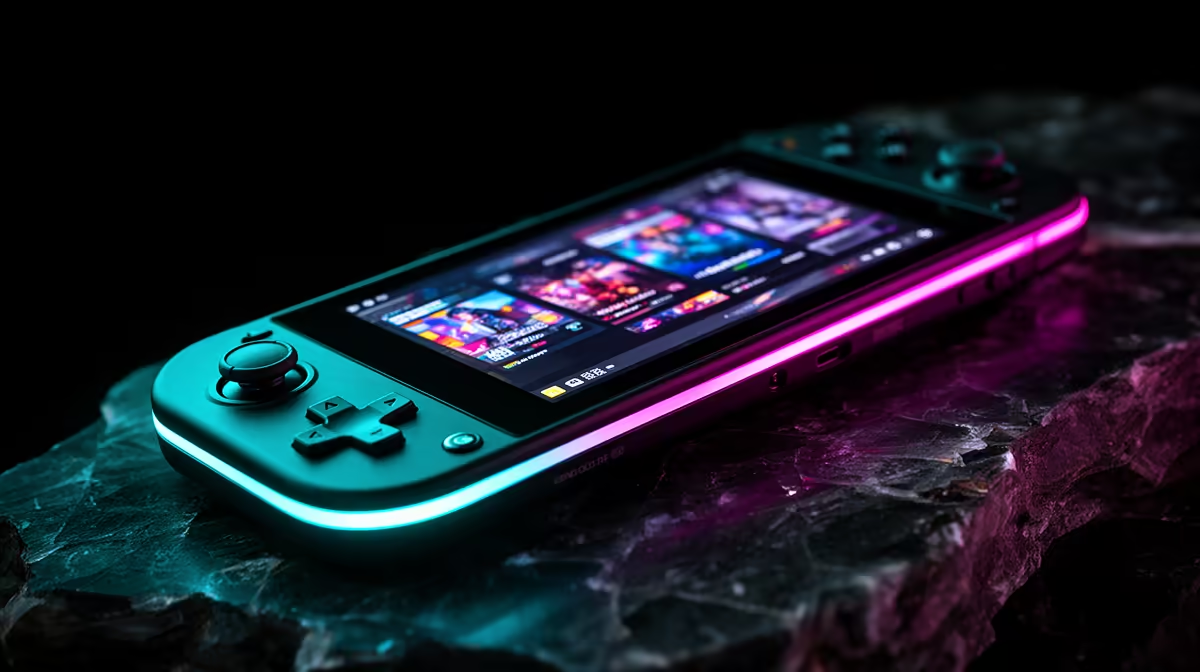
Assassin's Creed Mirage is playable on Steam Deck OLED when you aim for a stable 30 fps rather than chasing Ultra visuals. Use 800p, FSR Quality, medium textures and a 30 fps cap; the OLED screen makes the lower settings look better than the spec sheet suggests.
Steam Deck OLED Settings
Set resolution to 1280x800, textures to medium, shadows low, ambient occlusion low and FSR Quality. Keep the refresh rate at 60Hz with a 30 fps cap for even frame pacing, or use 40Hz only if the area stays stable. A 12W-15W TDP target is the sensible range for Assassin's Creed Mirage; higher power adds heat faster than it improves playability.
Battery, Storage And SA Pricing
Expect roughly 90 minutes to 3 hours depending on brightness, Wi-Fi and TDP. The 512GB OLED model is the sweet spot because AC games can exceed 80GB with updates, and microSD loading is workable but slower. In SA, plan for a broad R10,000-R18,000 band for Deck OLED stock depending on capacity and condition.
FAQ
Should I use Ultra settings on a handheld?
No. Handheld screens reward stable frame pacing more than Ultra presets, so medium textures and low shadows are the better trade.
Is 30 fps acceptable for these games?
Yes, if the cap is stable and the frame time graph is clean. For fast combat, 40 fps feels better on Ally X or Legion Go when power allows it.
What matters most for SA buyers?
Check warranty path, charger type, storage capacity and whether the games you own need Windows launchers. Those points affect daily use more than one benchmark run.
Handheld check
Test the busiest city area for 10 minutes with the charger unplugged. Keep the preset only if the frame cap, fan noise and battery estimate still make sense.
Final Fit Check
Before checkout, compare the item against your current monitor, desk space, game list and warranty expectations. The safest SA purchase is the one that solves a real bottleneck, has clear local support and does not force an immediate second upgrade.