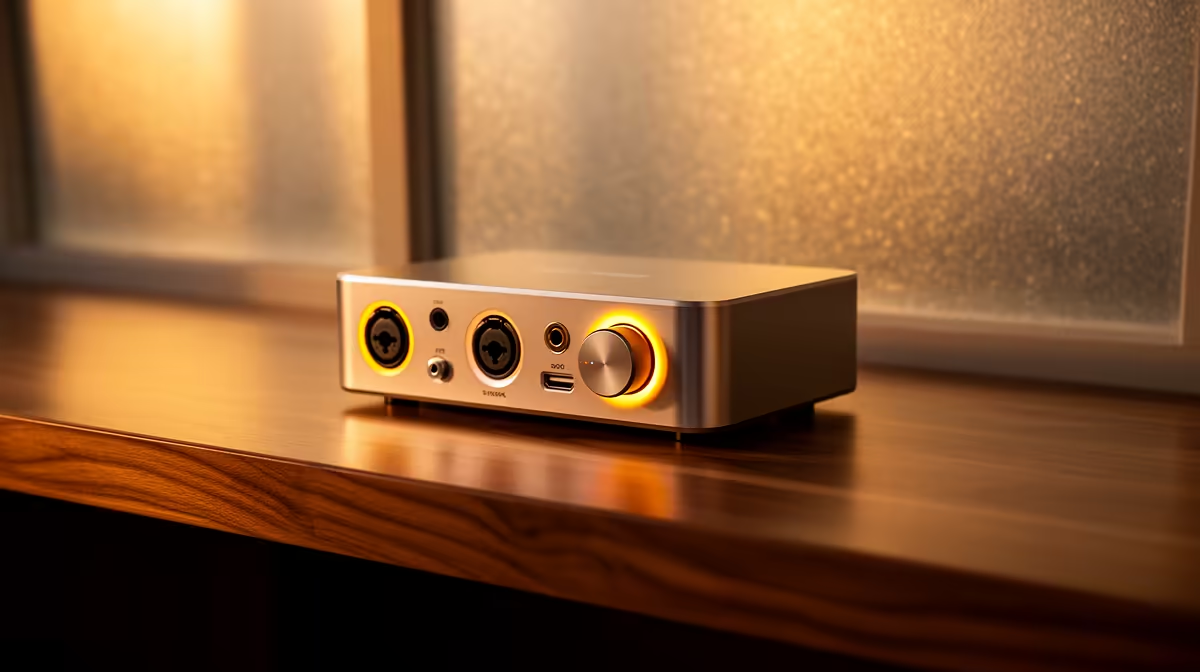
An audio interface is the right choice for a retiree who records instruments, narration or multiple microphones and needs supported inputs, monitoring and level control. It is unnecessary for ordinary calls, music listening or one simple voice microphone. The actual signal path should justify the added drivers and cables.
Draw every microphone, instrument, headphone, speaker, computer and listening connection across one complete home-audio session
Inventory all microphones, instruments, connector types, simultaneous channels, headphone needs and required software. Check whether microphones require power and whether direct monitoring matters. Record a sample with existing equipment to identify hiss, latency, clipping or missing inputs.
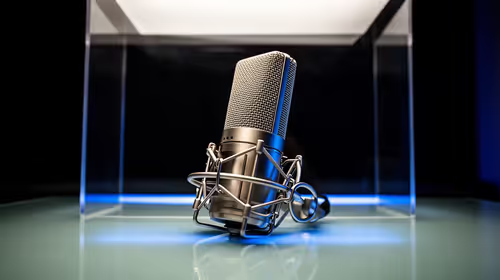
No currently priced audio interface is verified in the supplied factpacks. The NearStream USB/XLR microphone at R676 is a verified microphone reference, not an interface. USB may offer a simpler one-voice path, while XLR normally needs compatible audio hardware and cable.
Assess live interfaces for input count, preamps, microphone power, instrument support, monitoring, outputs, operating-system drivers, control clarity, warranty and local service. Start levels low, label cables and preserve a simple fallback for calls. Use comfortable listening volume and take breaks.
Buy when the connection map proves a recurring capture or monitoring need. Choose a supported USB microphone or headset when one voice, one computer and straightforward operation define the routine.
Starting a home audio project? > Browse Evetech microphones and audio gear by real connections.