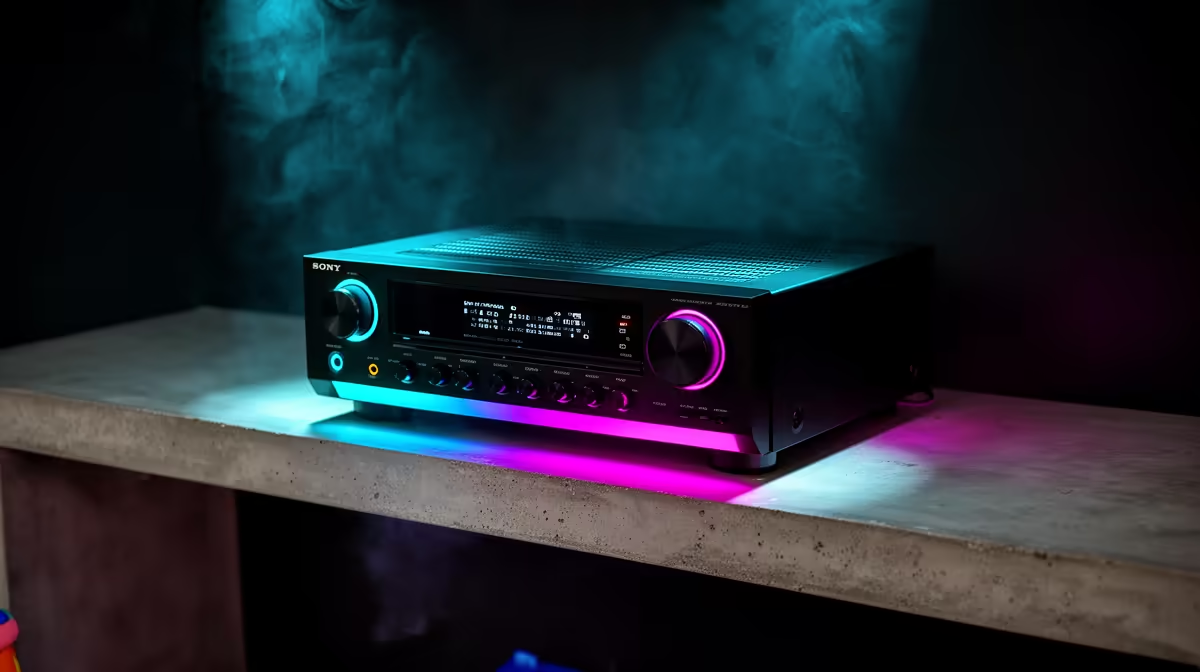
An AVR unit can be worthwhile for a learning corner where measured voltage variation affects the computer or display, but it should not be bought as a cure for every restart. Automatic voltage regulation is different from surge protection and battery backup. First identify whether the problem is supply quality, a loose connection, a failing adapter or the device itself.
Diagnose before adding equipment
Record when flicker, resets or adapter noise occurs and which devices are affected. Use a qualified electrician for signs of damaged outlets, heat, arcing or persistent building faults. The verified facts warn that line-interactive AVR UPS stock moves and do not confirm a current AVR SKU or price. The ELECSTOR 18W Mini UPS is verified at R536 for suitable low-voltage networking equipment, but it is not an AVR for a computer and must not be presented as one.
Match protection to the load
Add the computer, display and any essential network device separately, checking wattage, outlet type and supported equipment. Keep heaters, kettles and printers away from the learning-corner power arrangement. Place protective hardware where children cannot cover vents, pull cables or reach switches casually. Test controlled shutdown and make sure school files save automatically.
Maintain independent backups because voltage regulation cannot restore deleted homework. If stable runtime is required, choose an appropriate UPS design after measuring the load. Buy an AVR only when its regulation range and capacity address the diagnosed condition.
Improving a learning corner? > Ask Evetech about current power-protection options after measuring the computer and network load.