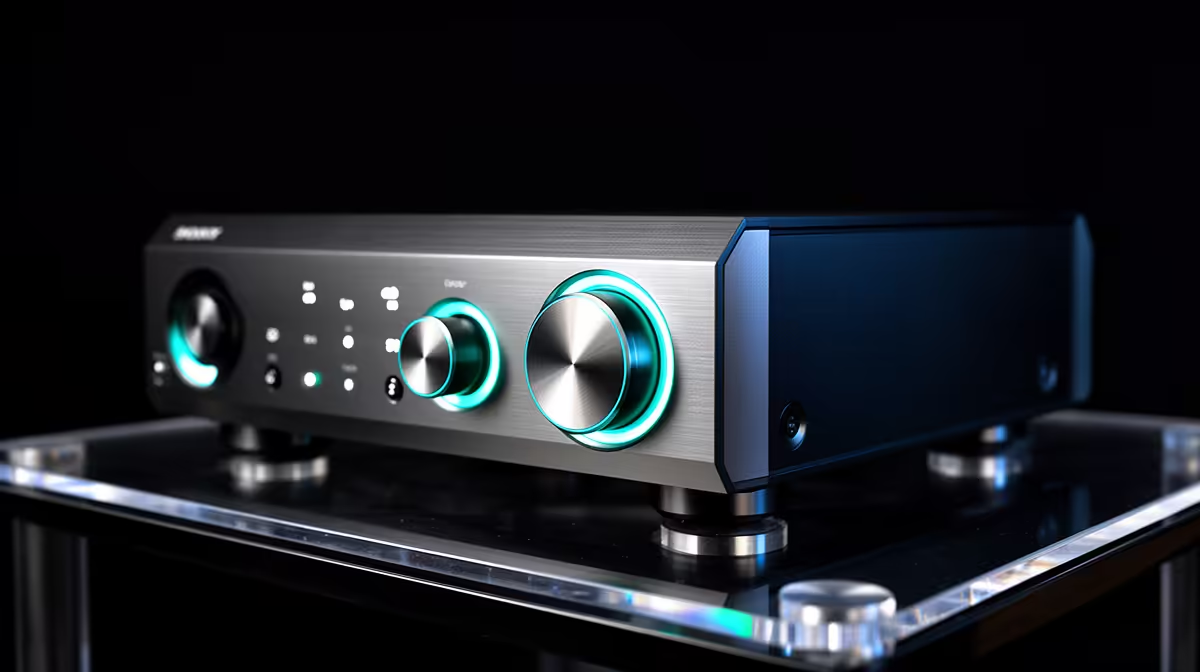
An AVR unit is worthwhile for Teams calls only when measured voltage instability affects the equipment and falls within the regulator design. It does not fix internet latency, microphone problems or provide long battery runtime.
Identify the failure type
Run a local recording and a live call to separate computer audio from network distortion. Document electrical symptoms and affected devices. Calculate the computer, display, router and audio load, then compare it with AVR ratings. Ask a qualified professional to investigate unsafe or persistent supply faults.
Treat surge protection, regulation and backup power as distinct functions. Rehearse an orderly call shutdown using any separate UPS and keep documents available offline. Do not daisy-chain power devices.
Call problems that happen only during busy household traffic may need router queue management rather than voltage regulation. Compare a local recording, wired call and quiet-time call. Evidence from those tests prevents the wrong power purchase.
Teams equipment may share one power strip with lamps or heaters. Separate high-current appliances and keep the call setup within rated electrical limits.
Keep the router powered through calls only with correctly sized backup equipment.
Test the fallback during a private practice call.
Pricing for a video-call AVR is not confirmed by the supplied facts. Compare rating, input range, output behaviour, protections, compatibility, warranty and safety certification.
Protecting a Teams desk? > Browse Evetech power options after measuring the load.