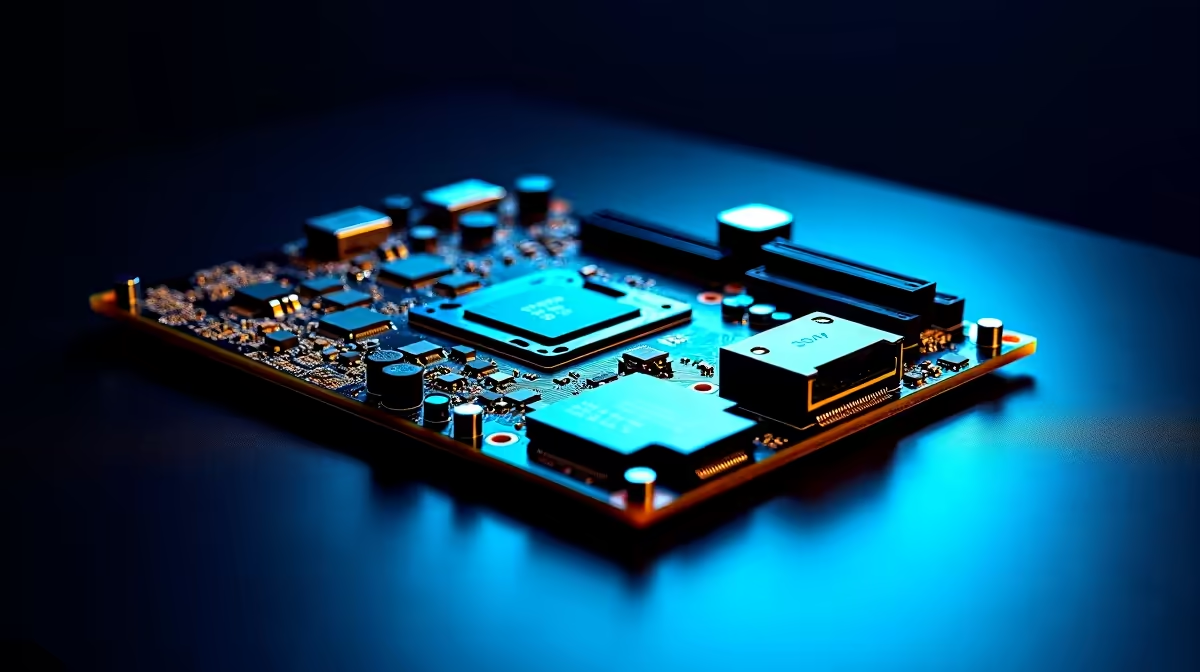
The person comparing B850 motherboard running Blender is trying to fix B850 motherboard running Blender on a real South African desk. B850 motherboard running blender workload test keeps ASUS Prime B850M-F WiFi at R2,300 for AM5 Wi-Fi motherboard in the SA setup. B850 motherboard running blender needs Corsair RM850e linked to R1,100, 6-core AM4 CPU and one job. ASUS Prime B850M-F WiFi at R2,300 with AM5 Wi-Fi motherboard makes sense when AMD Ryzen 5 5500 feels too narrow for B850 motherboard running Blender. ASUS Prime B850M-F WiFi fits B850 motherboard running Blender workload test beside AMD Ryzen 5 5500 at R1,100 for the step-up check in SA.
Will a B850 motherboard handle running Blender in SA: fit check in a Roodepoort gaming corner
Corsair RM850e belongs in the discussion only if B850 motherboard running Blender needs 850W PSU. B850 motherboard running blender needs ASUS Dual RX 7600 8GB beside R1,100 so extra hardware stays out. Highveld storms can make surge protection part of the plan when B850 motherboard running Blender involves powered hardware. Corsair RM850e at R1,900 with 850W PSU adds a different ceiling for B850 motherboard running Blender, and ASUS Dual RX 7600 8GB at R4,650 with 8GB VRAM shows the cost of stepping up. AMD Ryzen 5 5500 enters B850 motherboard running Blender workload test honest when AM5 Wi-Fi motherboard is the gap in use.
AMD Ryzen 5 5500 or ASUS Prime B850M-F WiFi for B850 motherboard running Blender
Start from B850 motherboard running Blender, because that is where a Roodepoort gaming corner with limited cable space exposes the weak part. For B850 motherboard running Blender in a Roodepoort gaming corner with limited cable space, ASUS Prime B850M-F WiFi at R1,900 should be judged against B850 motherboard running Blender while keeping the old setup usable, not against a generic basket. Hot inland rooms punish blocked vents, so B850 motherboard running Blender needs airflow before looks. For B850 motherboard running Blender in a Roodepoort gaming corner with limited cable space, AMD Ryzen 5 5500 at R1,100 should be judged against B850 motherboard running Blender while keeping the old setup usable, not against a generic basket. The practical buy is the one that makes B850 motherboard running Blender easier on day one and still makes sense after six months.
R1,100, Corsair RM850e and the support gear
B850 motherboard running blender workload test keeps AMD Ryzen 5 5500 at R1,100 for 6-core AM4 CPU in the SA setup.850M keeps B850 motherboard running Blender workload test focused on 850M before extras reach checkout.850 m keeps B850 motherboard running Blender workload test focused on 850 m before extras reach checkout.8GB keeps B850 motherboard running Blender workload test focused on 8GB before extras reach checkout. Before checkout, B850 motherboard running Blender workload test tied to AM5 Wi-Fi motherboard, 850 m and the desk.
a Roodepoort gaming corner: the buy I would make for B850 motherboard running Blender
For B850 motherboard running Blender workload test, AMD Ryzen 5 5500 below the spend line set by R1,100 today. B850 motherboard running blender needs ASUS Prime B850M-F WiFi linked to R4,650, 8GB VRAM and one job. R1,100 keeps B850 motherboard running Blender workload test focused on R1,100 before extras reach checkout. Daily use keeps B850 motherboard running Blender workload test beside 8GB so extra hardware stays out. Stock planning keeps B850 motherboard running Blender workload test grounded in ASUS Prime B850M-F WiFi, ASUS Dual RX 7600 8GB and 850 m.
Pro Tip
For B850 motherboard running Blender in a Roodepoort gaming corner with limited cable space, write down R1,100, the exact port or capacity, and the warranty path before checkout. Compare AMD Ryzen 5 5500 at R1,100 with ASUS Prime B850M-F WiFi at R2,300, then remove any accessory that does not improve B850 motherboard running Blender.
B850 motherboard running Blender also needs a support check in a Roodepoort gaming corner with limited cable space: keep the invoice, confirm the warranty route and leave room for the cable path.
Corsair RM850e fits B850 motherboard running Blender workload test beside Corsair RM850e at R1,900 for the step-up check in SA.
B850 motherboard running blender needs AMD Ryzen 5 5500 linked to R2,300, AM5 Wi-Fi motherboard and one job.
32GB keeps B850 motherboard running Blender workload test focused on 32GB before extras reach checkout.
Corsair RM850e changes B850 motherboard running Blender clearer than adding accessories before the weak point.
Ready to choose B850 motherboard running Blender for your SA setup? > Compare the Evetech options around AMD Ryzen 5 5500, confirm stock and pricing, and pick the PC component that fits B850 motherboard running Blender. >