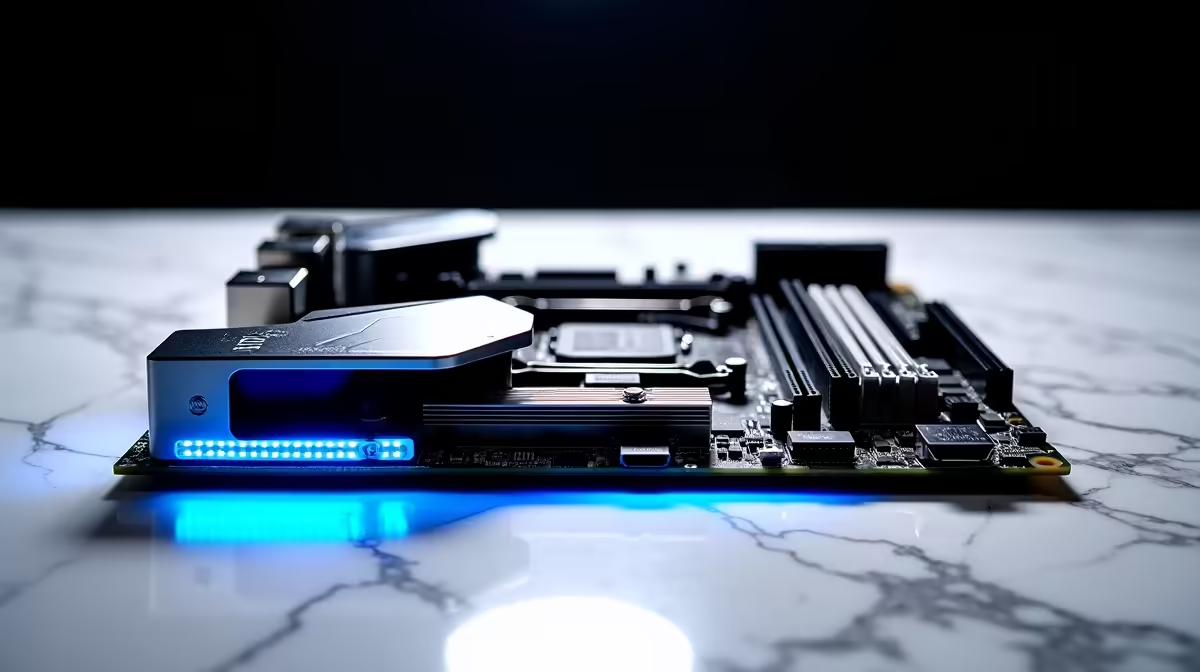
ASUS Prime B850M-F WiFi at R2,300 suits a practical South African office or study PC where Microsoft 365, browser tabs, email, and cloud files matter more than flashy extras. It is the clearest motherboard pick here because it gives you a B850 platform and WiFi in the name while leaving most of an the stated budget build budget for the processor, memory, storage, screen, and backup peripherals.
Best B850 pick for a work-first build
The ASUS Prime B850M-F WiFi at R2,300 is the sensible starting point because the B850 spec in the model name keeps it aligned with a current mainstream desktop build, and the WiFi label is useful for a desk that cannot always sit next to a network point. For office documents, spreadsheets, video meetings, and cloud sync, that is a cleaner use of money than jumping straight to a more expensive board.
ASROCK B850 Pro RS at R2,850 is worth considering when the same machine needs a slightly more robust enthusiast-leaning B850 board without moving into premium pricing. It still fits neatly inside the title budget, and the Pro RS positioning makes sense for a tidy productivity tower that may later gain more storage or a stronger processor.
MSI B850 Gaming Plus at R2,900 is the better fit if the PC will share work and after-hours gaming duties. It keeps the requested B850 direction, costs only a little more than the ASROCK B850 Pro RS at R2,850, and makes sense in a build where the desk setup must handle office tasks during the day and games later.
Reception desk build around the stated budget
For a reception desk, the ASUS Prime B850M-F WiFi at R2,300 is the easiest recommendation because the WiFi spec reduces cable pressure and the B850 platform leaves budget for a quiet, responsive tower. The MSI A520M-A PRO at R700 is much cheaper, but it is an A520 board, so it is the budget fallback rather than the best answer to a B850-focused shortlist.
Ready to choose the right motherboard?
Use MSI A520M-A PRO at R700 as the motherboard shortlist benchmark, then check whether its listed spec matches the space, workload, and upgrade path.