Understanding the Customer Persona & Challenge
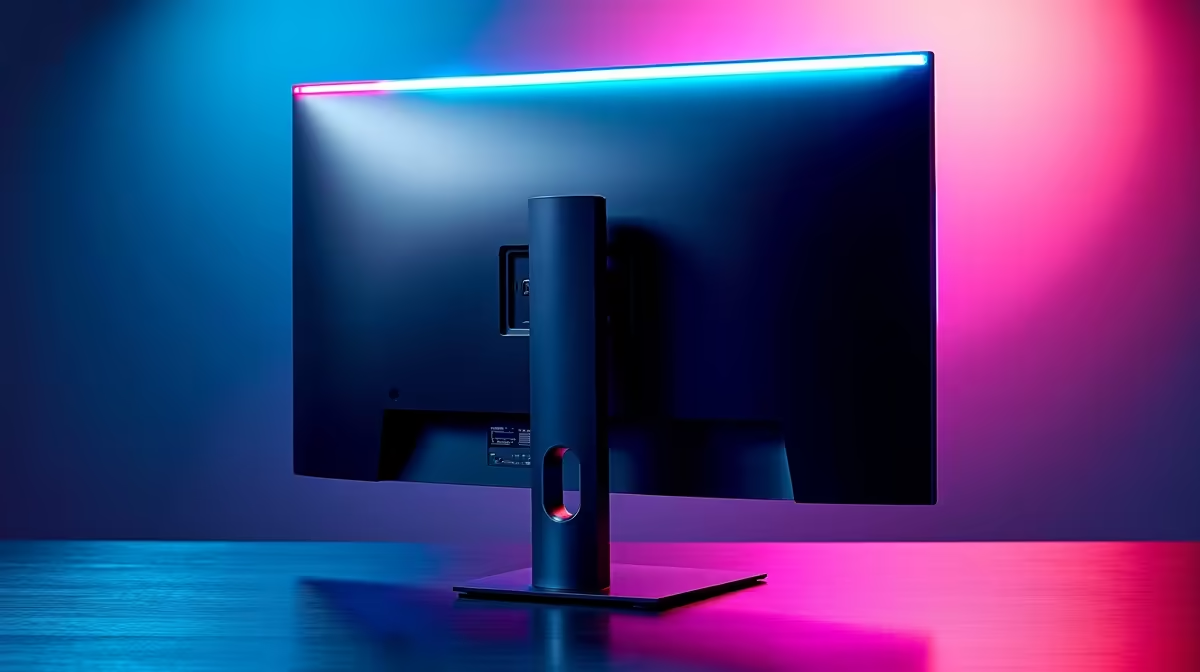
Meet Thabo, a passionate gamer and content creator from Johannesburg. His slim ultrawide monitor, sleek but minimalistic, came with backside controls that promised easy access—yet in practice, he struggled to tweak settings mid-game without losing focus. The buttons were hard to locate by feel alone, making brightness and volume adjustments a constant hassle.
Thabo’s challenge was clear: how to harness his monitor’s potential without interrupting gameplay or workflow. He wanted seamless control, quick adjustments, and a cleaner desk setup adapted for South African gaming demands.
Solution: Optimising with the Right Monitors and Accessories
To solve Thabo’s challenge, we recommended a combination of specialised products from Evetech’s diverse range:
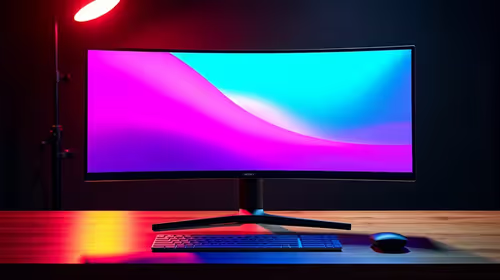
- For crystal-clear visuals and more control options, a curved monitor brought immersive gameplay with back-panel buttons positioned ergonomically.
- Thabo also upgraded to a high-res 5K/4K monitor for finer detail in editing and streaming.
- Since portability was a factor for content shoots on location, adding a portable monitor helped manage multiple screens without clutter.
To complement these, he sourced essential monitor accessories like cable organisers and external control pads for quick settings adjustments.
Implementation: Simple Steps to Get More from Backside Controls
- Mapping and Labelling: Thabo used tactile stickers on his monitor’s backside buttons to easily identify essential controls by touch.
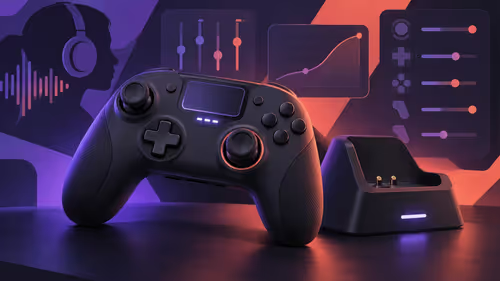
- External USB Control: Attaching an external control pad allowed quick access to brightness and volume without reaching around.
- Desk Optimisation: Using Evetech’s gaming monitors range, he chose a monitor stand that raised the screen for more natural control access.
- Regular Calibration: Leveraging monitor menus accessed via monitor accessories ensured colours and contrast stayed perfect for streaming and gameplay alike.
Pro tweak they used
Using a portable monitor alongside a curved main screen gave Thabo the flexibility to preview content on the go without sacrificing control comfort. ⚡
Results: Before and After Metrics
| Metric |
Before |
After |
| Control Accessibility |
Slow, stumbled on back buttons |
Immediate with tactile labels |
| Brightness Adjustment |
Took 10+ seconds mid-game |
Under 3 seconds via external pad |
| Visual Quality |
1080p, narrow viewing angles |
4K curved display with wider FOV |
| Desk Clutter |
Messy cables, cramped space |
Clean setup with cable management |
Thabo’s experience transformed. His workflow and gaming sessions became smoother, more immersive, and less frustrating—exactly what a South African tech enthusiast needs.
“Backside controls were my blind spot till I got help—now it’s all smooth and intuitive.” – Thabo M.
Explore options from affordable PC monitors to premium picks in our best PC monitor deals.
Upgrade Your Monitor Controls Today
Discover ergonomic control and stunning images with Evetech’s range of monitors and accessories. Shop now at Evetech for performance that leaves lag in the dust.