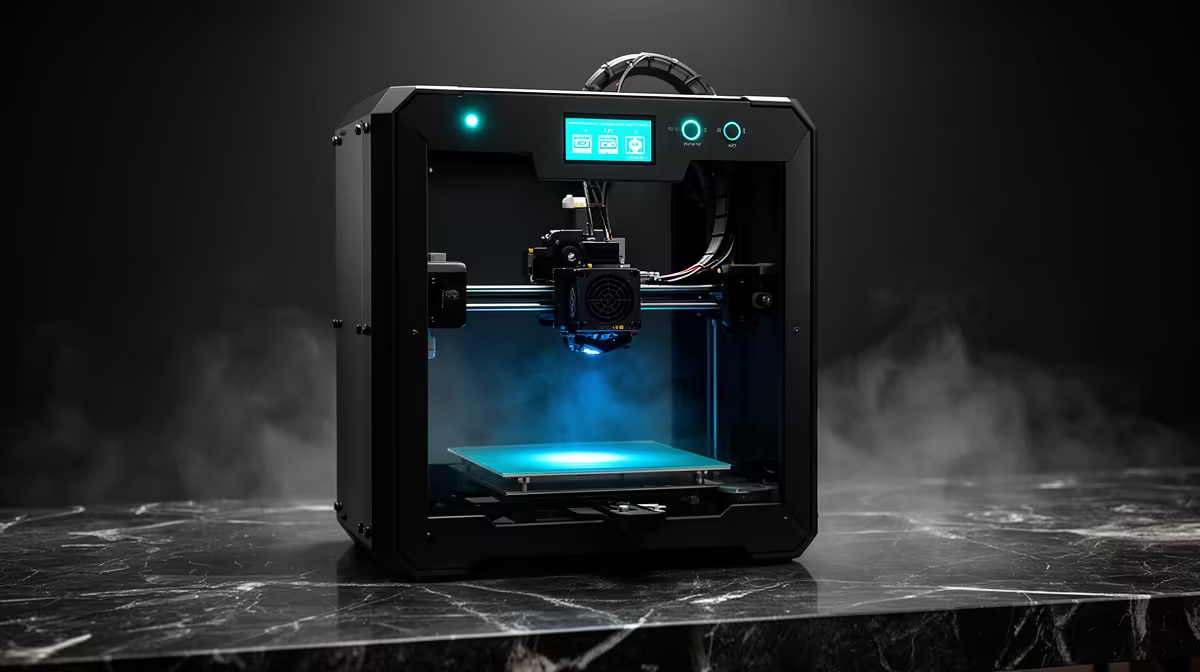
Picking a single best 3D printer for South Africa in 2026 comes down to a three-way fight: the Bambu P1S at roughly R12,495, the Creality K2 at around R17,900, and the Prusa line, which you can only buy by importing. The first two carry confirmed local pricing and local support, which matters far more than spec-sheet bragging rights when a printhead clogs or a board dies. The third is a longevity play for people who value open hardware over convenience.
Quick Answer
For most South African buyers in 2026 the Bambu P1S at about R12,495 is the best overall 3D printer. It is an enclosed CoreXY machine that prints fast, handles ABS and ASA without an aftermarket box, and sits well below the Creality K2 at R17,900. Choose the K2 only if you genuinely need native multicolour out of the box; choose Prusa only if open-source repairability outranks local stock and warranty.
Why CoreXY and an enclosure define this class
The jump from a budget bedslinger to a serious machine is the move to CoreXY motion plus a closed chamber. CoreXY keeps the print bed moving only up and down while two motors drive the toolhead across the X and Y axes. That lighter moving mass lets the printer accelerate harder without the ringing and ghosting you see on cheaper Cartesian frames, so you get clean walls at speeds that would shake an open-frame printer apart.
The enclosure earns its keep with engineering filaments. ABS and ASA warp and crack when ambient air cools them too fast. A closed chamber holds consistent warmth around the part throughout the print, and that alone is the difference between a usable functional bracket and a curled mess. If you ever plan to print anything stronger than PLA, an enclosed CoreXY is the floor, not a luxury. You can browse the locally stocked range on the 3D printers section at Evetech to see which models ship with this layout as standard.
Bambu P1S: the value benchmark at R12,495
The P1S is the machine I point most people to first. At roughly R12,495 it delivers enclosed CoreXY printing, a hardened nozzle option for abrasive filaments, and a vibration-compensation system that tunes out resonance before each print rather than asking you to dial it in by hand.
What you give up versus the pricier models
There is no built-in screen beyond a small status display, so you drive it mostly from the slicer or the companion app. Multicolour is possible but needs the optional AMS unit as a separate purchase, which pushes the total up. For a single-colour workflow, none of that matters and the P1S simply prints reliably day after day.
Who it suits
Hobbyists, makers, small product businesses, and schools that want one dependable machine. It is fast enough for prototyping iterations in an afternoon and forgiving enough that a beginner will not fight it.
Running costs and consumables
A printer is not a one-off purchase, and the P1S is sensible on consumables. Standard 1.75mm filament is widely stocked locally, so you are not tied to a single proprietary supplier for the basics. The hardened nozzle option is worth taking if you plan to print abrasive materials like carbon-fibre-filled or glow filaments, since a standard brass nozzle wears out quickly on those. Plan a small budget for spare nozzles and the odd build-plate, and the machine will run for years without surprises.
Creality K2: native multicolour for R17,900
The K2 lands at about R17,900 and its headline feature is the native CFS multicolour system, designed to feed multiple filaments without the bolt-on feel of an add-on box. If your projects lean on multi-material or multi-colour parts, miniatures, signage, layered models, the K2 saves you the AMS upcharge and the desk space.
Where the extra spend goes
You are paying for a larger build volume, the integrated multicolour pipeline, and a more featured touchscreen. The obvious cost is the figure: roughly R5,400 more than the P1S. If you mostly print one colour at a time you are funding capability you will rarely touch.
Multicolour has a hidden cost
Native multicolour is genuinely useful, but be aware it consumes more filament than single-colour printing. Each colour change purges a small amount of material to clear the previous colour from the nozzle, and across a multi-colour part that waste adds up. For occasional colourful prints it is a non-issue; for high-volume multicolour production, factor the extra filament into your running costs. The convenience is real, just not free.
Prusa: open-source longevity, importer only
Prusa machines remain a benchmark for repairability and documentation. Every part is documented, spares are easy to source internationally, and the community support is unmatched. The catch for South Africans is real: there is no confirmed local retail price, so you are looking at an import, with the shipping, duties, and lead time that implies, and no local warranty desk to lean on.
That makes Prusa a deliberate choice for someone who values owning a machine they can fully service themselves over the convenience of buying and returning locally. For most buyers, that choice is not worth it.
How to choose in one line each
- One reliable machine, best value: Bambu P1S at R12,495.
- Multicolour matters more than money: Creality K2 at R17,900.
- Open hardware purist willing to import: Prusa.
Rounding out the workspace beyond the printer, the accessories popular with local builders covers spare nozzles, filament storage, and the add-ons that keep a machine productive.
Frequently Asked Questions
Is the Bambu P1S worth it over a cheaper open-frame printer?
Yes for anyone past their first few prints. The enclosed CoreXY design prints faster with cleaner results and unlocks ABS and ASA, which open-frame budget printers struggle with. The reliability alone justifies the step up.
Can the Creality K2 print multiple colours without extra purchases?
The K2 is built around its native CFS multicolour system, so it handles multi-filament printing without a separate add-on unit. That is the main reason to pick it over the P1S, which needs an optional AMS for the same job.
Why is Prusa harder to recommend in South Africa?
There is no confirmed local pricing, so buying one means importing it yourself. You take on shipping, duties, and longer lead times, and you lose access to a local warranty and support desk if something fails.
Do I need an enclosed printer, or is PLA-only fine?
If you only ever print PLA, an open-frame machine can work. The moment you want ABS, ASA, or other engineering filaments, you need the heat-retaining enclosure that the P1S and K2 provide to stop parts warping and cracking.
Which one is best for a small product business?
The Bambu P1S for most, thanks to its speed, reliability, and price. Step up to the Creality K2 only if multicolour or larger parts are central to what you sell.
Ready to commit to a machine that earns its keep? Compare confirmed local pricing and stock on the full 3D printers range at Evetech and pair it with the spares you will actually use from the accessories best sellers. Order online and have it delivered nationwide.