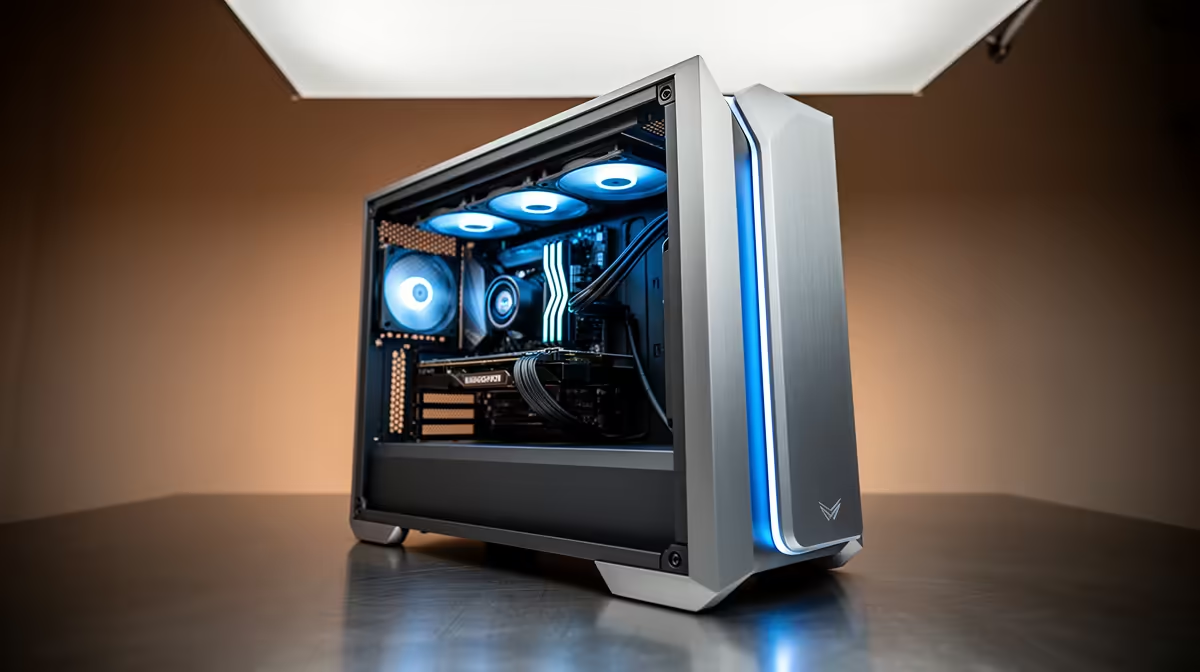
Running a 70B model locally is not about raw horsepower, it is about memory. At 4-bit quantisation (Q4_K_M), a 70B model requires roughly 40GB just for the weights before context is added, which is why the AI coding workstation from R60,000 to R100,000 is the tier where local 70B inference stops being a dream and becomes a build you can actually order. Below this band you are stuck with 7B and 13B helpers. Inside it, you reach the 40 to 48GB threshold that puts full 70B reasoning on your own desk.
Quick Answer
To run a 70B coding model locally you need around 40 to 48GB of memory available to the model: roughly 40GB for Q4 weights plus headroom for context. Between R60,000 and R100,000 you have two real routes in South Africa: a high-VRAM dual-GPU rig (two 24GB cards for 48GB total) or a single large-VRAM workstation card. Expect roughly 15 to 25 tokens per second on a well-fed Q4 70B setup.
The 40 to 48GB rule that defines this build
Everything in this price tier is decided by one number. Q4_K_M quantisation compresses 70B weights to 4-bit, cutting memory use by roughly 75% versus full precision while keeping output quality high. That puts the weights near 40GB. Add 3 to 5GB for the KV cache at a usable context window and you are knocking on 48GB.
Miss that target and you spill into system RAM, where inference slows to a crawl. Hit it cleanly and a 70B model answers at a pace that feels conversational for code review, refactoring and architecture questions.
Route one: dual 24GB GPUs for 48GB total
The most accessible way to reach 48GB in this budget is two 24GB-class cards working together. A pair pooling their memory gives the model the 48GB it wants and, on Q4 70B, lands comfortably in the 15 to 25 tokens-per-second range. This is the route most local-LLM builders take because the per-gigabyte cost of VRAM on consumer cards is far lower than on workstation parts.
What the rest of the build needs
VRAM is the headline, but the supporting cast matters:
- A motherboard with two full-length PCIe slots that can run the cards at adequate lanes.
- A power supply with real headroom: two high-end GPUs under load pull hard, so size up rather than running a unit at its limit.
- 64GB of system RAM minimum, so loading and quantising models does not bottleneck on host memory.
- A fast NVMe SSD, because 70B model files are tens of gigabytes each and you will be loading and swapping them often.
You can see how these dual-GPU configurations come together in the AI PC range at Evetech, which covers high-VRAM setups tuned for exactly this kind of sustained inference workload.
Route two: a single large-VRAM card
If your work also leans on tasks that punish multi-GPU splitting, a single card with 48GB of onboard memory keeps the model on one device and avoids the overhead of distributing layers across two GPUs. With 48GB on a single card, a Q4 70B model fits at an 8K context with headroom to spare. The trade-off is cost per gigabyte: single large-VRAM cards carry a premium, so this route eats more of your budget for the same memory.
Unified memory as the third option
Some unified-memory systems pool a large memory pile that both the CPU and GPU can address, sidestepping the VRAM ceiling entirely. They are slower per token than dedicated GPU VRAM but can hold larger models without splitting, which suits batch work where throughput matters less than fitting the model at all.
Running a 70B model in practice
Hardware is only half the equation. The software stack and session habits determine whether a 48GB rig actually feels fast or constantly trips over itself.
Choosing and serving the model
Local inference at this tier almost always goes through a runner that loads the model and exposes an API endpoint. Tools like Ollama make this straightforward: you pull a model file, the runner loads it into VRAM, and your editor extension points at the local endpoint instead of a cloud URL. The 70B model stays resident while you work, so each prompt is answered without a reload delay.
Model choice shapes the experience more than most buyers expect. A Q4_K_M 70B coding model is the practical default because the quality loss from quantisation is minimal on code tasks while the VRAM saving is large. Higher-quality quantisation formats like Q6_K exist and fit on 48GB machines; they improve faithfulness on long, complex prompts at the cost of a modest VRAM increase. The right balance depends on whether you feed the model large file dumps or short targeted questions.
Context window and real coding sessions
A 70B model loaded on 48GB can handle a usable context window of around 8K to 16K tokens before memory pressure increases. For practical coding that covers pasting in a full function or a short module and asking for a review or refactor. Longer context needs mean either trimming what you send or, if your sessions regularly demand 32K or more, sizing up to a machine that can hold the model more loosely.
Benchmarks from dual-GPU inference rigs running Q4 70B models in mid-2025 put typical generation speed at roughly 15 to 27 tokens per second, depending on GPU generation and whether the build uses PCIe or a pooled memory architecture. For code review and refactoring that is a comfortable pace; you send a prompt and read the result in seconds rather than waiting through a long generation. For rapid-fire completions on every keystroke, a smaller 13B model running on the same hardware will feel more instant, which is why many developers keep both loaded and switch by task.
Who this tier is for
This is the build for a developer who wants a private, offline 70B coding assistant: no per-token API bills, no data leaving the machine, no rate limits during a long refactor. For SA developers on metered or capped connections, keeping inference local also removes the bandwidth cost of constant API round-trips. If your needs top out at 13B models, you can spend far less. If you genuinely want 70B reasoning on your own hardware, R60,000 to R100,000 is the honest entry point, and the top-selling PC builds at Evetech show current pricing on the components that go into a high-VRAM workstation build.
Frequently Asked Questions
Can I run a 70B model on a single 24GB GPU?
Not at usable speed. A single 24GB card cannot hold a Q4 70B model's roughly 40GB of weights, so layers spill to system RAM and inference slows dramatically. You need to reach 40 to 48GB of memory, which means two 24GB cards, one large-VRAM card, or a unified-memory system.
How many tokens per second should I expect?
On a properly fed Q4 70B setup with around 48GB of memory, roughly 15 to 25 tokens per second is realistic. That is fast enough to feel responsive for code generation and review, though slower than a small 7B model running with lots of spare memory.
Is Q4 quantisation good enough for coding?
For most coding work, yes. Q4_K_M keeps the bulk of the model's quality while cutting memory by about 75%. You lose a little precision versus full weights, but the trade is what makes a 70B model fit on hardware in this price range at all.
Why not just use a cloud API instead?
A local build keeps your code private, removes ongoing API costs, and works offline. Those benefits matter most for sensitive codebases, heavy daily use, or developers who would rather own the hardware than pay per token indefinitely.
How much system RAM do I need alongside the VRAM?
Aim for 64GB minimum. System RAM is used while loading and preparing models before they move to VRAM, and a tight host-memory budget becomes the bottleneck when you are swapping between large model files.