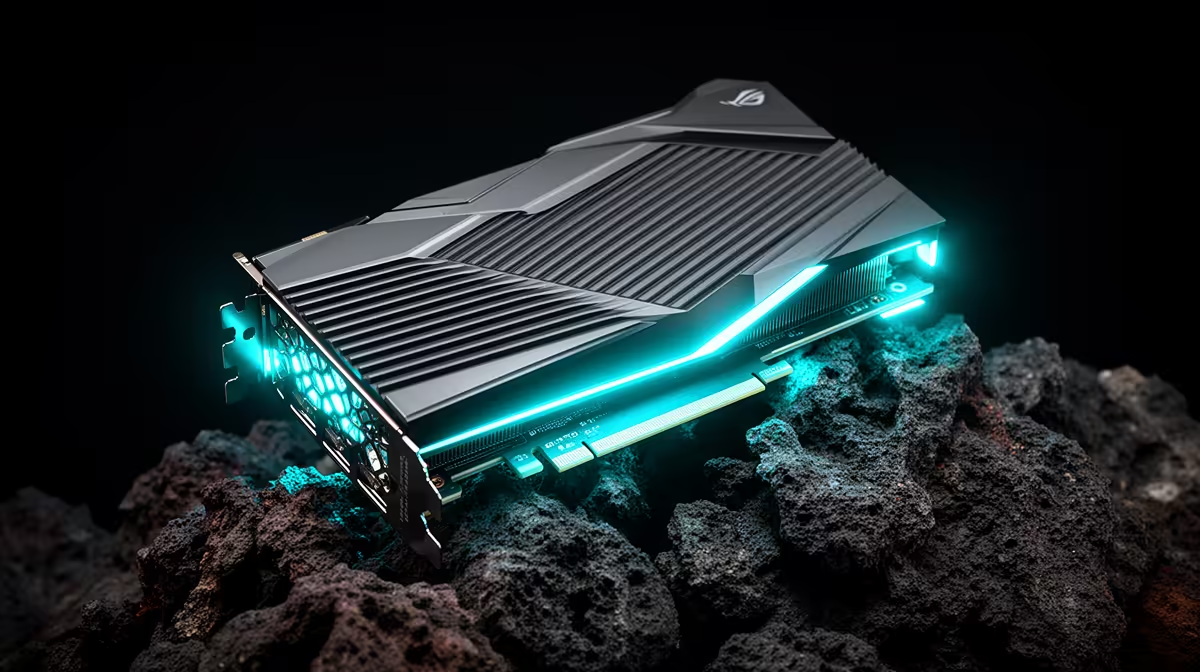
Anyone building a couch gaming rig on SteamOS quickly learns that the graphics card choice is not the toss-up it is on Windows. AMD GPU for a SteamOS build is the clear recommendation, and the reason is the operating system itself: SteamOS is tuned around the Steam Deck's AMD hardware, and the open-source Mesa drivers it relies on need far less wrangling than the NVIDIA route. On Linux right now, Radeon is the path of least resistance.
Quick Answer
Go AMD Radeon for a SteamOS build. SteamOS is built around the Steam Deck's AMD APU and the open-source Mesa graphics drivers, so a Radeon card runs out of the box with no driver workarounds. NVIDIA can be made to work on Linux but adds setup friction, making Radeon the smoother, more reliable choice for a SteamOS living-room rig.
Why SteamOS Favours AMD by Design
SteamOS is Valve's Linux-based gaming operating system, and the Steam Deck that defined it uses an AMD APU. That heritage runs deep. The whole system is developed and tested against AMD graphics first, so the path Valve optimises hardest is the AMD path. Building a desktop SteamOS rig with a Radeon card means you are using the hardware the OS was designed around.
This is not a small preference. It shows up in setup time, stability and how often you have to touch the terminal to fix something. On AMD, the answer is usually never.
The Mesa driver advantage
The key technical reason is Mesa, the open-source graphics driver stack that Linux uses for AMD cards. Mesa is built into the system and maintained as part of it, so a Radeon GPU is recognised and driven correctly without you installing anything extra. NVIDIA on Linux relies on proprietary drivers that must be installed and occasionally fought with after updates. For a console-style machine you want to just turn on and play, that difference matters.
The handheld and small-form gaming hardware these builds often complement sits in the handheld gaming consoles range at Evetech, a natural companion to a SteamOS living-room setup.
What "Out of the Box" Really Buys You
Plug a Radeon card into a SteamOS build and the system recognises it immediately. No driver download, no fiddling after a system update, no chasing forum threads for a fix. You install the OS, the GPU works, you launch games. That simplicity is the whole point of a couch gaming machine: it should behave like a console, not a project.
For SA buyers especially, this means a rig that runs reliably without ongoing tinkering. A machine that needs regular driver babysitting is a machine that interrupts game night, and the AMD route avoids that almost entirely.
Which Radeon Card for Which Resolution
Match the card to the screen you will game on.
1080p living-room gaming
For a TV running 1080p, a mid-range Radeon card delivers high frame rates in most titles without overspending. The RX 7600 sits squarely in this bracket: 8GB of GDDR6, RDNA 3 architecture, and enough throughput to push most games well above 60fps at 1080p high settings. It is the value sweet spot for a couch rig where you sit back and play rather than chase ultra settings.
1440p and high-refresh
Stepping up to 1440p or a high-refresh display calls for a stronger Radeon card with more memory and compute. The RX 7700 XT with its 12GB of GDDR6 is built around this resolution, delivering smooth frame rates in modern titles at high settings. The extra VRAM matters at 1440p, where texture budgets climb quickly. This tier suits someone who wants their SteamOS build to feel premium and is willing to spend a little more to get there.
4K ambitions
A 4K SteamOS rig is possible with a high-end Radeon card, though it is the most demanding and expensive tier. For most living-room setups 1080p or 1440p hits the better balance of cost and smoothness. If 4K is the goal, budget accordingly and pair the card with a CPU that will not bottleneck it.
VRAM: Why It Matters More Than It Used To
One consideration that has grown in importance is VRAM capacity. Modern AAA titles increasingly push past 8GB, meaning a card with only 8GB can hit the ceiling at higher resolutions or texture settings. For a 1080p build an 8GB card is still a practical choice, but anyone targeting 1440p or beyond should strongly consider a card with 12GB or more. The RX 7700 XT and RX 7800 XT both offer 16GB and 12GB options respectively that future-proof the build against rising asset sizes.
Building the Rest of the Rig
Around the Radeon card, the usual balance applies: enough system RAM, a fast NVMe SSD for quick game loading, and a CPU that keeps pace with the GPU so neither bottlenecks the other. Because SteamOS is lightweight, you are not paying a Windows tax on system resources, which leaves more headroom for the games themselves. The best-selling PCs at Evetech show how AMD-based gaming builds come together as complete, balanced machines.
A Note on Game Compatibility
Worth knowing: SteamOS runs most Windows games through Proton, Valve's compatibility layer, and the vast majority of the library plays well. A handful of titles with certain anti-cheat systems can be exceptions, so if there is a specific competitive game you must play, it is worth checking its Linux and Proton status before committing to a SteamOS-only machine.
Frequently Asked Questions
Why is AMD better than NVIDIA for SteamOS?
SteamOS is built around the Steam Deck's AMD hardware and uses the open-source Mesa drivers, so a Radeon card works out of the box. NVIDIA relies on proprietary Linux drivers that need installing and occasional fixing after updates, adding friction.
Do I need to install drivers for a Radeon card on SteamOS?
No. The Mesa open-source driver stack is built into the system, so SteamOS recognises and drives a Radeon GPU automatically. There is nothing extra to download, which is the main reason AMD is recommended.
Which Radeon card should I buy for a SteamOS build?
Match it to your display. An RX 7600 suits 1080p living-room gaming, an RX 7700 XT or RX 7800 XT handles 1440p or high-refresh, and a higher-end card targets 4K at the greatest cost. Prioritise cards with at least 12GB VRAM for 1440p and above.
Can SteamOS run my Windows games?
Most of them, through Proton, Valve's compatibility layer. The majority of the Steam library plays well, but a few titles with certain anti-cheat systems are exceptions, so check a must-play competitive game before going SteamOS-only.
Is a SteamOS build lighter on hardware than Windows?
Yes. SteamOS is a lightweight Linux-based system, so it uses fewer resources than Windows, leaving more headroom for games. That said, you still balance RAM, storage and CPU around the GPU for the best result.