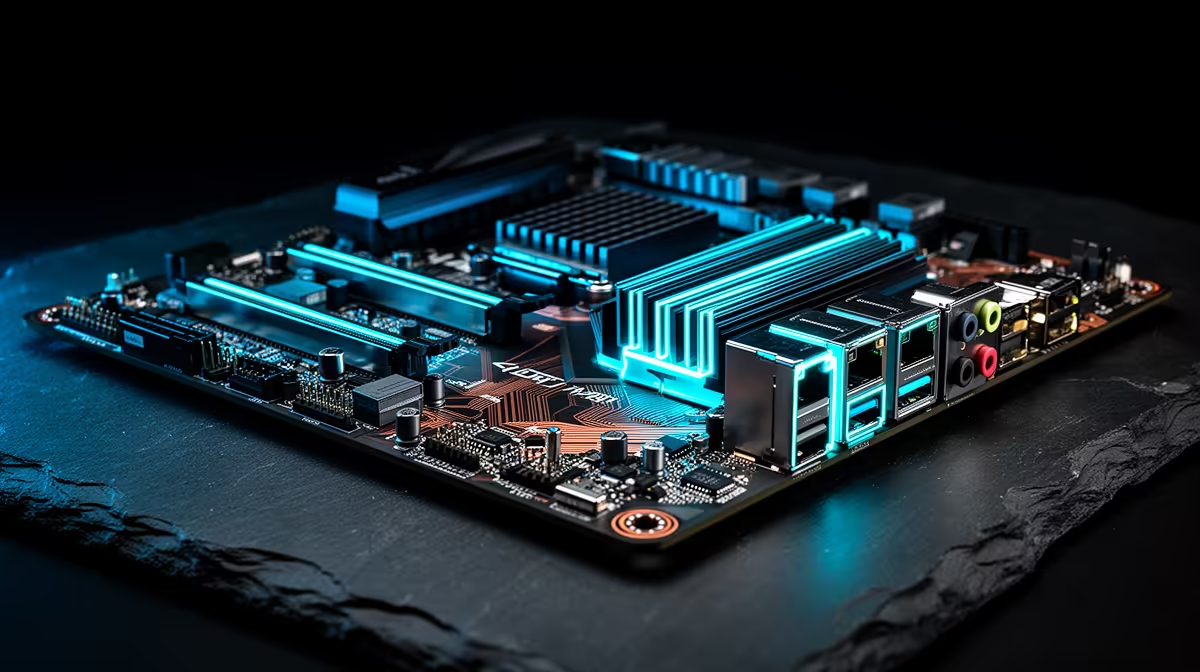
A budget AM5 motherboard should run the processor you plan to buy, provide the storage and ports you will use and leave a sensible upgrade route. B650 often hits that balance. You do not need the largest chipset badge, but you do need to check the exact board instead of buying the cheapest AM5 socket.
Quick Answer
Choose a B650 board with a supported BIOS, adequate CPU power delivery, two useful M.2 slots and the rear ports your setup needs. A Ryzen 7 X3D gaming chip does not demand an extreme motherboard at stock settings. Pay more for measured VRM headroom, connectivity and expansion you will use, not decorative covers.
Start with the exact processor
AM5 supports several Ryzen generations, but a board may need a particular BIOS for a newer CPU. Check the manufacturer's CPU support list and the minimum firmware version. A BIOS Flashback-style feature can help when the board cannot boot the processor out of the box.
X3D processors are built around gaming performance and have their own voltage and tuning limits. Run them through supported firmware settings. A board marketed for overclocking does not unlock a safe manual path that the CPU does not support.
Use the AMD processor range to build the AM5 shortlist. The linked Intel processor range is useful only for comparing the cost of an alternative platform; Intel processors do not fit AM5 boards.
VRM quality needs a real workload
The voltage-regulator module supplies the CPU. Phase-count marketing does not tell the full story because controller design, component ratings and heatsinks differ. Look for independent temperature tests with a processor drawing similar sustained power.
A Ryzen 7 X3D gaming workload can be easier on the VRM than a long all-core render with a higher-power chip. If a board holds normal clocks without excessive VRM temperature, adding a larger heatsink does not improve game frame rate.
Airflow still matters. A tower cooler moves some air around the socket, while an AIO can leave the VRM area more dependent on case fans. Keep the top and rear path clear.
B650, B650E and larger chipsets
B650 provides AM5, DDR5 and a flexible set of PCIe and USB options whose exact implementation varies by board. B650E adds required PCIe 5.0 support for the main graphics slot in its platform specification, while ordinary B650 boards can offer Gen5 storage depending on design.
X670 and related higher tiers provide more chipset connectivity for boards that expose it. That can help several high-speed drives, add-in cards and USB devices. It adds little to a gaming PC using one GPU, two NVMe drives and normal peripherals.
Read the board block diagram. Chipset name sets possibilities; the manufacturer decides how lanes and ports appear.
Count M.2 slots and sharing rules
Two M.2 slots are a comfortable minimum for a new gaming build: one system drive and one later library expansion. Check which generations they support and whether a heatsink is included.
Populating an M.2 slot can share lanes with a PCIe slot or disable SATA ports. The manual contains the exact table. Plan all drives and capture or network cards before purchase.
Tool-free latches are convenient, but they should not overrule slot placement or cooling. A drive trapped under a hot graphics card may need the board heatsink and case airflow.
Rear I/O becomes daily life
Count USB-A, USB-C, audio, Ethernet and display outputs. A rear USB-C port can save an adapter, while front USB-C needs the matching motherboard header and case cable.
Display outputs work only when the installed processor provides integrated graphics. They can still be valuable for troubleshooting. Check the exact CPU rather than assuming every AM5 chip behaves the same.
For networking, decide whether WiFi and Bluetooth belong on the board. Adding a good card later is possible when a slot and antenna position remain free. Onboard WiFi can create a cleaner first build.
Memory support affects setup
AM5 uses DDR5. Two modules are normally easier for the memory controller than four at high speed. Choose capacity first, then a sensible supported profile.
Check the board memory list as a tested reference, matching kit code, module count and BIOS where possible. A kit not listed can work, while the list does not guarantee every CPU controller reaches the advertised overclock.
Boot at defaults, update firmware where required and test before enabling EXPO. Stability earns more than a small benchmark gain.
Audio and fan headers can separate close boards
Audio codec, rear outputs and front-panel support matter if you use analogue headphones or speakers. A USB headset or external interface reduces the importance. Choose from the actual listening path.
Count fan and pump headers, then compare their current ratings with the planned fans or hub. A board with clear BIOS fan controls makes a quiet build easier. Temperature-sensor inputs can help an advanced water loop, but they are optional for a normal air-cooled PC.
Board size and slot placement
ATX offers more physical slots and spacing. Micro-ATX can lower cost and fit a smaller case while retaining the features most gamers need. Mini-ITX carries a compact premium and fewer expansion options.
Check whether a thick graphics card covers the next usable slot. A second physical x16 slot may run at x4 and may not suit a bandwidth-heavy card. Again, the manual settles it.
Price the complete platform
Add CPU, board, DDR5, cooler and any WiFi adapter. A slightly dearer board can be better value when it includes the networking or M.2 heatsink you would buy separately.
Avoid buying around an undefined future. Name the likely CPU or storage upgrade. If there is no plan to install several Gen5 drives, paying for every high-end lane today can starve the graphics-card or monitor budget.
Frequently Asked Questions
Is B650 enough for a Ryzen 7 X3D?
Many B650 boards can run one well at supported settings. Check exact CPU support, VRM testing, BIOS and cooling.
Do I need PCIe 5.0 for the GPU?
Current gaming value depends on the graphics card and workload. Do not pay for the slot without a named use or upgrade.
Should I buy WiFi on the board?
It is convenient when you need WiFi or Bluetooth. Ethernet-only users can put the money into other features.
Compare B650 motherboards by exact CPU support, VRM evidence, storage lanes and daily ports before paying for a larger chipset.