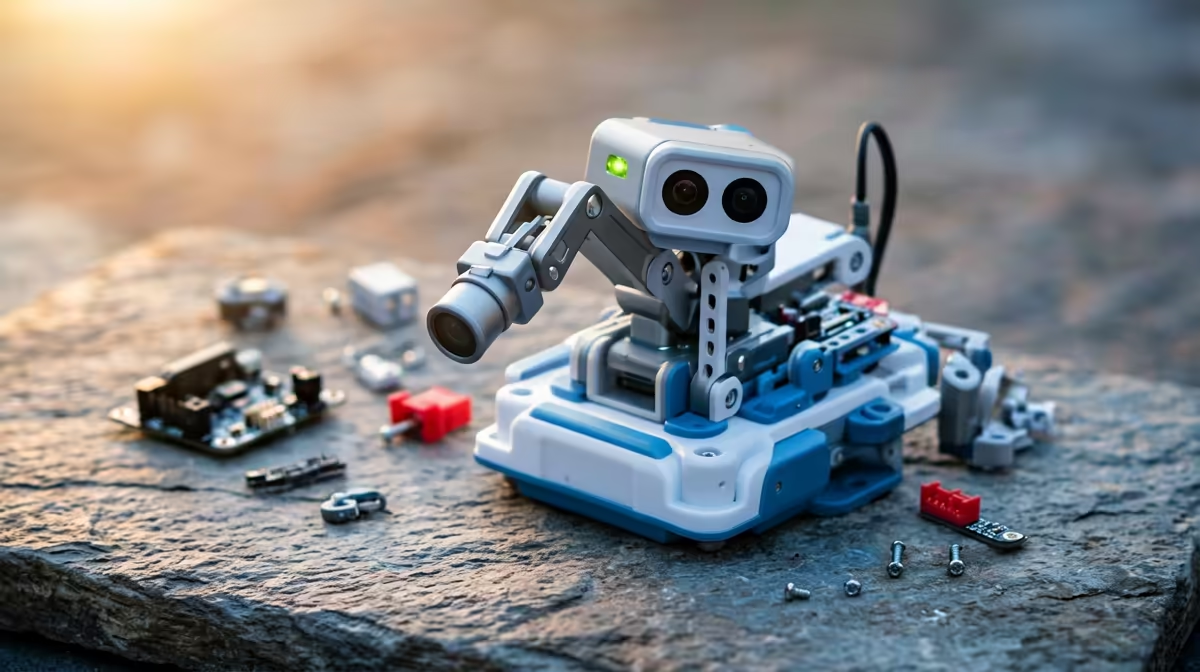
A four-figure budget feels tight for a gift that teaches real coding, yet two of the best entry points to hands-on computing slip in well under it. The best budget STEM gift under R1,000 is usually a programmable board rather than a sealed toy, because a board keeps giving long after a one-trick gadget has been shelved.
Quick Answer
The BBC micro:bit V2 and the Raspberry Pi Pico are the strongest picks under R1,000 in South Africa. Both pair with free software, need no subscription, and grow with the child from blocks to text code. The micro:bit suits absolute beginners with its built-in LEDs and sensors; the Pico suits a child ready to wire up real components.
Why a board beats a boxed toy
A closed STEM toy does one set of activities and then loses its novelty. A programmable board is a blank canvas: the same micro:bit that flashes a name on its LED grid this month can become a step counter, a reaction-time game, or a temperature logger next month. That open-endedness is what sustains interest, and it is why these boards anchor coding clubs in schools worldwide.
The cost case is just as strong. Both boards run on free, browser-based tools, so there is no ongoing licence eating into the budget. Once you have the board, the only spend is optional extras like a battery pack or a few sensors, and you can add those gradually.
The BBC micro:bit V2
The V2 micro:bit is the friendliest on-ramp. The board carries a 25-LED display, two buttons, an accelerometer, a compass, a microphone, a built-in speaker and a touch-sensitive logo, all on a board that fits in a child's palm. A beginner programs it by dragging coloured blocks in the MakeCode editor, then graduates to Python on the very same hardware. Nothing extra is needed to make something happen on day one, which matters for a young child who wants an instant result.
The Raspberry Pi Pico
The Pico is the maker's choice. Built around the RP2040 chip, it has no screen or buttons of its own, which is the point: you connect LEDs, buttons, sensors and motors to its pins and learn how electronics and code meet. It is best for a slightly older child, or one who has outgrown the micro:bit and wants to build circuits from scratch. A Pico typically sits at the lower end of the budget, leaving room for a breadboard and jumper wires.
Matching the board to the child
Age and temperament decide the pick more than price. A primary-schooler who wants lights and sounds straight away will get further with a micro:bit. A curious tinkerer who likes taking things apart will prefer the Pico and its bare-pins approach. Either way, the local angle helps: both boards are widely stocked in South Africa through electronics resellers, so spares and add-ons are easy to source without importing.
If the gift is meant to lead somewhere, frame it as a starter rather than the whole journey. Many of the smart home and tinkering kits in the Evetech range pair naturally with a board project, and small builder's extras such as cables and adapters turn up in the accessories best sellers list.
What you actually get for the money
It helps to picture the first month. With a micro:bit, a child can have their name scrolling across the LED grid within minutes of plugging in, then move on to a dice that rolls when shaken, a thermometer that reads the room, or a two-player reaction game using the buttons. None of that needs extra parts, which is the value: the board ships ready to do dozens of projects straight away. A Pico starts differently, with a single blinking LED you wired yourself, but that first blink teaches more about how electronics and code connect than any pre-built toy.
Neither board locks you into a brand's ecosystem or app store. The editors are free and run in a browser, the project ideas are all over the open web, and the skills transfer directly to the languages used in real software work. That is a meaningfully different proposition from a sealed coding toy that only does what its maker decided, and it is why these boards keep their place in classrooms and clubs long after novelty toys are forgotten.
Extras that are worth adding later
Once the child is hooked, a small, staged spend extends the gift without blowing the budget. A battery pack frees the micro:bit from the USB cable so projects can be carried around or worn. A simple sensor or motor add-on opens up robotics, line-following buggies and light-reacting builds. For the Pico, a breadboard and a handful of jumper wires, LEDs and buttons turn it into a proper electronics lab for very little money.
The point is to let the child's interest lead the spend. Buy the board, watch which projects light them up, then add the parts that match. That avoids the all-in-one mega-kit problem where half the contents gather dust because they never grabbed the child's attention.
Stretching the budget further
The smart move is to buy the board now and add to it over time rather than spending the whole R1,000 at once. Start with the bare board and the free editor, let the child build a few projects, then add a sensor pack or a robotics chassis once you know what genuinely holds their attention. That staged approach avoids the classic trap of an expensive bundle that ends up half-used in a drawer.
Frequently Asked Questions
Which board is better for a complete beginner?
The BBC micro:bit V2. It works the moment you plug it in, thanks to its built-in display and sensors, and the block-based MakeCode editor needs no typing to get a first program running.
Do these boards need a paid subscription or special software?
No. Both run on free, browser-based editors and Python tools. After the once-off cost of the board, there is no ongoing licence fee, which is what makes them such good value under R1,000.
What age are these gifts suitable for?
The micro:bit works well from around eight years upward with light adult help. The Pico suits older children, roughly eleven and up, or anyone keen to wire up real components on a breadboard.
Can a child move from blocks to real text-based code?
Yes, and that is the strength of these boards. A micro:bit user can stay on the same hardware while switching from MakeCode blocks to Python, so the board grows with their skill rather than being outgrown.
Will I struggle to find parts in South Africa?
No. Both boards are stocked through local electronics resellers, so batteries, sensors and breakout boards are readily available here without the cost and wait of importing.
Looking to build on a starter board with a fuller tinkering setup? Browse the smart home and learning kits at Evetech and put together a gift that keeps a young coder busy well past the holidays.