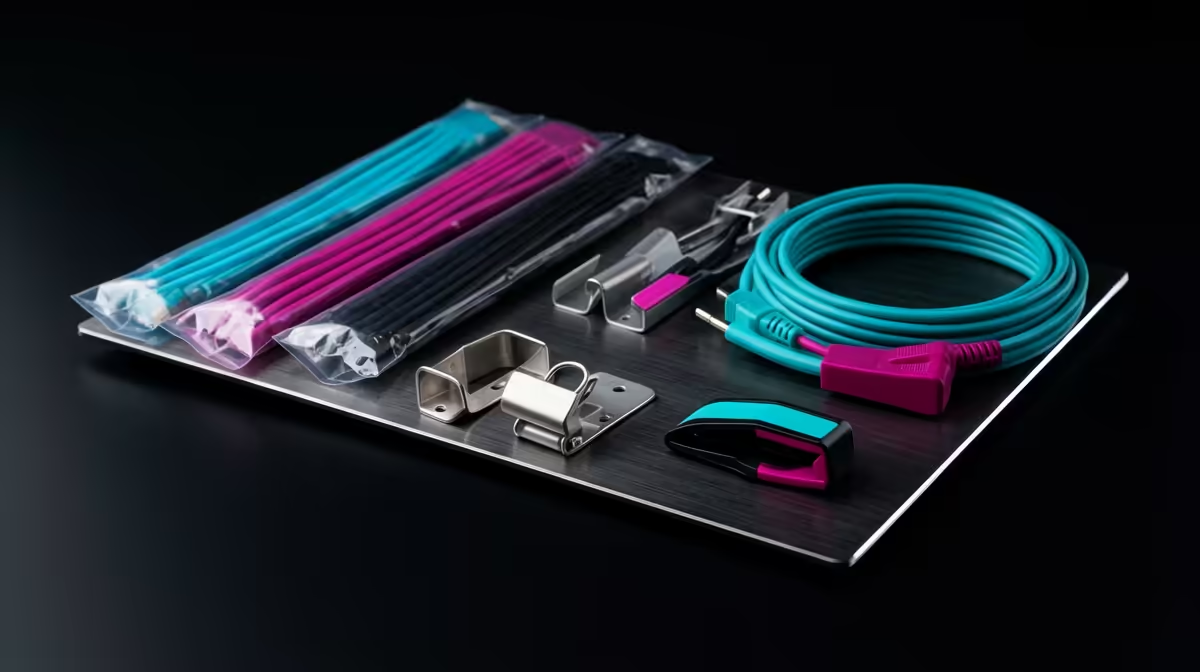
A working-from-home desk looks great in the showroom photo and chaotic by week two, when the power bricks, charging cables, and monitor leads have all migrated to the floor. A proper cable management kit, trays, sleeves, and clips, is what keeps that setup tidy long term. It matters even more on a sit-stand desk, where the rising frame will happily snag any wire you left dangling.
Quick Answer
A good cable management kit costs roughly R300 to R900 depending on how much you route, and it pays back immediately in a tidier, safer desk. The non-negotiable parts are an under-desk tray for power bricks, sleeves to bundle cables, and adhesive clips to guide individual leads. On a sit-stand desk, treat it as essential, not optional.
The Core Pieces and What Each Does
A kit is not one product, it is a small system. Knowing what each part handles makes it easy to buy only what your desk needs.
Under-Desk Cable Trays
The tray is the workhorse. It mounts to the underside of the desk and holds your power strip, charger bricks, and the slack from longer cables, lifting everything off the floor. This is what stops the dust-trapping tangle around your feet and keeps adapters from yanking loose when you move your chair. For a fixed desk it is a convenience. For a height-adjustable desk it is what prevents the frame from dragging cables as it rises.
Cable Sleeves and Wraps
Sleeves gather several cables into one neat run. A braided or zip-up sleeve turns the messy bundle behind your monitor into a single tidy line. They also protect cables from kinking and make it far easier to trace which lead goes where when you swap a device.
Clips, Clamps, and Ties
Adhesive clips guide individual cables along the desk edge or down a leg so they sit flush instead of drooping. Reusable ties let you bundle and unbundle without cutting anything, which matters when you reconfigure your setup. These are the cheap finishing touches that make the difference between tidy and merely contained. Keep a few spare ties on hand, since you will inevitably add a device and need to reroute one run.
The order you buy in matters as much as what you buy. The tray and sleeves deliver the visible transformation, so fit those first and live with the result for a week before deciding how many clips and ties you actually need. Most people overbuy clips and underbuy tray capacity, then find their power strip still has nowhere to sit.
Why Sit-Stand Desks Demand This
A standing desk moves, and movement is the enemy of loose cabling. Each time the frame travels up, any cable not secured to the moving deck can stretch, snag, or unplug. The fix is to route everything that should rise with the desk onto the desk itself, the tray, the monitor leads, the charger, and only let the power cable run down to the wall with enough slack to cover the full height range. Get this wrong and you will hear the tell-tale tug, or worse, a monitor cable pulling out mid-call.
The practical rule: anything that should travel with the desk gets fixed to the desk; only the single feed to the wall socket is left long. Test the full up-and-down range once everything is mounted, before you trust it.
Planning Your Desk Cabling
Spend ten minutes planning before you stick anything down:
- Unplug and lay everything out so you can see every cable's path from device to power.
- Mount the tray first and load it with the power strip and bricks.
- Group cables by destination and sleeve the runs that travel together.
- Clip individual leads along the edges so nothing droops.
- On a standing desk, cycle the height fully to confirm nothing snags or pulls.
Doing it in this order means you route once instead of three times. A clean desk is part of a wider comfortable workspace, and the surface you work on matters just as much, so it is worth looking at the gaming and ergonomic desk range at Evetech at the same time you sort the cabling.
Leave Slack and Label as You Go
Two habits separate cabling that lasts from cabling you redo in a month. First, leave a little slack at every device end so you can move a monitor or unplug a charger without straining the run, pulling cables taut is what causes them to detach or fray over time. Second, add a small label or a strip of tape to each cable where it enters the bundle. When you later swap a device or chase a fault, knowing which lead is which without unpicking the whole bundle saves real frustration.
Buying Once Versus Buying Twice
It is tempting to grab a cheap bag of zip ties and call it cable management, but the floor-level mess returns quickly because there is nowhere for the bulky power bricks to go. The pieces that actually transform a desk, the under-desk tray and decent sleeves, cost a little more but solve the root problem rather than hiding it. Spend on those first.
For a home setup that will not change much, a fixed tray and permanent sleeving make sense. If you reconfigure often, swapping monitors, adding a laptop dock, moving the desk, lean toward reusable ties and slide-out sleeves so you are not cutting and re-doing every time. Matching the kit to how static or fluid your setup is means you buy once instead of replacing it. If you want a sense of what other SA home-office buyers are choosing to finish their setup, the best-selling desk accessories at Evetech give a quick read on the current favourites.
Frequently Asked Questions
How much should I spend on a cable management kit?
For a typical home desk, around R300 to R900 covers a tray, sleeves, and clips. Buy the tray and sleeves first since they do the most work, then add clips as you fine-tune the layout.
Do I really need a tray, or are clips enough?
Clips alone leave your power strip and bricks on the floor. A tray lifts that weight off the ground, which is the single biggest improvement in tidiness and safety. Clips finish the job, they do not replace the tray.
What is different about cabling a standing desk?
Everything that should move with the desk must be fixed to the desk, with only the wall feed left long enough to cover the full height range. Test the full travel before trusting it, or you risk cables snagging or unplugging as the desk rises.
Can I manage cables without drilling holes?
Yes. Most kits use adhesive mounts and clamp-on trays, so a typical desk needs no drilling at all. Clean the surface well before sticking anything, as adhesive holds far better on a dust-free finish.
Will cable management help with dust and cleaning?
Considerably. Cables off the floor mean you can sweep or vacuum freely instead of working around a tangle, and bundled cables collect far less dust than a loose pile behind the desk.
A tidy desk starts with cables off the floor and a surface built for it. Sort both at once with the desk accessories range at Evetech and build the kind of workspace that still looks good in week two.