Quick Answer
The best all-round layout for a South African work-from-home and gaming PC in a standard mid-tower is three fans at the front intake, one fan at the rear exhaust, and one fan at the top exhaust. This five-fan configuration handles the dual demands of quiet sustained productivity loads and active thermal management during gaming sessions without constant noise.
Why Work-From-Home Builds Need Different Priorities 💼
A dedicated gaming build can prioritise maximum cooling with higher fan noise since gaming headsets mask it. A work-from-home build shares a living or bedroom space where fan noise during video calls, focus work, and quiet hours is a real quality-of-life concern. SA remote workers increasingly run gaming PCs as their daily driver, which means the fan layout must handle both a low-noise operating mode for daytime work and full thermal capacity for after-hours gaming.
Recommended Layout for Standard Mid-Tower 🖥️
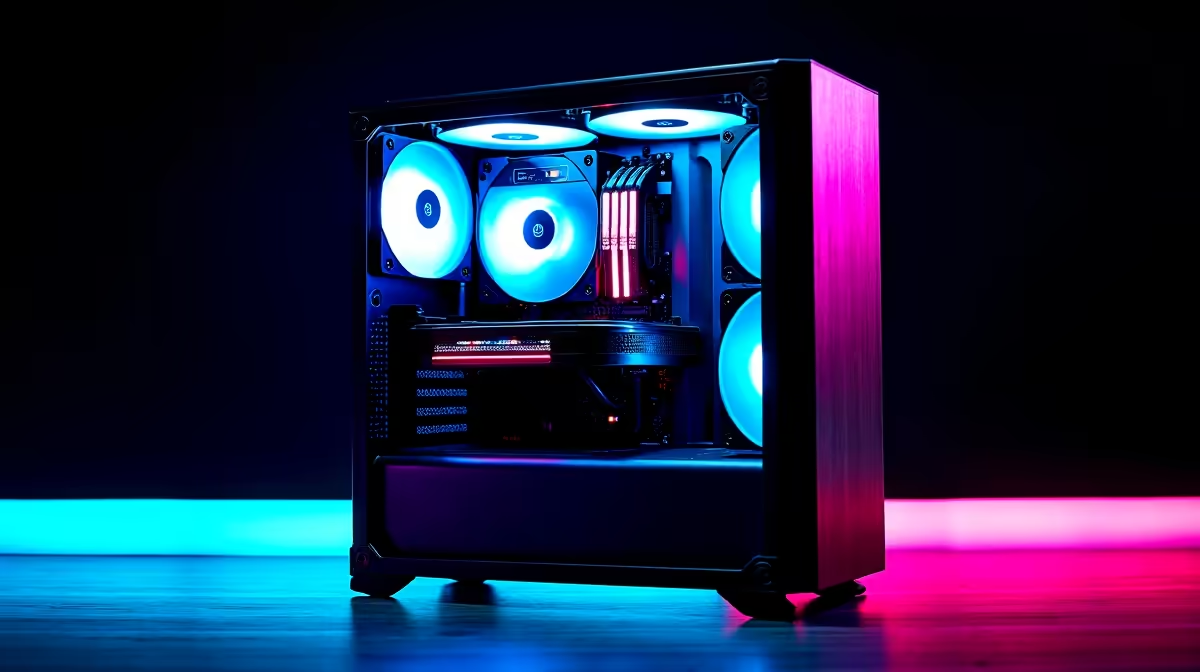
Front intake: three 120mm or two 140mm fans positioned to maximise airflow across the GPU. These should be the highest-quality fans in the build since they determine baseline thermal performance. Rear exhaust: one 120mm fan directly behind the CPU cooler, which vents the hottest air from the CPU zone. Top exhaust: one 120mm or 140mm fan positioned above the CPU cooler area to capture rising heat convection. Most mid-tower cases in SA from DeepCool, Phanteks, and Fractal Design accommodate this layout without modification.
Quiet Mode vs Gaming Mode Fan Curves 🔇
A work-from-home setup benefits from two separate fan profiles. A Quiet profile holds all fans at 20 to 30% PWM regardless of temperature (suitable for office tasks below 60 degrees Celsius CPU temp). A Performance profile uses a full temperature-responsive curve ramping fans to 80 to 100% when gaming temps push above 70 degrees Celsius. Many modern ASUS, Gigabyte, and MSI motherboards support switching between saved fan profiles via software without rebooting.
SA-Specific Considerations for Warm Home Offices 🌍
In a Gauteng work-from-home setup during December and January, ambient temps of 30 to 33 degrees Celsius in an unconditioned room compress the margin between idle and thermal throttle. Add two to three degrees Celsius to every temperature target from international guides.
Use Eco Mode for Video Calls ⚡
During work calls, temporarily enable your motherboard's Eco or Silent fan mode to drop fan noise below 20 dBA. With a good quality headset microphone at R500 to R1,500, the build becomes inaudible on calls even in a warm SA home office. Return to the Performance fan profile before launching games after work hours.
FAQ
How many case fans does a work-from-home gaming PC need as a minimum?
At minimum three: two front intake and one rear exhaust. Adding a top exhaust fan significantly improves sustained CPU temps during longer productivity or gaming sessions and costs only R150 to R280 extra.
Should work-from-home PC fans be ARGB or plain for noise reasons?
ARGB or plain does not affect noise. LED features and noise level are independent. Choose ARGB if the desk setup benefits from the aesthetic; skip it to save R100 to R200 per fan if the build is enclosed in a desk cabinet or out of direct sight.
Is a six-fan layout overkill for a work-from-home gaming build?
For most mid-tower builds running mainstream gaming hardware (RTX 5070 class, Ryzen 7 or Core i7), five fans is optimal. A sixth fan in a second top exhaust slot adds marginal cooling benefit but measurable idle noise. Six fans make more sense for workstations with 200W+ CPU TDP.
Setting up a quiet but capable SA work-from-home gaming build?
Evetech stocks PWM case fans, fan controllers, and SA-ready mid-tower cases with the airflow paths needed for both productive days and gaming nights.