Quick Answer
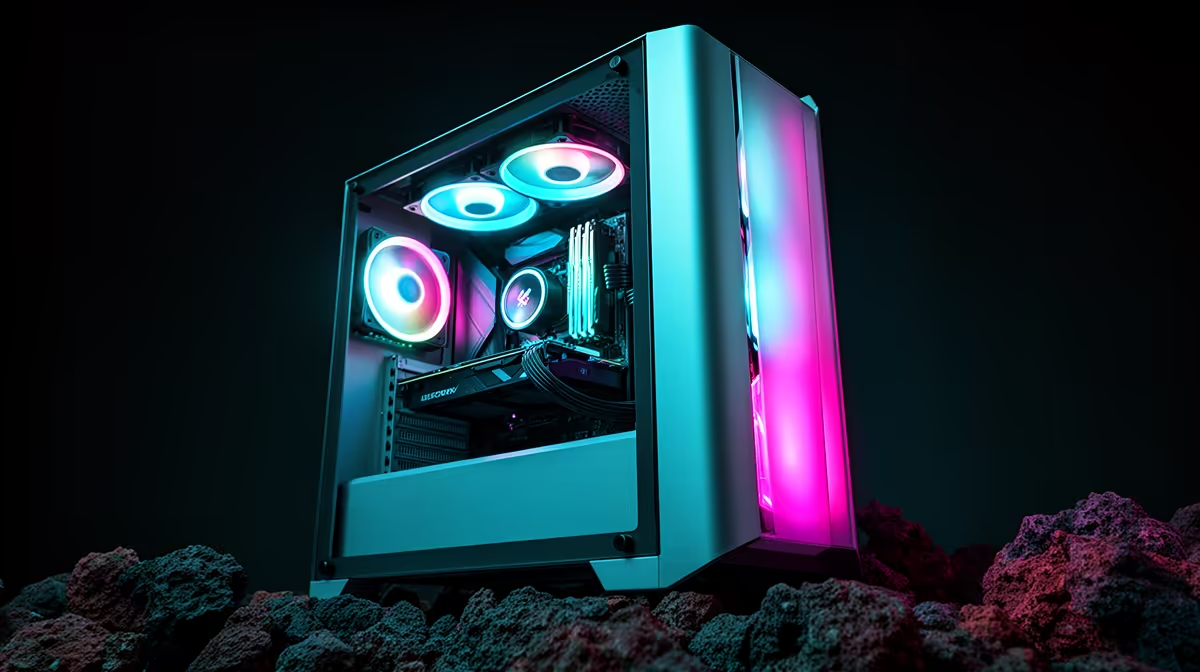
For rand-conscious builders who want ARGB fans included, the sweet spot is R1,500 to R2,500. At that range you get a mid-tower with tempered glass, three pre-installed ARGB fans, a PSU shroud, and enough GPU clearance for an RTX 5070 or RX 9070 class card. Paying less usually means non-PWM fans or no glass panel; paying significantly more adds features most budget builds do not need.
The Core Specs That Deliver Value With ARGB Fans 💰
When comparing cases in this price bracket, prioritise: fan count and PWM support, GPU clearance, cable routing space, and filter access. A case with three PWM ARGB fans offers automatic speed control via motherboard headers, reducing noise during study sessions while ramping up for gaming. Non-PWM fans run at fixed speed 24/7, which wastes electricity and generates more noise than necessary.
For GPU clearance, 340mm is the minimum for RTX 5070 class cards in standard dual-fan configurations. If you plan to eventually upgrade to a triple-fan model, target 360mm or higher from the start. Cases with a removable front drive cage often extend GPU clearance by 40 to 60mm.
Reading Past Marketing on Included Fan Quality 🔍
Budget ARGB fans bundled with cases in the R1,500 range often use sleeve bearings, adequate for 2 to 3 years but louder and shorter-lived than fluid dynamic bearing alternatives. Fan static pressure specs matter if included fans mount against a front mesh panel or radiator. A static pressure of at least 1.5mm H2O is the baseline for mesh-front mounting.
For South African students and entry-level builders assembling rigs in the R12,000 to R18,000 total budget range, the included ARGB fans typically cover all airflow needs for a Ryzen 5 7600X build with an RX 9060 XT or RTX 5060 Ti. Three intake and exhaust fans handle these thermal loads comfortably.
What You Sacrifice Below R1,500 and Above R2,500 📊
Below R1,500, cases typically omit the PSU shroud or use a partial shroud leaving power supply cables partially exposed. Cable management behind the tray may be limited to 15mm of clearance rather than 25mm. Glass panels in this segment are often 3mm rather than 4mm, more prone to vibration noise at high fan speeds.
Above R2,500, you gain tool-free panel removal, higher-quality FDB or MAGLEV fans, and thicker steel construction that reduces panel resonance. These are genuine improvements but not essential for a rand-conscious mid-range build running standard ATX hardware.
Check ARGB Header Count First ⚡
Before buying a case bundled with three ARGB fans, confirm your motherboard has at least one 5V 3-pin ARGB header and that the case includes a fan hub or splitter. A hub allows one motherboard header to control all three fans simultaneously. Without a hub, three fans need three headers, which budget motherboards often cannot supply.
FAQ
Are case-bundled ARGB fans replaceable if one fails?
Yes. Bundled fans use standard 120mm or 140mm mountings and can be swapped for any compatible fan. A universal ARGB hub bypasses proprietary connectors and lets you use any ARGB fan in the ecosystem.
Do ARGB fans raise electricity costs meaningfully?
No. Three ARGB fans draw approximately 6 to 9 watts combined, adding less than R20 per month to an electricity bill at current Eskom tariff rates. The LEDs consume well under 0.5 watts each.
Is a three-fan setup enough for a 200W GPU in a mesh-front case?
For a 200W GPU, three fans with two front intakes and one rear exhaust is sufficient. GPU temperatures under sustained gaming should sit below 83 degrees Celsius. Adding a top exhaust fan, available separately at Evetech, drops GPU temps by a further 3 to 5 degrees Celsius.
Want ARGB lighting without breaking the budget?
Evetech stocks mid-tower gaming cases with pre-installed ARGB fans, tempered glass panels, and solid cable routing at prices that fit a rand-conscious build plan.