Quick Answer
For competitive Dota 2, SA players favour reliable mechanical keyboards with comfortable switches and full bind coverage. The Logitech G413 (near R1,200), Razer BlackWidow V4 (near R2,500) and SteelSeries Apex 3 (near R1,500) all handle Dota's heavy hotkey and control-group play.
Switches, Layout and Bind Coverage
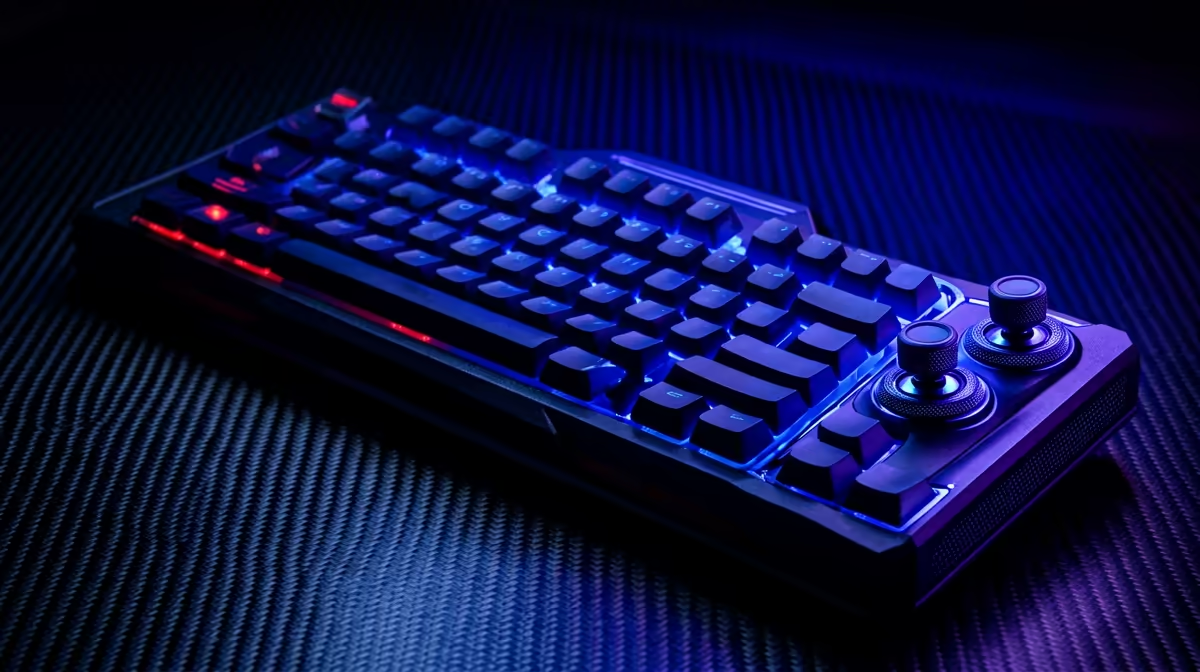
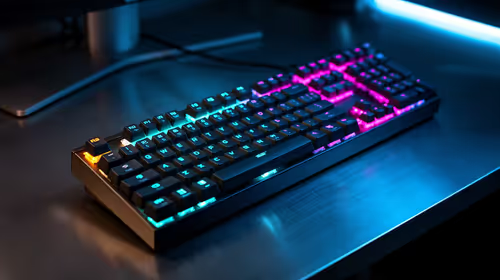
Dota's deep hotkey system, abilities, items and control groups, rewards a keyboard with full-size or TKL layout and dependable key registration. Linear switches feel smooth for rapid casting; tactile switches give feedback that helps confirm spell sequences. N-key rollover ensures combos register during chaotic team fights. SA pricing tiers run roughly R900 for a value full-size board, R1,200-R1,500 for a solid mechanical, and R2,500 for a feature-rich board with macros and lighting.
Performance and Pairing
Dota runs well past 144fps even on a modest Ryzen 5 7600 and RTX 4060-class GPU, so a 144Hz or 165Hz monitor pairs perfectly with any of these keyboards. Polling at 1000Hz is ample. Bind your abilities to QWER, items to the number row or a control-group scheme, and pick a switch you can press comfortably for a 45-minute match. Consistency of feel matters more than chasing exotic switches.
FAQ
What is the best keyboard layout for competitive Dota 2?
A full-size or TKL board with N-key rollover. Dota's many binds for abilities, items and control groups benefit from the extra keys and reliable registration.
How much should I spend on a Dota 2 keyboard?
A solid mechanical board runs R1,200-R1,500, with budget options near R900 and feature-rich boards near R2,500. Comfort and reliable switches matter more than price.
Does keyboard polling rate matter for Dota 2?
A standard 1000Hz polling rate is ample for Dota. The game rewards accurate, comfortable casting over the ultra-low latency that twitch shooters chase.
comfortable full-size or TKL mechanical board, bind abilities to QWER and items to control groups, and your Dota 2 combos will land cleanly in every fight.