


Complete Gaming Setup Guide for the SA Esports Athlete in SA 2026
Complete Gaming Setup Guide for the Esports. Clear setup instructions with SA-specific considerations, troubleshooting tips & recommended components.
Read moreUpgrading your gaming setup? Discover the best DisplayPort cables for lag-free play and unmatched performance. ⚡🖥️ Upgrade now!
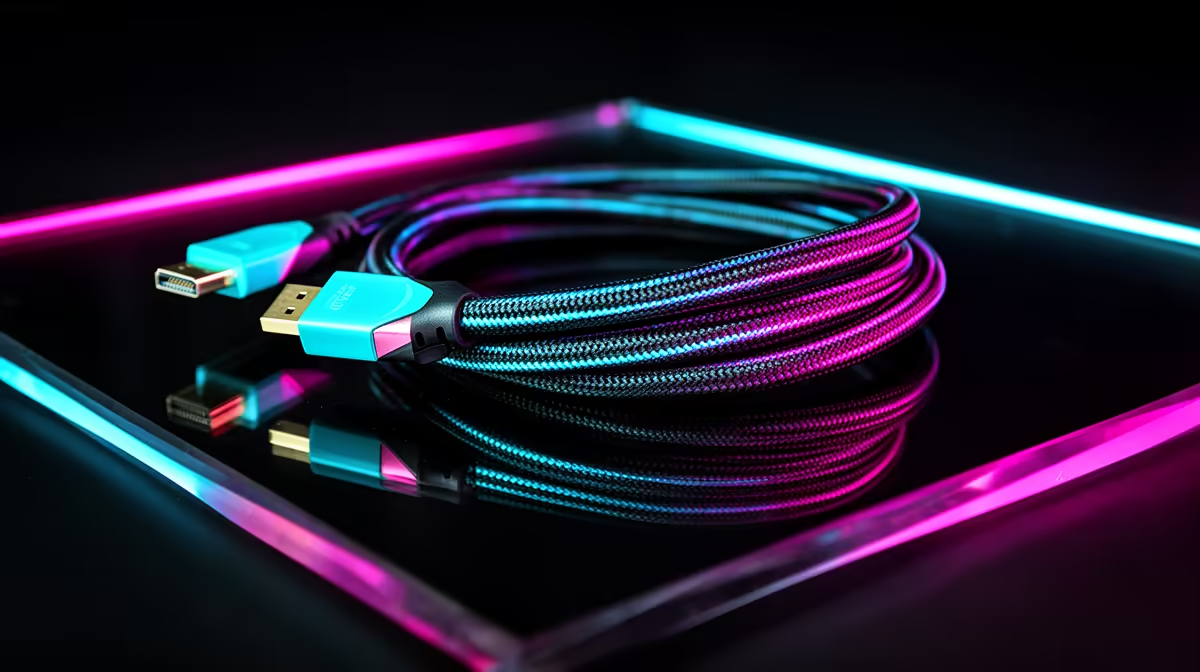
You’ve just dropped a serious amount of ZAR on a beastly new GPU and a lightning-fast 144Hz monitor. You’re ready for buttery-smooth frames in your favourite competitive shooter... but something’s off. Is that screen tearing? A flicker? Before you blame your hardware, look at the humble cable connecting them. That old, packed-in cord might be the one thing holding your rig back. Getting one of the best DisplayPort cables for gamers isn't an upgrade; it's a necessity. 🚀
Think of a DisplayPort cable as a highway for visual data. A cheap, poorly made cable is like a congested, pothole-ridden road—it just can't handle the traffic from a high-end graphics card pushing 1440p at 165Hz. This data traffic jam results in frustrating issues like signal dropouts, flickering, and an inability to even select your monitor's advertised refresh rate.
A quality gaming DisplayPort cable ensures all that glorious data arrives intact, giving you the crisp, responsive, and lag-free play you paid for. It’s the final, critical link in your performance chain. For a solid overview of what's available, exploring a broad selection of comprehensive cable solutions is a great place to start.
Not all cables are created equal. When hunting for the perfect one, there are a few key specs to keep in mind to ensure you get the performance you need without overspending.
The DisplayPort version determines its maximum bandwidth. Here’s a quick breakdown:
For 99% of South African gamers right now, a DP 1.4 cable is the best DisplayPort cable for gamers to invest in.
Always look for a VESA Certified cable. This certification means it has been tested to meet the strict standards for its specified version (e.g., DP 1.4). It's a simple guarantee that the cable will perform as advertised and won't cause bizarre graphical glitches.
Shorter cables are generally better for maintaining signal integrity, so try to buy a length that fits your setup without too much excess. Look for features like braided sheathing for durability and gold-plated connectors for better corrosion resistance. A well-built cable from a trusted brand like HP can make a noticeable difference in reliability.
Finding the right cable doesn't have to break the bank. The goal is to match the cable's capability to your hardware.
For gamers looking for incredible value without compromising on quality, brands like GIZZU offer excellent DP 1.4 options that are perfect for modern gaming rigs. ✨ They deliver the bandwidth needed for high-refresh-rate monitors, ensuring you get every frame your GPU renders.
If you're after a specific length or feature set, exploring options from reliable brands like Promate can also yield fantastic results, providing sturdy and dependable connections for any setup.
Unlock Your Rig's Full Potential Don't let a cheap cable bottleneck your expensive hardware. Find the perfect high-performance DisplayPort cable and experience the smooth, lag-free gameplay you paid for. Shop our full range at Evetech for performance that leaves tearing in the dust.
Ideal DisplayPort cables offer high bandwidth and low latency for smooth, lag-free gaming.
Yes, high-quality cables minimize signal loss, reducing input lag for real-time responsiveness.
Look for certified high-speed cables with versions 1.4 or higher for optimal gaming performance.
Yes, newer versions offer higher bandwidth and support for features like 8K resolution and HDR.
Shorter cables often provide better signal quality, but ensure enough length for your setup.
High-quality cables support higher resolutions and refresh rates, enhancing visual clarity and smoothness.
Premium cables offer better durability and performance, making them a worthwhile investment for serious gamers.
Most are compatible, but check specifications to ensure your cable supports your monitor's requirements.
Complete Gaming Setup Guide for the Esports. Clear setup instructions with SA-specific considerations, troubleshooting tips & recommended components.
Read more
AIO Liquid 360mm Installation Guide for Your PC. Clear setup instructions with SA-specific considerations, troubleshooting tips & recommended components.
Read more
MacBook Display Colour Looks Wrong? Calibration. Everything you need to know with SA pricing, step-by-step instructions & expert recommendations.
Read more
Printer Terminology Guide. Everything you need to know with SA pricing, step-by-step instructions & expert recommendations.
Read more
Git on Mac: Complete Setup Guide for Beginners. Clear setup instructions with SA-specific considerations, troubleshooting tips & recommended components.
Read more
Ryzen 9 9900X Thermal Paste Dry: Reapplication. Everything you need to know with SA pricing, step-by-step instructions & expert recommendations.
Read more
AMD RX 9050 XT: Rumoured Specs, Price & Release. SA-focused analysis with local pricing data, real-world insights & actionable buying advice.

Can RTX 4080 Super Run AI Workloads for SA Developers Detailed answer with SA data, expert analysis & practical recommendations for local buyers.

Can RTX 4090 Run AI Workloads for SA Developers Detailed answer with SA data, expert analysis & practical recommendations for local buyers.

Top Settings for Intel Arc B580 at Ultrawide 1440p picks evaluated on performance, value & SA availability with current Rand pricing from Evetech.

RTX 4060 CS2 Low Settings at 1080p: FPS Results. Real-world benchmark data, FPS numbers & performance analysis. What SA gamers can actually expect.

Visual Artifacts: Possible GPU Issue Issue #1. Diagnosis steps, proven fixes & when to seek professional help. SA-specific support info included.

Can the RTX 4090 Handle 1440p 144Hz Gaming. Performance testing verdict with real data & practical recommendations for SA buyers.

Top ASUS GPU Under R15000 picks evaluated on performance, value & SA availability with current Rand pricing from Evetech.

GTA 6 Max Settings on RTX 5070. Tested & verified settings for best FPS and visual quality on SA hardware budgets.

Cyberpunk 2077 Max Settings on RTX 5080. Tested & verified settings for best FPS and visual quality on SA hardware budgets.

Starfield Max Settings on RTX 5070 Ti. Tested & verified settings for best FPS and visual quality on SA hardware budgets.

Top RTX 5090 Under R5000 picks evaluated on performance, value & SA availability with current Rand pricing from Evetech.