Quick Answer
For a South African home office, prioritise in this order: 90W or higher Power Delivery (replace your separate charger), Gigabit Ethernet (stable fibre connection), at least two USB-A 3.2 ports (keyboard and mouse receiver), one HDMI 2.0 or DisplayPort 1.4 output (external monitor), and a USB-C data port. A docking station covering all five in the R1,200 to R2,000 range handles the typical SA home office without compromise.
Gigabit Ethernet: The Most Overlooked Priority 📡
In a South African home office context, Gigabit Ethernet on the dock is frequently more valuable than an extra USB port or card reader. Fibre providers like Vumatel, Openserve, and Frogfoot deliver 100Mbps to 1Gbps symmetric speeds to millions of homes in Johannesburg, Cape Town, Durban, and Pretoria. A wired connection via the dock's Ethernet port eliminates the Wi-Fi congestion that causes video call stutters during peak hours (typically 17:00 to 21:00 on shared residential fibre nodes).
Power Delivery and the Single-Cable Desk Goal 💡
The point of a docking station for a home office is to arrive at the desk, plug in one USB-C cable, and have a fully functional workstation: monitor, peripherals, Ethernet, and charging simultaneously. This requires the dock's PD output to actually match the laptop's charging requirement. For a 13-inch to 15-inch ultrabook with a 65W original charger, any dock delivering 65W or more to the host port achieves the single-cable goal. For 15-inch laptops with discrete GPUs shipping with 90W to 100W chargers, a dock with 90W or higher host PD is needed to maintain the same capability.
Display Output, USB Ports and South African Usage Patterns 🖥️
For a home office monitor, HDMI 2.0 covers virtually every display currently sold in South Africa at resolutions up to 4K 60Hz. If the monitor is a 144Hz 1440p gaming or productivity panel, use the dock's DisplayPort 1.4 output for the full refresh rate. USB-A ports handle the wireless keyboard and mouse receiver (one port serves both from a single nano dongle on Logitech Bolt or Unify-compatible peripherals), leaving the remaining USB-A ports for a headset, flash drive, or phone cable. A 3.5mm audio jack on the dock is convenient when the desk setup involves a desktop microphone or headset and the laptop is positioned away from arm's reach. SD card readers are genuinely useful for South African creatives or hybrid workers who handle photos or drone footage from weekend shoots.
Router Placement and Ethernet Run Length ⚡
If your home office is more than 5m from the router, use a flat Cat6 ethernet cable run under door gaps or along the skirting board rather than relying on a powerline adapter. A direct Cat6 run to the dock provides full Gigabit throughput; powerline adapters typically cap real-world throughput at 200Mbps to 400Mbps depending on your home's wiring age.
FAQ
Can I use a docking station with a Chromebook for a South African home office?
Yes, if the Chromebook has a USB-C port with DisplayPort Alt Mode. Chromebooks generally support a single external display via USB-C.
Should I choose a flat or upright dock orientation for a home office desk?
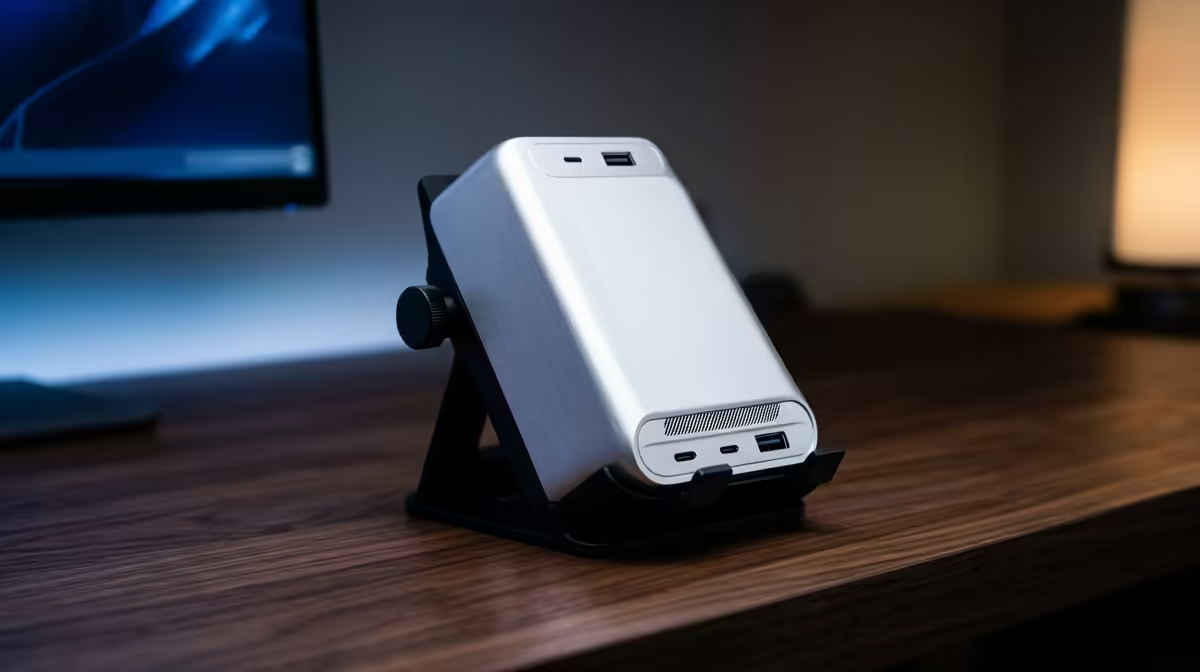
This is a personal preference, but upright docks take less horizontal desk space and expose ports more accessibly on the side and top. Flat puck-style docks suit corner setups where vertical desk real estate is limited.
How long do docking stations typically last in a South African home office environment?
A quality dock from a reputable brand, plugged into surge-protected power and used for standard office work, typically lasts five to seven years before port degradation or PSU wear becomes noticeable. Entry-level generic docks may show USB port intermittency after two to three years of daily hot-plugging.
Ready to set up a clean, efficient South African home office?
Evetech stocks docking stations with Gigabit Ethernet, HDMI 2.0, and 90W-plus Power Delivery in a range of form factors. Browse the current selection at Evetech to find the right match for your laptop and workspace.