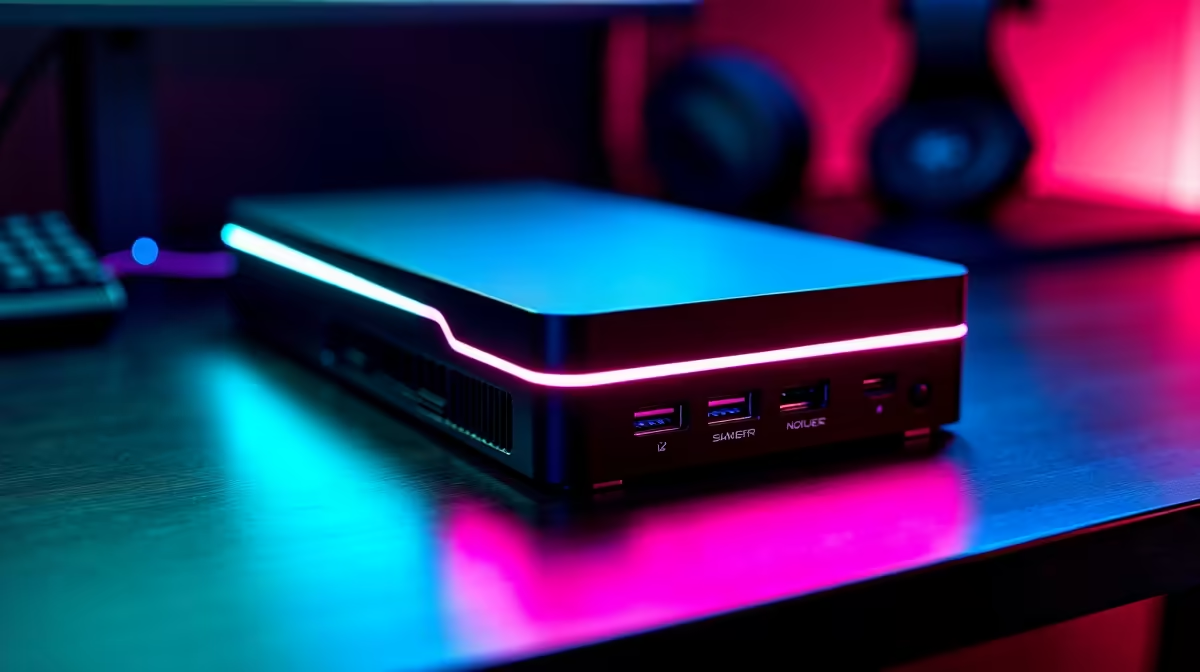
Some people genuinely do not want a second tower humming under the desk. They have a capable laptop or a tidy mini PC, they like the single-machine simplicity, and they refuse to manage two separate computers just to play games at the desk. For them, the best eGPU is the one that turns that one machine into both a portable computer and a desktop-class gaming rig by adding nothing more than an external graphics enclosure. One device, two lives.
Quick Answer
The right eGPU for a single-machine setup is a Thunderbolt or USB4 enclosure paired with a graphics card sized to your needs, connected to your existing laptop or mini PC over one cable. It delivers desktop gaming power at your desk while keeping the host machine portable when you unplug. Expect a performance cost versus a dedicated tower, traded for the convenience of owning only one computer.
The case for one machine plus an eGPU
The whole point is consolidation. Instead of a laptop for travel and a separate gaming PC at home, you keep a single host and dock it to a graphics enclosure when you want serious GPU power. Unplug one cable and you walk away with a full portable computer; plug it back in and you have a gaming desktop. Your files, settings and applications live in one place, which is the real appeal for people who hate maintaining two systems.
This is a deliberate lifestyle choice, not just a budget one. The eGPU buys you desktop-class graphics without the duplication, storage juggling and clutter of a second full PC.
What you actually need to make it work
Three things have to line up. First, a host with a fast enough external connection: Thunderbolt or USB4 is what carries enough bandwidth to feed a powerful GPU. A regular USB port will not do. Second, an enclosure with a power supply and a slot to hold the graphics card. Third, the graphics card itself, chosen to match the games and resolutions you care about.
The connection is the part to verify first. Confirm your laptop or mini PC has Thunderbolt or USB4 before anything else, because without it the entire approach is off the table. Enclosures and docking solutions are listed together at Evetech, and the docking station range at Evetech covers the full spread of connection and expansion hardware for this kind of build.
Understanding the performance trade-off
An eGPU does not quite match the same graphics card installed inside a desktop. The external connection introduces some bandwidth limitation, so you lose a slice of performance compared to a card sitting in a normal PCIe slot. The exact loss varies, but it is real, and it is the honest cost of the convenience.
When the trade-off is worth it
If single-machine simplicity matters to you more than squeezing out the last frames, the trade-off is easy to accept. You still get a huge leap over integrated or laptop graphics, enough for high-settings gaming at common resolutions. For someone who refuses to own a second tower, a small percentage of lost performance is a fair price for not managing two computers.
When you should reconsider
If you chase maximum frames at the highest resolution and do not care about portability, a dedicated desktop is the better tool. The eGPU is a consolidation play, not a performance-maximising one. Be honest about which you value before spending, because buying an eGPU and then resenting the performance gap helps no one.
Choosing the GPU inside the enclosure
Match the card to your targets. A mid-range GPU is plenty for high-refresh gaming at 1080p and solid 1440p, while a higher-end card pushes 1440p and reaches toward 4K, keeping in mind the external connection trims a little off the top. There is little sense pairing the most powerful flagship card with an eGPU, since the bandwidth limit caps how much of that power reaches the screen.
Pick a card a notch below where you would aim for an internal build, and you get the best balance of cost and delivered performance. To gauge which cards local gamers actually run, the top-selling graphics cards at Evetech give a quick read on the popular sweet-spot options that suit an enclosure well.
Who this setup is really for
This is for the laptop-first professional who wants gaming muscle at home without a second machine, the mini PC owner who wants occasional desktop graphics, and anyone in a small space where a second tower is simply not welcome. It rewards people who value one tidy, portable system over a sprawling multi-PC setup.
It is not for the frame-rate purist or the person who never moves their machine, who are both better served by a conventional desktop. Know which camp you are in, and the eGPU either fits perfectly or not at all.
Frequently Asked Questions
Does an eGPU perform as well as a desktop graphics card?
Not quite. The external Thunderbolt or USB4 connection introduces a bandwidth limit, so a slice of performance is left behind compared with the identical card in a desktop PCIe slot. You still gain a major boost over laptop or integrated graphics, which is the point.
What connection does my host machine need?
Thunderbolt or USB4. These carry enough bandwidth to drive a powerful external GPU. A standard USB port will not work, so confirm your laptop or mini PC has the right port before planning an eGPU build.
Can I use an eGPU with a mini PC?
Yes, provided the mini PC has a Thunderbolt or USB4 port. Many compact machines do, which makes the mini PC plus eGPU combination a popular way to keep a small footprint while adding desktop gaming power on demand.
Which graphics card should I put in the enclosure?
A mid-range to upper-mid card usually gives the best value, since the external connection caps how much of a flagship card's power is usable. Match the card to your target resolution rather than buying the most expensive option available.
Is an eGPU cheaper than building a second PC?
It can be, because you reuse your existing host machine instead of buying a full second system. You pay for the enclosure and the card rather than a complete build, which appeals to anyone wanting to avoid a second computer entirely.
Want desktop gaming power without a second tower? Explore the docking and enclosure options alongside the best-selling graphics cards at Evetech to build a single-machine setup that does both jobs.