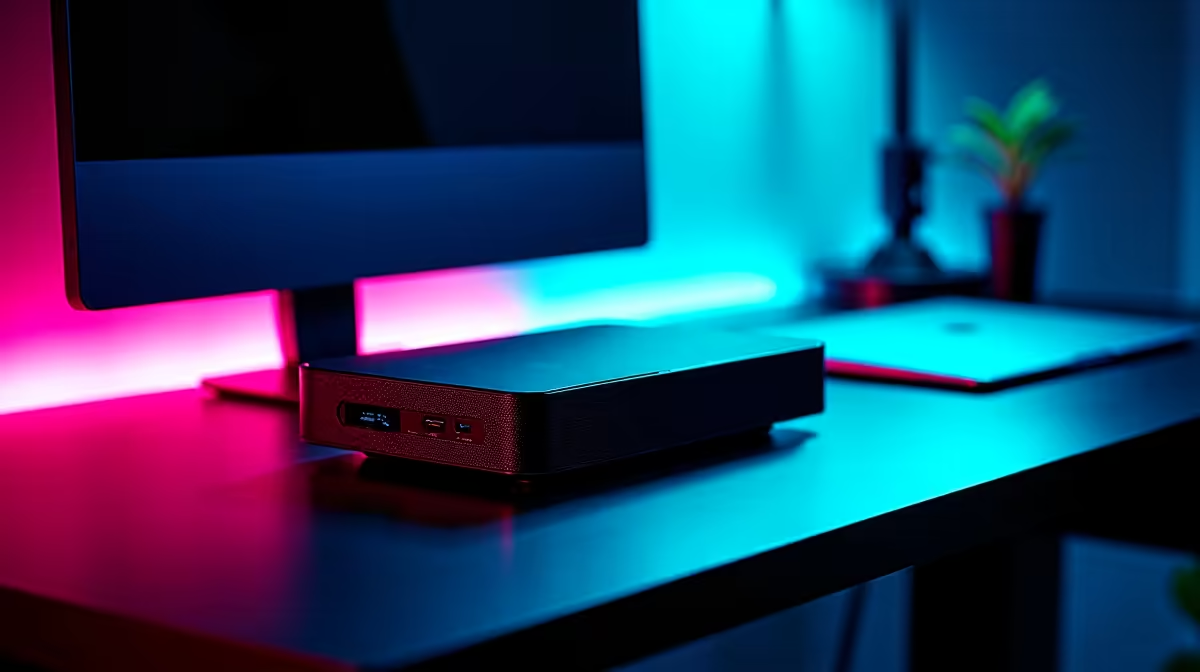
You own one laptop. It has to carry to lectures, survive a backpack, last a day on battery, and somehow also run the games your desktop friends keep talking about. Those goals pull in opposite directions, which is exactly the problem an eGPU setup is meant to solve: keep one thin laptop portable, and bolt on serious graphics power only when you sit down at your desk.
Quick Answer
An eGPU lets a single thin laptop stay light for campus and then dock to a full desktop graphics card for gaming back at your desk, avoiding the cost of a second machine. It needs a Thunderbolt or USB4 port on the laptop, an eGPU enclosure, and a desktop GPU. Expect a performance loss versus a tower, but a large gain over the laptop alone.
The One-Laptop Problem
A powerful gaming laptop is heavy, hot, and runs its battery flat fast, which makes it a poor everyday carry. A thin, light laptop is a joy to carry but cannot push demanding games. Buying both, a portable laptop and a separate gaming PC, is expensive and means juggling two machines and two copies of your files.
The eGPU route threads that needle. You buy one thin, capable laptop that handles lectures, notes, coding, and battery life with ease. At your desk, you plug it into an external graphics card and it becomes a gaming machine. One set of files, one operating system, two modes of use.
What the Setup Actually Requires
Three pieces make an eGPU work. First, the laptop needs a high-speed external port, specifically Thunderbolt or USB4, because ordinary USB ports do not have the bandwidth to feed a graphics card. Check this port specification before buying anything else, since a laptop without it cannot run an eGPU at all.
Second, you need an eGPU enclosure, the box that houses the graphics card and supplies its power. Third, you need the desktop GPU itself, which slots into that enclosure. Connect the enclosure to the laptop with one cable, and the laptop offloads graphics work to the desktop card.
The Bandwidth Trade-off
Be realistic about performance. Thunderbolt and USB4 carry less data than the direct slot a graphics card sits in inside a tower, so an eGPU never quite matches the same card in a desktop. You lose some frames to that connection. But compared with the laptop's own integrated or modest graphics, the jump is large, often the difference between unplayable and smooth at sensible settings.
Choosing the Laptop Around the eGPU
Because the desktop card does the heavy lifting at your desk, you can prioritise the laptop for portability rather than raw graphics. A thin machine with a strong processor, plenty of RAM, and crucially a Thunderbolt or USB4 port is the ideal partner. Spend the graphics budget on the external card instead of on a bulky gaming laptop you will tire of carrying.
For a student, this also spreads the cost over time. Buy the portable laptop now for studies, add the enclosure and card later when budget allows or when a particular game demands it. The dock and enclosure options at Evetech let you confirm which connection type your enclosure uses before committing to a card.
Display Choice Changes the Maths
One detail that often gets ignored: where you display the game matters. Run the eGPU's output to an external monitor connected directly to the graphics card, rather than back to the laptop's own screen, and you sidestep one of the connection's bottlenecks. Routing frames back to the laptop panel costs extra bandwidth over the same cable that is already busy feeding the card. A desk monitor plugged straight into the enclosure's card gives noticeably better results, which suits a student who games at a fixed desk anyway. Factor a monitor into the plan, since it is part of what makes the docked setup feel like a real gaming PC.
Choosing the Graphics Card
Match the desktop card to the games you play and the monitor you will use at the desk. A mid-range card already transforms what a thin laptop can do, and pairing a flagship GPU with an eGPU wastes money because the connection caps how much of that power actually reaches the screen. A mid-range pick keeps cost in check while delivering the most usable frames over the eGPU link. Browse the graphics card selection at Evetech to find a card that suits a docked, desk-based gaming setup without overspending on headroom the connection cannot use.
Is an eGPU Right for You?
It fits the student who genuinely owns one laptop, values portability day to day, and wants real gaming at a fixed desk in the evenings. It is less suited to someone who games on the move, since the enclosure and card stay at the desk by design.
Weigh it honestly against simply buying a gaming laptop. If you mostly game at one desk and carry the machine often, the eGPU keeps your daily driver light while still delivering desk-bound power. If you need to game anywhere, a single capable gaming laptop may serve you better. The eGPU's strength is precisely that split between portable by day and powerful by desk.
Frequently Asked Questions
Do I need Thunderbolt for an eGPU?
Yes, you need Thunderbolt or USB4. Standard USB ports lack the bandwidth to feed a graphics card. Confirm your laptop has one of these ports before buying an enclosure, because without it an eGPU will not function.
Will an eGPU be as fast as a desktop?
No. The Thunderbolt or USB4 connection carries less data than a card's direct slot inside a tower, so you lose some performance. The gain over the laptop's own graphics is still large, which is the real comparison that matters.
Can a student game on a thin laptop with an eGPU?
Yes. That is the core use case. A thin laptop stays portable for campus, then docks to an eGPU at the desk for proper gaming, removing the need to buy a separate gaming PC.
What do I need to buy for an eGPU setup?
Three things: a laptop with a Thunderbolt or USB4 port, an eGPU enclosure to house and power the card, and a desktop graphics card to slot into that enclosure. One cable links the enclosure to the laptop.
Is an eGPU cheaper than a second gaming PC?
Often yes, and it avoids running two machines. You keep one laptop with one set of files and add graphics power only at the desk, which also lets a student spread the cost by buying the enclosure and card later.
Want one laptop that travels light and games hard at the desk? Explore the docking stations and enclosures at Evetech and build an eGPU setup around the machine you already carry.