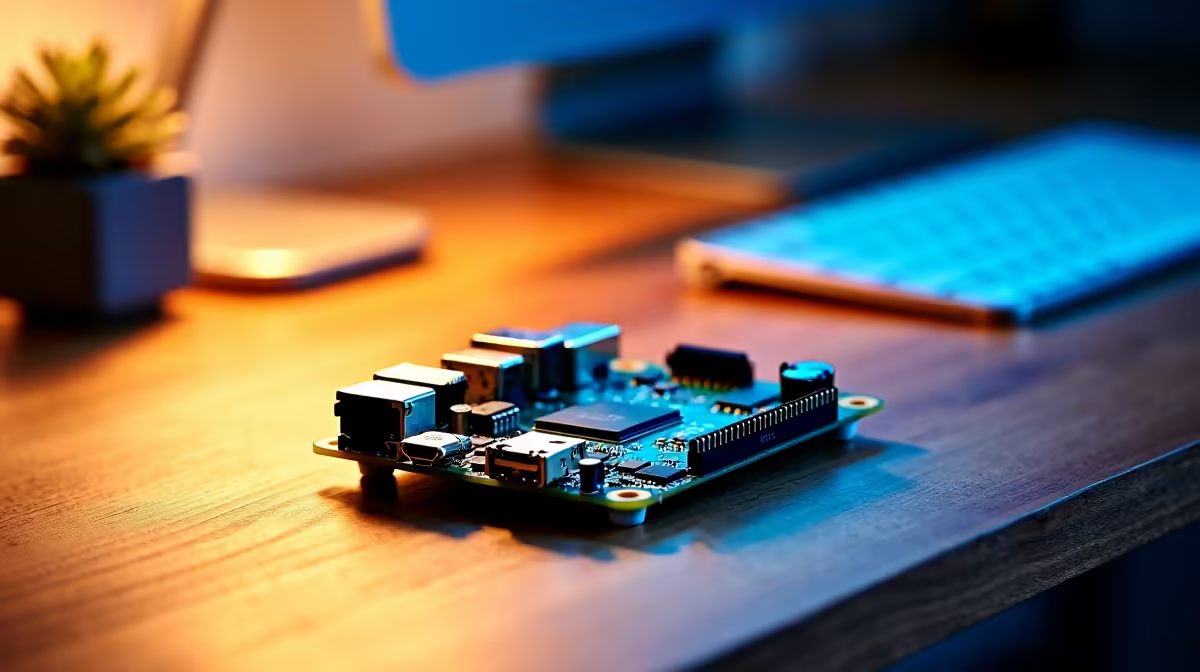
The whole point of a smart home is convenience, but routing every "turn off the lights" through a far-off cloud server means a stranger's data centre hears your living room. Running a private local voice assistant in Home Assistant flips that: your speech is transcribed on your own hardware, the command runs locally, and no audio ever leaves the house. The catch is that the experience lives or dies on the hardware you pick, from a polished ready-made satellite to a DIY board you flash yourself.
Quick Answer
The best hardware for a private local voice assistant in Home Assistant is the Home Assistant Voice Preview Edition, an ESP32-S3 satellite with a dedicated audio chip that handles wake-word and microphone duty out of the box. For the brains, a mini PC or capable home server running Whisper locally does the speech-to-text, so no audio reaches any cloud. DIY ESP32-S3 satellites are the cheaper, more hands-on alternative.
How the Local Voice Pipeline Works
Before picking parts, understand the chain, because the hardware splits across it. A voice command travels through several stages: a satellite device captures your speech and detects the wake word, that audio goes to your Home Assistant server, speech-to-text turns it into words, the Assist pipeline matches it to a command, and text-to-speech speaks the reply. The privacy promise holds only if every stage runs on your own kit.
The satellite is the bit in the room with the microphone. The server is where the heavy lifting happens, and that is where Whisper, the open-source speech-to-text model, runs on-device so your voice is never sent to a third party. Split your hardware budget across both: a good satellite for clean audio capture, and a server with enough grunt to transcribe quickly.
The Satellite: Your Hardware Options
Home Assistant Voice Preview Edition
This is the ready-made option and the easiest recommendation. It is an ESP32-S3 device powered by ESPHome, built around privacy and local control. The specification lists 16MB of flash and 8MB of PSRAM, with audio processing handled by a dedicated XMOS XU316 chip that does echo cancellation, noise removal, and automatic gain control. It has dual microphones, an LED ring for feedback, an internal speaker, and a physical mute switch that cuts power to the mics. You plug it in, point it at your Home Assistant server, and it works. For most people this is where to start.
DIY ESP32-S3 satellites
If you would rather build, you can turn an ESP32-S3-BOX or a similar dev board into a voice satellite by flashing an ESPHome voice configuration. This is cheaper per unit and lets you scatter satellites through the house, but you take on the wiring, the flashing, and the tuning yourself. The audio quality depends heavily on the microphone you pair with it, so it rewards patience. The processing boards and mini PCs that pair well as the central server are grouped in the smart home and appliances range, which is a sensible place to spec the brains of the system.
The Server: What Runs Whisper
The satellite is only half the story. Whisper has to run somewhere, and that somewhere decides how fast the assistant responds. A small mini PC or a home server with a modern multi-core CPU handles the standard Whisper model well for a household. If you want near-instant transcription or run several satellites at once, more CPU cores or a GPU shorten the wait.
There is a lighter alternative worth knowing. Speech-To-Phrase, based on the Rhasspy project, builds a focused local model limited to the specific commands you use to control your home. It runs accurately on lower-power hardware than full Whisper, so if your needs are "lights, climate, scenes" rather than open dictation, it lets a more modest server keep up. Pick Whisper for flexibility, Speech-To-Phrase for speed on weaker kit.
Putting It Together for SA Homes
A practical build pairs one Voice Preview Edition per main room with a mini PC running Home Assistant and Whisper as the hub. That keeps every spoken word inside your home network, works whether or not the fibre is up, and avoids the monthly fees that cloud assistants quietly carry. Budget the bulk of your spend on a server that transcribes quickly, because a sluggish response is what makes people abandon voice control. To gauge what is currently in stock for the hub role, the accessories best sellers is a quick read on supporting gear like power supplies and mounts.
Choosing a Whisper Model Size
Whisper ships in several model sizes, from tiny to large, and the right choice depends entirely on the hardware you run it on. The tiny and base models are fast even on modest CPUs but sacrifice some accuracy on unusual phrasing. The small model, particularly the quantised small-int8 variant, hits a practical sweet spot on an N100 mini PC: transcription typically completes in one to two seconds for a short command sentence, which is fast enough to feel natural. The medium model is noticeably more accurate but adds latency that starts to feel sluggish on the same hardware. On a more powerful server with a dedicated GPU, medium or large becomes viable, and transcription times drop below a second regardless of model size.
The practical recommendation: start with small-int8 and only move up if you find the assistant mishearing commands regularly. Switching models is a one-setting change in the Whisper add-on, so it is easy to experiment once the system is running.
Audio Quality Matters More Than Hardware Spec
One factor that surprises most people building their first local voice setup: the microphone matters more than CPU speed. A high-end server paired with a cheap USB microphone placed across a noisy room will underperform a modest Pi with the Voice Preview Edition's XMOS-processed dual mics close to hand. The XMOS XU316 chip in the Voice Preview Edition does echo cancellation and noise removal in hardware before the audio even reaches Whisper, which means the speech-to-text model receives a cleaner signal and makes fewer mistakes. If you are building a DIY satellite instead, choose a microphone with at least basic noise filtering, and place it in the room rather than tucking it behind furniture.
Frequently Asked Questions
Does any audio leave my house with a local setup?
No, that is the entire point. The satellite captures audio, your own server transcribes it with Whisper, and the command runs locally. Nothing is sent to a third-party cloud, unlike mainstream voice assistants.
Do I need the Voice Preview Edition, or can I build my own?
You can do either. The Voice Preview Edition is the easiest, working out of the box with a dedicated audio chip. A DIY ESP32-S3 satellite is cheaper and more flexible but needs flashing and tuning, and its audio quality depends on the microphone you choose.
What hardware runs the speech-to-text?
A mini PC or home server running your Home Assistant install handles Whisper. A modern multi-core CPU suits a single household; add cores or a GPU if you want faster transcription or run several satellites at once.
Is Whisper or Speech-To-Phrase better?
Whisper is more flexible and understands open-ended speech, but needs more power. Speech-To-Phrase runs a focused command-only model that works on weaker hardware and responds faster, ideal if you only control a fixed set of devices.
Will it work if my internet is down?
Yes. Because the satellite, transcription, and command handling all run on your local network, a private setup keeps working when the fibre drops, which a cloud assistant cannot do.
Building a voice assistant that keeps your home private? Browse the smart home hardware at Evetech to spec the mini PC and satellites for a fully local, no-cloud Home Assistant voice setup.