


Complete Gaming Setup Guide for the SA Esports Athlete in SA 2026
Complete Gaming Setup Guide for the Esports. Clear setup instructions with SA-specific considerations, troubleshooting tips & recommended components.
Read moreBest laptop for architecture and engineering buyers guide in South Africa — recommended CPUs, GPUs, RAM, storage, displays and budget picks to run Revit, AutoCAD, Rhino and 3ds Max 🇿🇦💡
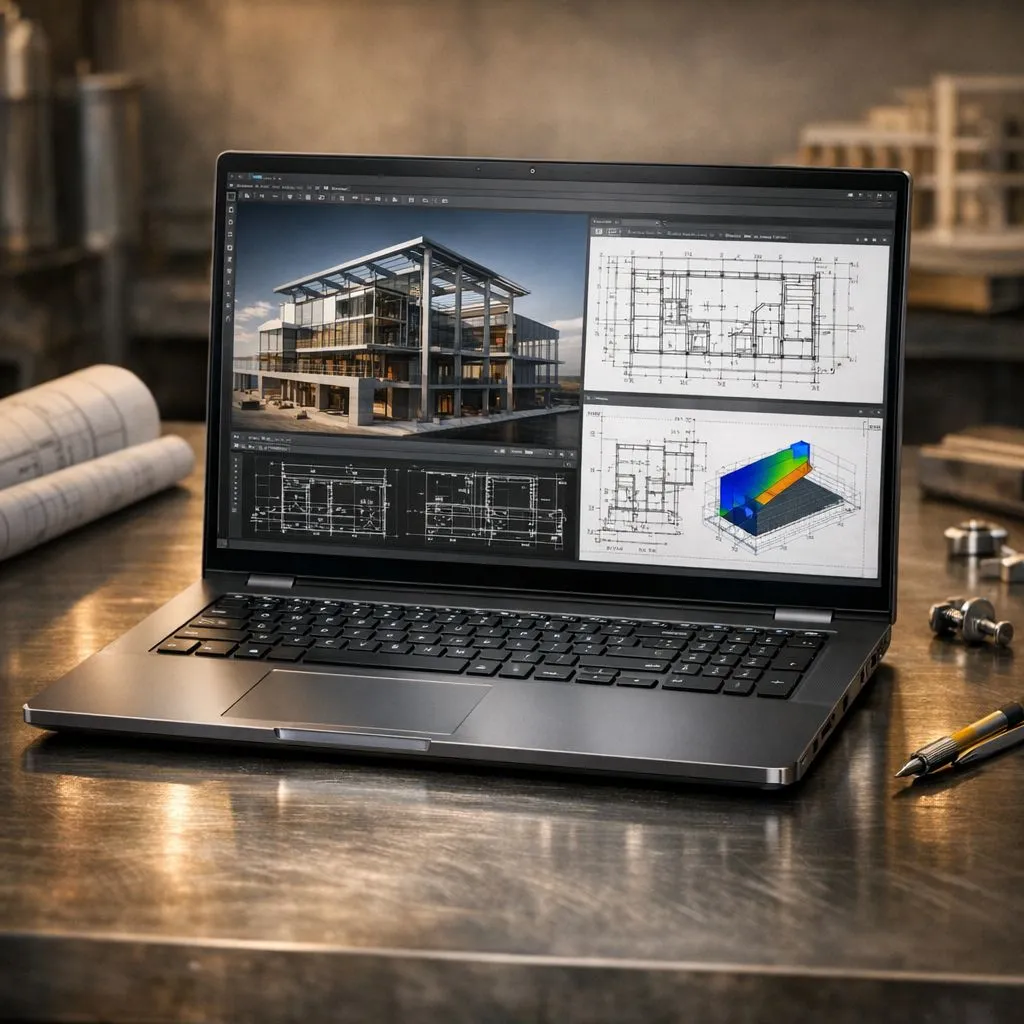
Finding the best laptop for architecture and engineering in South Africa isn't just about picking the priciest box. Whether you are a student at Wits tackling Revit or a pro in Sandton running complex structural simulations... you need hardware that won't choke. In a market where every Rand counts... balancing performance with local availability is the real challenge for any serious professional. 🔧
Engineering software like AutoCAD and SolidWorks thrives on high clock speeds. If you prefer Team Blue... checking out these Intel laptops on special is a great starting point for reliable single-core performance. Architecture demands a machine that can handle both the drafting and the heavy lifting of BIM software without stuttering.
For rendering heavy architectural visualisations... multicore performance is king. Many local professionals are turning to AMD for its impressive efficiency. You can find some of the most competitive Ryzen laptop deals that handle multi-threaded tasks with ease. These chips offer fantastic value for money in the current South African market. ⚡
A dedicated GPU is non-negotiable for 3D modelling. While workstation cards exist... many find that geforce rtx gaming laptops on special offer better value for money in SA. These cards use NVIDIA Studio drivers to accelerate your workflow in Lumion or V-Ray. The ray-tracing cores are a massive help for realistic lighting previews.
Ensure you enable 'Hardware Acceleration' in your CAD software settings. This offloads the drawing tasks from your CPU to your dedicated GPU. It makes panning and zooming through complex 3D models significantly smoother... especially when working on large-scale site plans.
Starting your career shouldn't break the bank. If you are a student... you can still buy gaming laptops under R20k that meet the minimum specs for most degree programs. These machines often provide the best entry point for those needing to optimise their spend. 🚀
For those with a bit more wiggle room... the best gaming laptop deals often feature the high-refresh screens and thermal cooling needed for long design sessions. Remember that the best laptop for architecture and engineering in South Africa needs to balance thermal cooling with portability... especially during those long studio nights. ✨
Investing in the best laptop for architecture and engineering in South Africa ensures your career starts on a solid foundation. Whether you are rendering a new skyscraper or designing a bridge... the right hardware makes all the difference.
Ready to Find Your Perfect Match? The Mac vs Windows debate is complex, but for maximum power, choice, and value in South Africa, Windows is hard to beat. Explore our massive range of laptop specials and find the perfect machine to conquer your world.
Aim for a 6-core CPU, 16–32GB RAM, a dedicated GPU (RTX series), 512GB+ SSD and 15–17" 1200p+ display for smooth CAD and BIM — laptop specs for architecture software.
For Revit and AutoCAD, 16GB is a practical minimum; 32GB is recommended for large BIM models — ram requirements for Revit and AutoCAD.
Choose an NVIDIA RTX workstation or gaming GPU (RTX 3060/3070 or higher) for viewport performance and GPU-based renderers — gpu for 3d modeling and rendering.
Yes — many gaming laptops match workstation power. Prioritise cooling, VRAM and certified drivers if you need a workstation laptop for engineers.
Look for a recent quad/hex-core CPU, 16GB RAM, 512GB SSD and GTX/RTX 1650/3050 class GPU — a solid budget laptop for architecture students.
Start with a 512GB NVMe SSD and add a 1TB drive or external SSD for projects; fast NVMe storage speeds big model loads — storage and display for CAD software.
Prefer high-clock multi-core CPUs: Intel i7/i9 or AMD Ryzen 7/9 with strong single-thread and multi-thread performance for simulations and analysis.
Complete Gaming Setup Guide for the Esports. Clear setup instructions with SA-specific considerations, troubleshooting tips & recommended components.
Read more
AIO Liquid 360mm Installation Guide for Your PC. Clear setup instructions with SA-specific considerations, troubleshooting tips & recommended components.
Read more
MacBook Display Colour Looks Wrong? Calibration. Everything you need to know with SA pricing, step-by-step instructions & expert recommendations.
Read more
Printer Terminology Guide. Everything you need to know with SA pricing, step-by-step instructions & expert recommendations.
Read more
Git on Mac: Complete Setup Guide for Beginners. Clear setup instructions with SA-specific considerations, troubleshooting tips & recommended components.
Read more
Ryzen 9 9900X Thermal Paste Dry: Reapplication. Everything you need to know with SA pricing, step-by-step instructions & expert recommendations.
Read more
AMD RX 9050 XT: Rumoured Specs, Price & Release. SA-focused analysis with local pricing data, real-world insights & actionable buying advice.

Can RTX 4080 Super Run AI Workloads for SA Developers Detailed answer with SA data, expert analysis & practical recommendations for local buyers.

Can RTX 4090 Run AI Workloads for SA Developers Detailed answer with SA data, expert analysis & practical recommendations for local buyers.

Top Settings for Intel Arc B580 at Ultrawide 1440p picks evaluated on performance, value & SA availability with current Rand pricing from Evetech.

RTX 4060 CS2 Low Settings at 1080p: FPS Results. Real-world benchmark data, FPS numbers & performance analysis. What SA gamers can actually expect.

Visual Artifacts: Possible GPU Issue Issue #1. Diagnosis steps, proven fixes & when to seek professional help. SA-specific support info included.

Can the RTX 4090 Handle 1440p 144Hz Gaming. Performance testing verdict with real data & practical recommendations for SA buyers.

Top ASUS GPU Under R15000 picks evaluated on performance, value & SA availability with current Rand pricing from Evetech.

GTA 6 Max Settings on RTX 5070. Tested & verified settings for best FPS and visual quality on SA hardware budgets.

Cyberpunk 2077 Max Settings on RTX 5080. Tested & verified settings for best FPS and visual quality on SA hardware budgets.

Starfield Max Settings on RTX 5070 Ti. Tested & verified settings for best FPS and visual quality on SA hardware budgets.

Top RTX 5090 Under R5000 picks evaluated on performance, value & SA availability with current Rand pricing from Evetech.