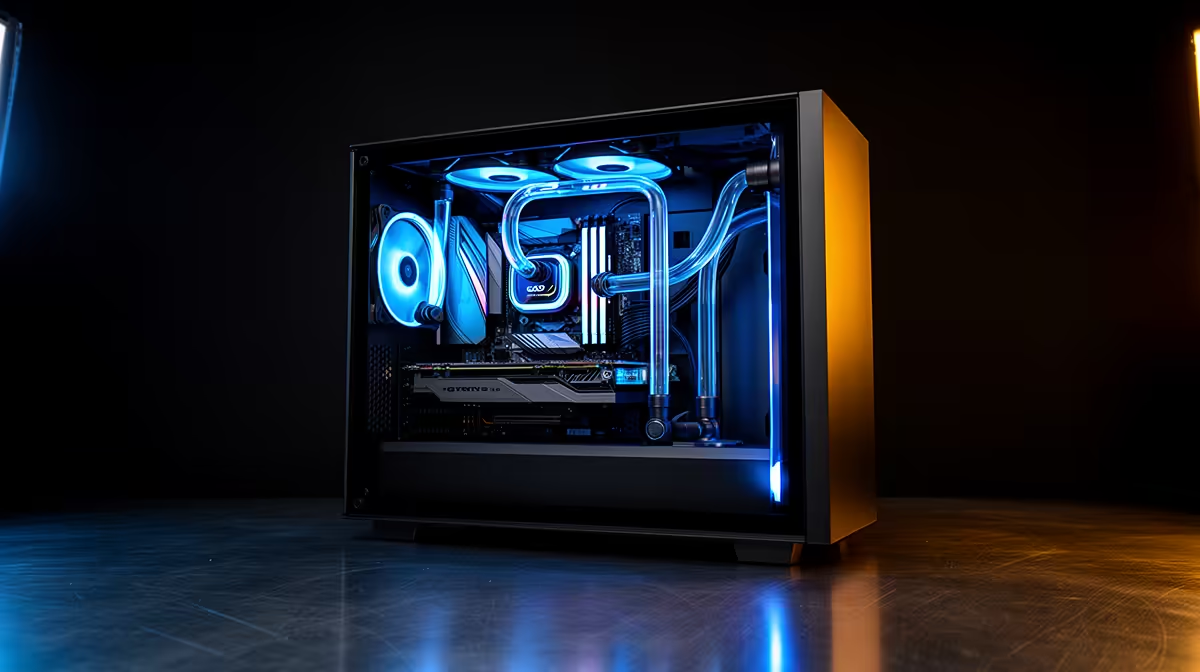
A small business paying per-seat for cloud AI watches that bill climb with every new staff member. There is another path. The best local AI PC setup for a small business is a single shared workstation with a GPU carrying 16GB or more of VRAM, running a local model that the whole team queries over the office network. One machine, no per-seat subscriptions, and your data never leaves the building.
Quick Answer
Build one shared workstation around a GPU with 16GB or more of VRAM, install a local model server on it, and let the team query it over the office network. This replaces recurring per-seat cloud AI fees with a one-time hardware spend and keeps every prompt and document private to your business.
Why VRAM is the spec that decides everything
When you run an AI model locally, the model has to fit into the graphics card's VRAM to run quickly. VRAM is the deciding number, more than the GPU's gaming performance.
A card with 16GB of VRAM can comfortably hold capable mid-sized models that handle drafting, summarising, answering questions about your documents, and general assistant tasks. Drop below that and you are limited to smaller, less capable models or forced into slow setups that spill into system memory. If your team needs larger, more powerful models, 24GB of VRAM opens the door to those. You can compare suitable machines on the AI PCs range at Evetech.
The shared-server model, explained simply
You do not need an AI PC on every desk. The smarter design is one well-specified workstation acting as a server.
How it works
You install a local model server on the workstation. Staff connect to it from their own computers through a web browser or a simple chat interface over the office network. To the team it feels like using a private internal version of a chat assistant. Behind the scenes, every request runs on that one shared GPU.
Why this beats per-seat clouds for a small team
Cloud AI charges per user, every month, forever. A shared local server is a single hardware purchase that serves the whole team with no monthly fee scaling against headcount. For a business of even a handful of people, the cost picture flips quickly in favour of owning the hardware.
The privacy advantage
Because the model runs on your own machine, no document, customer detail, or internal prompt ever leaves the office. For businesses handling sensitive client information, that data control is often worth as much as the cost saving.
Specifying the workstation
GPU: the priority. Aim for 16GB of VRAM as a sensible starting point, 24GB if you want headroom for larger models. This single component does the heavy lifting.
CPU: a solid modern multi-core processor is plenty. The GPU runs the model, so you do not need an extreme CPU.
RAM: 32GB of system memory keeps the server and operating system comfortable while the model runs on the GPU. 64GB adds breathing room for heavier multitasking.
Storage: a fast NVMe SSD. Models are large files, and fast storage means they load quickly and the system stays responsive.
Network: wire the workstation to your router over Ethernet so multiple staff querying it at once get a steady connection.
Getting it running without a dedicated IT team
You do not need to be a developer. Free, well-supported local model server software installs on the workstation and exposes a simple chat interface to your network. Pick a model sized to your VRAM, point staff browsers at the workstation's local address, and you have an internal AI assistant.
Start with one capable model, see how the team uses it, then scale the model size up if your GPU has the VRAM headroom. The overhead of leaving the server running is modest, so it can stay available throughout the working day. To see complete machines ready for this role, the PC best sellers are a good starting point for a shared workstation chassis.
What you can realistically run on 16GB of VRAM
It helps to know what local models do well so you set expectations correctly.
Tasks that local models handle comfortably
Drafting emails and proposals, summarising long documents and meeting notes, rewriting and tidying text, answering questions about your own documents, and general assistant work all run well on a capable mid-sized model that fits in 16GB of VRAM. For the bread-and-butter writing and information tasks a small office needs daily, a local model is more than enough.
Where the limits sit
The largest frontier cloud models still lead on the most complex reasoning, very long context, and cutting-edge capabilities. If your business depends on that top tier, a local setup complements rather than fully replaces it. For most small-business day-to-day work, though, the gap rarely matters, and the privacy and cost benefits outweigh it.
Retrieval over your own documents
A common and high-value use is pointing the local model at your own files so staff can ask questions and get answers grounded in company documents. This keeps sensitive material in-house and turns the model into an internal knowledge assistant. It is well within reach of a 16GB VRAM workstation running approachable, free software.
Sizing the hardware to team size
The right spec scales with how many people query at once.
A handful of users
For a team of up to roughly five, a single workstation with a 16GB VRAM GPU and 32GB of system RAM comfortably serves occasional simultaneous queries. Requests queue briefly under load, but for typical office use the wait is negligible.
A busier office
For a larger team or heavier concurrent use, step up to a 24GB VRAM GPU, which runs bigger models and handles more requests before queuing becomes noticeable. More system RAM helps the server stay responsive while juggling connections. Beyond that, a second workstation can share the load, though most small businesses never need to go that far.
Keeping it running
The server can stay on through the working day with modest power overhead, so the assistant is always available. Wiring the workstation to the router over Ethernet keeps every staff connection steady when several people query at once.
Who this suits and who it does not
This setup is ideal for a small business that wants predictable costs, full data privacy, and a single AI resource the whole team can use. It suits agencies, professional practices, and any office where staff would otherwise each need a cloud subscription.
It is less suited to a business needing the absolute latest frontier model capabilities, since the largest cloud models still outperform what runs locally. For everyday drafting, summarising, internal Q&A, and assistant work, though, a well-specced local server handles the load and pays for itself.
Frequently Asked Questions
How much VRAM does a small-business AI workstation need?
16GB is a sensible starting point that runs capable mid-sized models for drafting, summarising, and document Q&A. Step up to 24GB if your team needs larger, more powerful models with room to spare.
Do I need an AI PC for every staff member?
No. One shared workstation acting as a server is the efficient design. Staff connect to it over the office network from their own computers, so the whole team shares a single GPU.
Is a local AI setup actually private?
Yes. Because the model runs on your own hardware, prompts and documents never leave the office. That data control is a major reason businesses with sensitive client information choose local over cloud.
Will this save money versus cloud AI subscriptions?
For a team of even a few people, usually yes. A shared local server is a one-time hardware spend with no per-seat monthly fee, so the cost picture favours local once you have more than a couple of users.
Do I need a developer to set it up?
No. Free, well-supported local model server software installs on the workstation and gives staff a simple browser-based chat interface, so a non-technical owner can get it running.
Ready to cut recurring AI fees and keep your data in-house? Compare suitable machines in the AI PCs range at Evetech and build a shared local AI server your whole team can use.