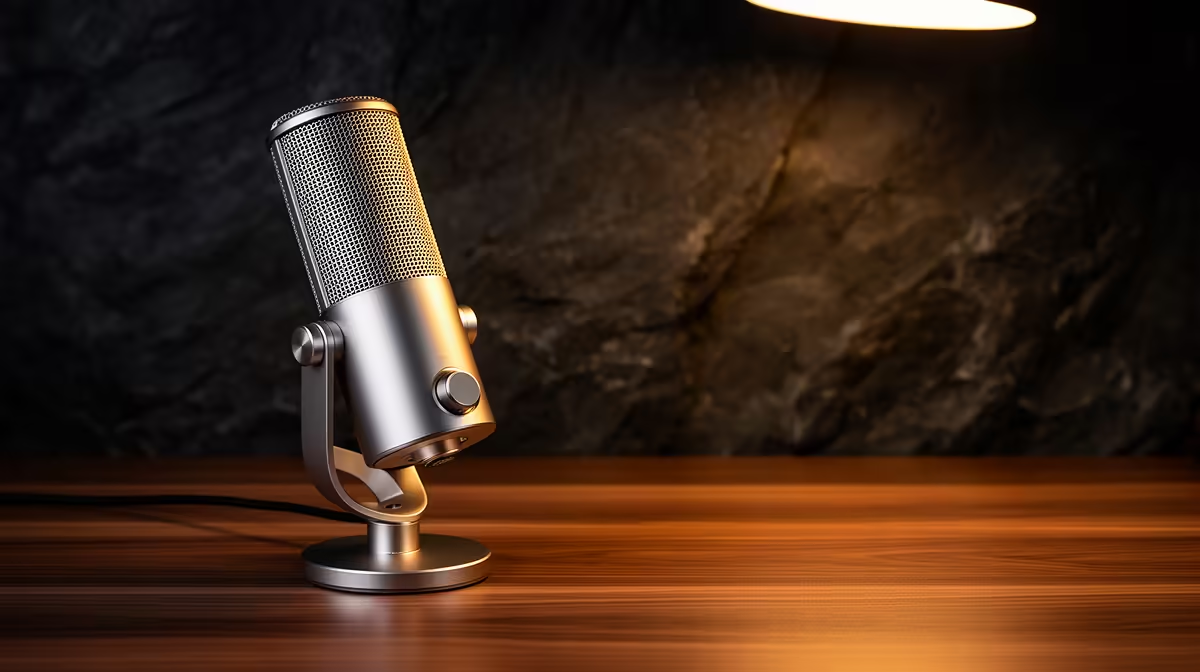
Uncapped fibre removes the last excuse for a poor stream. Bandwidth is no longer the ceiling, so every weakness in your audio chain gets exposed to every viewer who puts on headphones. For South African gamers who have made the switch to a fast, stable fibre connection, the microphone features for fibre streaming are what decide how professional the broadcast actually sounds. The capsule type, the pickup pattern, and whether the mic handles noise suppression in hardware rather than software all determine whether your voice cuts through or disappears into a wall of background chaos.
Quick Answer
The most important features for a South African gamer on fibre are a dynamic capsule for noise rejection, a supercardioid pickup pattern for tight voice isolation, and on-mic AI noise suppression to strip background noise in real time. Together they make the most of uncompressed audio over a fast connection.
🎙️ Why Fibre Changes the Mic Decision
On capped LTE, streamers often compromise audio quality because bandwidth is a cost. Fibre changes that calculation completely. An uncapped connection can carry a 320kbps audio stream without touching your data budget, which means the mic becomes the quality ceiling in a way it never was before.
A 24-bit 48kHz sampling rate is the specification that matters. Consumer audio platforms accept up to 48kHz, and 24-bit depth gives you 144dB of dynamic range, far beyond what any voice recording needs but with the effect that quiet moments stay clean rather than dropping into noise. When fibre removes the data constraint, the capsule's bit depth and sample rate are the only limits left.
This also matters for monitoring. A mic without a direct monitoring port forces you through software, adding latency that breaks the feeling of natural speech during a live session. Look for hardware monitoring built into the mic body.
🔧 Dynamic Capsule vs Condenser for SA Gaming Rooms
The capsule technology determines how much of your room enters the recording. A condenser capsule is more sensitive, which makes it excellent in treated studio spaces but a liability in the kind of untreated flat or bedroom most South African gamers stream from. Condensers pick up keyboard noise, the fan on the PC tower, the refrigerator compressor two rooms away, and street traffic.
A dynamic moving-coil capsule operates differently. Its lower sensitivity means sounds need to be close and loud to register properly. Distant background noise sits below the threshold. Keyboard clatter from the board in front of you, fan whirr from a PC case, and traffic noise through a closed window rarely break through. This makes a dynamic capsule a far more forgiving choice for an untreated South African home office setup.
The trade-off is gain requirement. A dynamic mic needs more preamp boost than a condenser, which is why gain structure matters. Most USB dynamic mics handle this internally with a clean onboard preamp, but setting gain too high introduces hiss, and setting it too low produces a thin voice. The target for peaks is around minus 12dB, with a maximum boost that keeps the noise floor inaudible.
The 24-Bit Advantage on a Clean Fibre Feed
At 16-bit depth, the dynamic range floor sits around 96dB. At 24-bit it drops to around 144dB. The extra headroom is not about capturing more loudness but about keeping the noise floor invisible. When fibre carries your audio uncompressed, any grain in the quiet moments is audible. A 24-bit capsule keeps those moments silent rather than hissy.
⚡ Pickup Patterns: Supercardioid Over Standard Cardioid
Cardioid is the standard pickup pattern and it works well. It captures a heart-shaped zone forward of the capsule and rejects sound from the rear. Supercardioid tightens that front lobe to roughly 115 degrees and rejects side noise more aggressively, at the cost of a small pickup zone directly behind the mic.
For a South African gaming setup, supercardioid makes sense if the room has significant side noise. A secondary monitor fan, an air conditioning unit on the wall to one side, or another person in the room all fall off the pickup map far faster with a supercardioid pattern. The small rear lobe is easy to manage: simply ensure nothing noisy sits directly behind the capsule.
Standard cardioid remains the better choice if your room is already quiet and you sometimes shift position relative to the mic, since the wider front lobe is more forgiving of movement. For a fixed streaming position where background noise is the main problem, supercardioid is the better spec.
Pro Tip ⚡
Test your pickup pattern by recording a 30-second clip with the mic aimed directly at you, then another with it rotated 90 degrees off-axis. A well-performing supercardioid cardioid should drop roughly 20 to 25 decibels of background noise in the off-axis test. If you cannot hear the difference, the pattern spec may be overstated on that model.
🧠 AI Noise Suppression: Hardware vs Software
Software noise suppression tools like RTX Voice or RTX Broadcast offload processing from the CPU but still add a processing step in the chain and can occasionally ghost or artefact on rapid transient sounds like keyboard keystrokes. On-mic AI suppression handles the same job at the hardware level, before the audio even reaches the USB cable.
Hardware AI chips on modern streaming mics process 10 to 15 milliseconds of audio in real time, stripping 15 to 20 decibels of steady background noise: fan hum, air conditioning, distant traffic, and the electrical hum common in older Cape Town apartment wiring. The voice stays intact because the model is trained to distinguish vocal transients from noise profiles.
The physical toggle matters. A hardware switch on the mic body lets you bypass the suppression instantly for raw recording, which editors prefer when mastering a final cut. A software-only toggle requires alt-tabbing during a live session, which interrupts the flow. For a live fibre stream, hardware toggle is the practical choice.
Latency and Monitoring on Fast Connections
Monitoring latency is set by your audio chain, not your internet connection. A mic with direct hardware monitoring outputs audio to the headphone jack with under 10ms latency. Monitoring through software adds USB audio round-trip, driver latency, and output buffering, compounding to 20 to 40ms on most Windows setups. That is enough to feel unnatural during speech and in-game callouts.
🎯 Pulling the Features Together
The specification list for a fibre streamer in South Africa reads: dynamic capsule, 24-bit 48kHz sampling, supercardioid or standard cardioid pattern depending on room noise level, hardware AI suppression with a physical toggle, and direct monitoring with under 10ms latency. USB connectivity removes the interface cost, and a dual USB/XLR design leaves the door open to an interface upgrade without replacing the mic body.
A USB dynamic mic meeting this spec sits in the R1,500 to R3,000 range. Below that, most mics trade either the 24-bit depth or the hardware suppression for a lower price. Above it, you are paying for cosmetic differences or slightly better build quality, not meaningfully better audio at streaming bitrates.
Frequently Asked Questions
Which microphone feature matters most for fibre streaming in South Africa?
The dynamic capsule is the single most important feature. It rejects keyboard, fan, and ambient noise at the hardware level, so your uncompressed fibre stream carries voice without a blanket of background noise underneath it. A condenser capsule captures more detail but also captures more of everything else in an untreated room, which is the setup most SA gamers stream from.
Does fibre connectivity change which microphone I should buy?
Yes, meaningfully. On capped LTE, audio quality is often compressed to save data and bandwidth limitations hide mic shortcomings. Fibre removes those constraints, so the mic becomes the only quality ceiling. A 24-bit 48kHz capsule with hardware noise suppression makes full use of an uncapped connection in a way a budget 16-bit USB mic simply cannot.
Is AI noise suppression worth it for South African gamers?
For most SA home setups, yes. On-mic AI suppression strips 15 to 20 decibels of steady background noise including fan hum, traffic, and aircon without adding meaningful latency. It offloads the processing from your CPU compared to software alternatives, which matters during a heavy capture session. The physical toggle button lets you bypass it instantly for raw recording when needed.
What pickup pattern suits a live fibre streamer?
Supercardioid works best for a fixed streaming position in a room with side noise, since its narrow 115-degree front lobe rejects off-axis sources more aggressively than standard cardioid. Standard cardioid is more forgiving if you move around. Both patterns work well on a dynamic capsule; the choice depends on where the unwanted noise sources sit relative to your mic position.
Do I need low monitoring latency on a fibre connection?
Yes. Fibre speeds up delivery to viewers but do not reduce your monitoring latency, which is set by your audio chain. Direct hardware monitoring on the mic outputs audio in under 10ms, keeping voice and game audio in natural sync during callouts. Monitoring through software on a typical Windows setup adds 20 to 40ms of delay, which is enough to feel unnatural during live play.
Ready to match your fibre connection with a microphone built for it?
Browse the dynamic USB microphone range at Evetech and find the capsule and feature set that keeps your stream sounding clean on South Africa's fastest home connections.