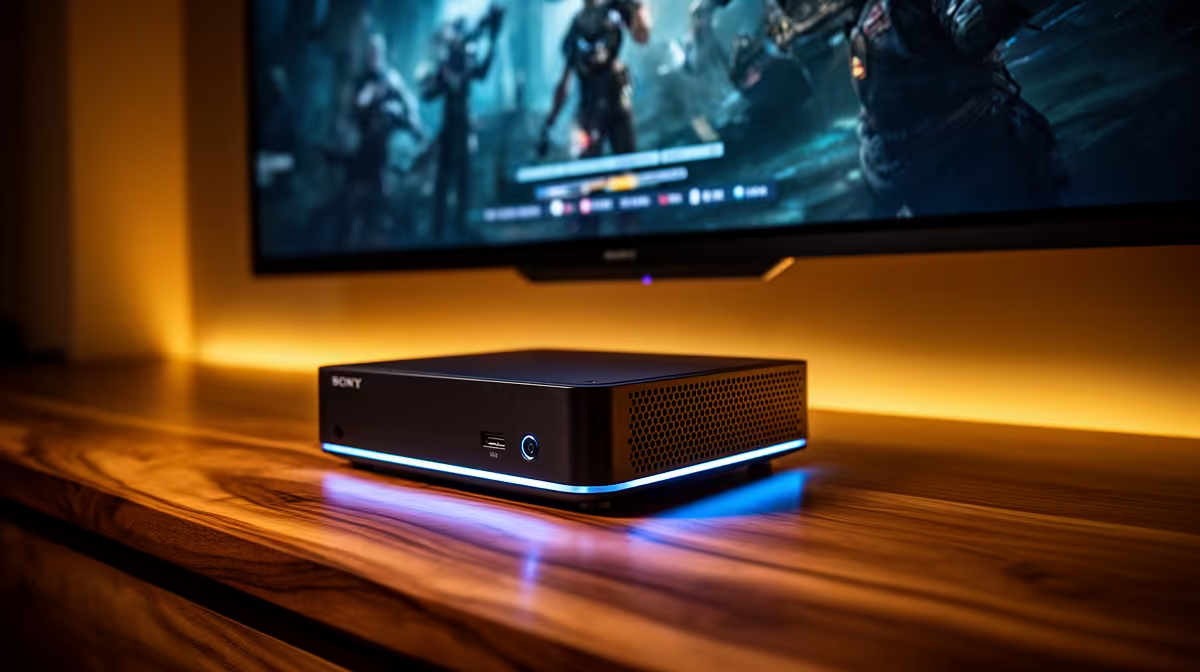
The ideal living-room media box is one you forget is there. No fan whine during a quiet scene, no glowing tower beside the TV, no heat pouring out during a movie marathon. A fanless Intel mini PC delivers exactly that: it sits on a shelf or bolts behind the screen, draws less power than a light bulb, and uses Intel's Quick Sync hardware to decode and transcode 4K HDR content in total silence. For a home theatre PC under the TV, that combination is hard to beat.
Quick Answer
The best mini PC for a home theatre PC under the TV is a fanless Intel model with Quick Sync hardware decoding, which plays and transcodes 4K HDR content silently while drawing under 15W. Look for HDMI 2.0 or 2.1 output, Dolby Vision passthrough for proper HDR, and a VESA mount so it hides behind the television. That package handles a Plex or media server setup without noise or heat.
Why Fanless Matters in a Living Room
A home theatre PC has a job no other computer has: it must be silent. In an office a quiet fan disappears into background noise, but in a dark living room during a tense scene, even a faint whir is distracting. A fanless mini PC has no moving parts to make noise at all. It cools passively through its chassis, which means it runs not just quietly but absolutely silently, forever, with nothing to wear out or clog with dust.
Fanless also means small and cool. These machines are built around low-power chips that produce little heat, which is what makes passive cooling possible in the first place. The same low power draw, often under 15W in use, means you can leave the HTPC on around the clock to act as a media server without it costing much to run. Evetech's compact mini PC selection is where to look for the fanless, low-power models that suit this role.
Quick Sync: The Spec That Does the Heavy Lifting
The single most important feature for an HTPC is Intel Quick Sync. It is dedicated hardware on the chip built specifically to decode and encode video, and it is what lets a tiny low-power machine handle 4K HDR that would otherwise need a much bigger, hotter processor.
When you stream a 4K file or run a Plex server that transcodes for other devices in the house, Quick Sync does that work in hardware, fast and efficiently, instead of hammering the CPU. The result is smooth 4K playback and the ability to transcode multiple streams at once, all while the machine stays cool and silent. Without Quick Sync, a small fanless box would struggle with demanding 4K content.
The Output Specs You Need
HDMI 2.0 or 2.1
For 4K at proper frame rates you need HDMI 2.0 at minimum, and 2.1 if you want headroom for higher frame rates and future formats. Check the output spec before buying, because an older HDMI version caps what the machine can send to a modern TV.
Dolby Vision and HDR Passthrough
If your TV supports HDR, the HTPC needs to pass that signal through correctly. Dolby Vision passthrough ensures the high-dynamic-range content reaches the screen the way it was mastered, with the full range of brightness and colour rather than a flattened version.
A VESA Mount
The detail that makes the setup tidy. A VESA bracket lets you bolt the mini PC to the back of the television or the underside of a shelf, so it vanishes completely. No box on display, no cables on show, just the screen.
Storage for Your Media Library
Where your films and shows actually live shapes how you spec the machine. For a modest collection, an internal SSD or a single large drive inside or attached to the mini PC is enough, and keeps everything self-contained on one tidy box behind the TV. For a large library, the better pattern is to keep the media on a separate network drive and let the HTPC stream from it, which means you can grow your collection without opening up the mini PC and your media survives even if you swap the player.
Either way, the HTPC itself does not need huge internal storage, because its job is decoding and serving rather than hoarding. A fast SSD for the operating system and the media server software keeps the interface snappy, and the bulk storage lives wherever suits your collection. Match the approach to how much you keep and whether you want one box or a small home setup.
Serving Other Rooms in the House
The reason an HTPC beats a simple streaming stick for many people is that it does double duty. While it drives the living-room TV, it can also act as a server for the rest of the house, transcoding your library on the fly so a phone, tablet or a second TV in the bedroom can stream the same content. Quick Sync is what makes this practical on a fanless box, handling several simultaneous streams without the machine heating up or slowing down.
This is also why leaving the HTPC on around the clock makes sense. At under 15W it costs little to run continuously, and in exchange the whole household has on-demand access to your media library at any time, from any room, without a monthly fee. A small silent box on a shelf quietly becomes the media hub for the entire home.
Building It Out
A fanless Intel mini PC with Quick Sync is the foundation. Pair it with enough storage for your media library, or point it at a network drive if your collection is large, and install your media server software of choice. From there it serves 4K HDR to the TV in the living room and transcodes for phones, tablets and other rooms across the house, all silently and at a few watts. To see how these compact machines stack up against larger pre-built options, the popular ready-made PC listings are a quick comparison point.
Frequently Asked Questions
Why does an HTPC need to be fanless?
In a quiet living room, even a soft fan is distracting during films. A fanless mini PC has no moving parts, so it runs completely silently and never makes noise during quiet scenes. It also has nothing to wear out or collect dust.
What is Intel Quick Sync and why does it matter for an HTPC?
Quick Sync is dedicated video hardware on Intel chips that decodes and transcodes content efficiently. It lets a small, low-power machine handle 4K HDR playback and multiple transcoding streams smoothly, which a CPU alone would struggle with on a fanless box.
Can a mini PC really handle 4K HDR?
Yes, provided it has Quick Sync and the right HDMI output. A fanless Intel mini PC with HDMI 2.0 or 2.1 and Dolby Vision passthrough plays 4K HDR smoothly and silently while drawing very little power.
How much power does an HTPC mini PC use?
A fanless Intel HTPC typically draws under 15W in use, which is little enough to leave running continuously as a media server without a meaningful effect on your electricity bill.
Do I need HDMI 2.1 or is 2.0 enough?
HDMI 2.0 handles 4K playback for most setups. HDMI 2.1 adds headroom for higher frame rates and newer formats, so it is the safer choice if you want the machine to stay current, but 2.0 is sufficient for standard 4K HDR movies.