Quick Answer
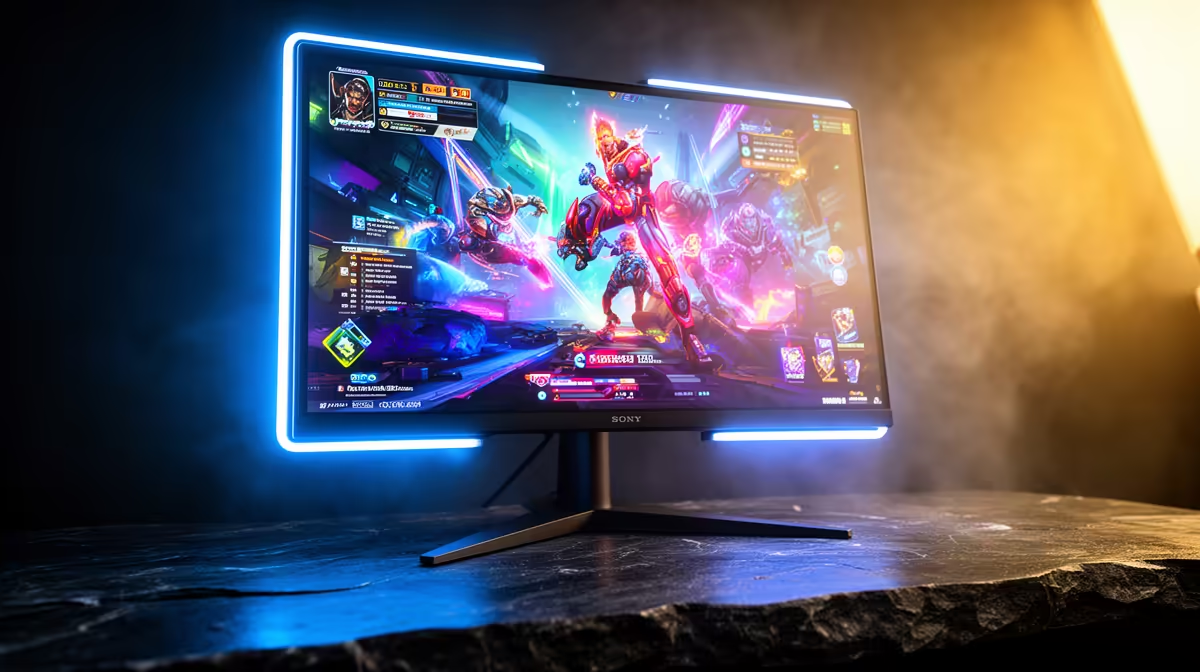
For a single monitor covering gaming, streaming, and content creation, the essential feature set is: 4K resolution, 144Hz or higher refresh rate, wide colour gamut (99% DCI-P3), USB-C with power delivery, a USB hub, and adaptive sync. QD-OLED or Mini-LED panels in the R14,000 to R22,000 range best satisfy all three use cases simultaneously.
Core Specs That Serve All Three Use Cases 🎮
A 4K resolution benefits all three users: gamers get sharper environments, streamers get a larger workspace for OBS, chat, and monitoring panels, and creators get the pixel real estate for timeline work in Premiere or DaVinci Resolve. A 144Hz or higher refresh rate ensures gaming performance does not suffer when the monitor is shared with creative and streaming work. Wide colour gamut (99% DCI-P3) means HDR gaming looks accurate and creative colour grading is done on a display that reveals the actual colour volume of the footage.
Connectivity Features That Make Multi-Use Practical 🔧
Usb-C with DisplayPort Alt Mode and at least 90W power delivery is the single most useful connectivity feature for a multi-role monitor. It allows a gaming laptop to connect with one cable for display, USB hub access, and charging simultaneously, eliminating cable management clutter. A built-in USB hub with at least two downstream USB-A ports and one USB-C port lets a webcam, external SSD, and audio interface connect to the monitor rather than to a port replicator.
Panel Choice for Streaming and Creative Accuracy 📡
For streaming, a QD-OLED panel's infinite contrast makes on-screen previews of dark scenes in OBS far more accurate than what IPS can show. Knowing exactly how dark a game scene looks at OLED contrast ratios lets the streamer adjust video encoder brightness settings with confidence. For creative work, colour accuracy above Delta E 2 is important: factory-calibrated QD-OLED and IPS panels at this price tier generally meet that requirement. If the creative output is destined for SDR social platforms, the creator should enable sRGB mode on the monitor during export review to see what clients will see on a standard display.
Separate Colour Profiles per Application ⚡
Most premium monitors with wide gamut support multiple saved OSD presets. Create one preset for gaming (HDR enabled, full DCI-P3), one for streaming (HDR off, full DCI-P3 for accurate preview), and one for export review (sRGB clamped). Cycling between profiles through the OSD shortcut button takes seconds and ensures each activity gets the correct colour environment without manual reconfiguration.
FAQ
Can one monitor truly replace two for streaming and gaming?
For most semi-professional and enthusiast streamers, yes. A 32-inch 4K monitor at 144Hz gives enough workspace to run a game windowed at 2560x1440 alongside OBS, a chat panel, and a browser. A second monitor is still useful for monitoring stream health during live sessions, but it is not essential for starting out.
What is the minimum refresh rate for a monitor used partly for competitive gaming?
144Hz is the functional minimum for competitive gaming on a shared display. It keeps the gaming experience substantially above 60Hz while keeping the monitor in a price bracket that also affords good colour accuracy for creative work. For dedicated competitive play, 240Hz is preferable, but the compromise at 144Hz is acceptable for multi-role use.
Do monitors with built-in USB-C charging add significant cost in SA?
USB-C monitors with 90W to 140W power delivery typically carry a R2,000 to R5,000 premium over comparable models without it. For SA users who work from a single laptop much of the time, this premium is usually justified by the cable consolidation benefit alone.
Looking for a monitor that handles gaming, streaming, and creative work?
Evetech stocks wide-gamut 4K monitors with USB-C, high refresh rates, and accurate colour across multiple brands. Browse the monitor section at Evetech to build your one-display workspace.