Quick Answer
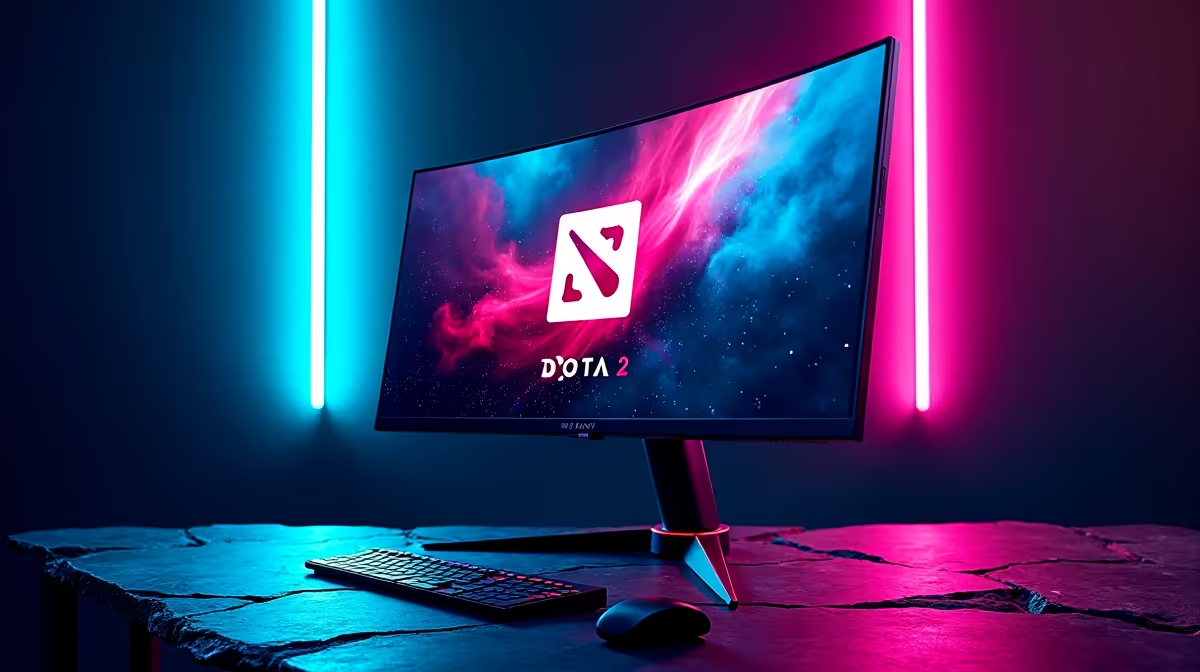
For Dota 2, a 165Hz to 240Hz monitor at 1440p is the sweet spot, since the game runs past those frame rates on a capable build. A 1440p 165Hz IPS panel near R6,500 gives smooth motion and a clear view of team fights; a 1080p 165Hz IPS near R4,500 suits tighter budgets.
Why Refresh and Resolution Both Matter for Dota
Dota's top-down view benefits from a clear, detailed screen for tracking units, spells and team fights, so resolution matters as much as refresh. A 1440p panel shows more of the battlefield crisply than 1080p. For refresh, 165Hz sharpens animation and last-hitting feel; 240Hz adds a refinement competitive players value. Dota runs past 144fps on a Ryzen 5 7600 and RTX 4060-class GPU even at 1440p, so the monitor leads the experience.
Picks, Specs and Pairing
A 1080p 165Hz IPS monitor near R4,500 is the value choice; a 1440p 165Hz IPS near R6,500 adds detail for map awareness; a 1440p 240Hz IPS near R9,000-R12,000 is the competitive top tier. Look for a 1ms GtG response time and FreeSync or G-Sync support for tear-free motion. Choose IPS for colour and viewing angles. Pair the monitor with a capable build so frame rates comfortably exceed the refresh. For a Dota player on a 144Hz panel today, a 1440p 165Hz IPS upgrade near R6,500 widens the visible battlefield and sharpens team-fight motion, the single upgrade most players feel first.
FAQ
What refresh rate suits Dota 2?
165Hz to 240Hz. 165Hz sharpens animation and last-hitting; 240Hz is a refinement for competitive players. Both run easily on a capable build at 1440p.
Is 1440p worth it for Dota 2?
Yes. The extra resolution gives a clearer view of units, spells and team fights, and modest builds drive Dota at 1440p well past 144fps.
What response time should a Dota 2 monitor have?
Around 1ms GtG with FreeSync or G-Sync support for tear-free, blur-free motion. A fast IPS panel delivers this alongside good colour and viewing angles.
Pick a 1440p 165Hz IPS monitor at Evetech for the best mix of clarity and smoothness in Dota 2 team fights.