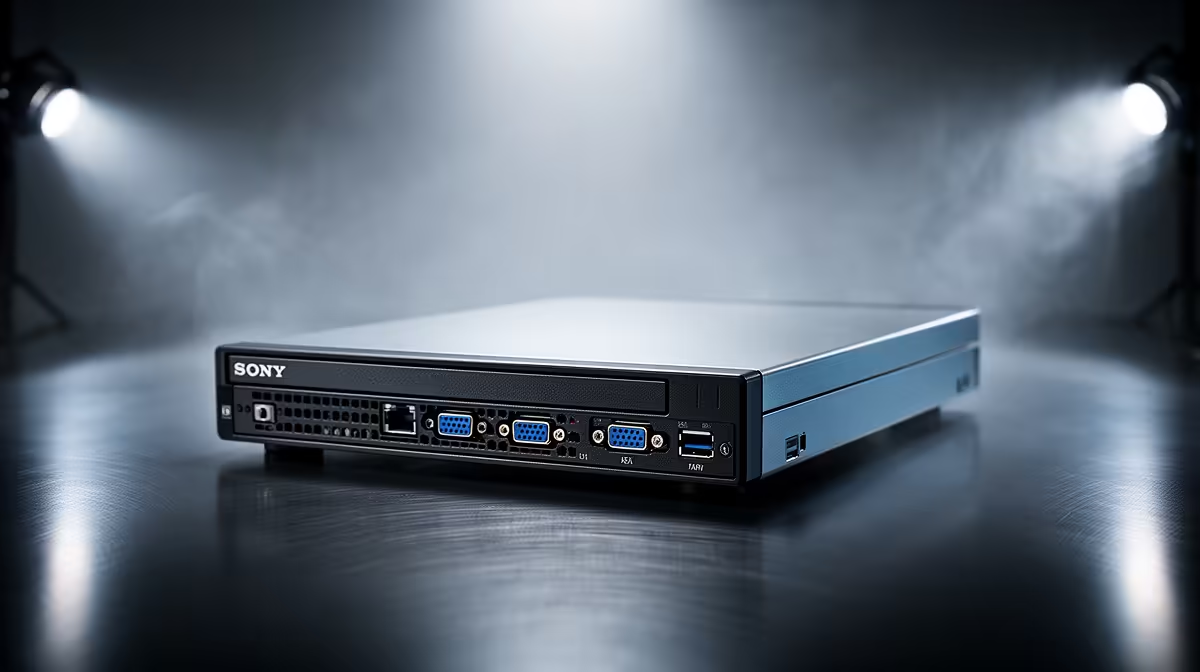
A monthly cloud-storage bill that only ever grows is the usual reason people start looking at a NAS for photo backup. Put a small network drive on your shelf, run Immich or Synology Photos on it, and your phone backs up to hardware you own. You keep the face recognition, the timeline browsing and the automatic phone sync, and you stop renting space for your own memories.
Quick Answer
A NAS running Immich or Synology Photos replaces Google Photos by backing up your phone automatically, with face grouping, search and a timeline, all stored locally. In South Africa the hardware typically pays for itself within one to two years of cancelled cloud fees, and your photos stay on your own drives.
Why Move Photos Off the Cloud
Two reasons drive almost every switch: cost and control. Cloud photo plans are a subscription that never ends and climbs as your library grows. A NAS is a one-time hardware purchase plus electricity, so once the drives are paid off the ongoing cost is small. Over a couple of years, for a typical family library, the maths usually favours owning the hardware.
Control is the other half. On a NAS your photos sit on disks in your home, not on a company's servers under their terms. You decide who can see them, how they are protected and when they are deleted. For private family photos, that ownership is the point.
The Two Software Choices That Matter
Almost every good setup in 2026 runs one of two apps, and the choice shapes the whole experience.
Immich: the closest thing to Google Photos
Immich is the open-source project that has kept pace with Google Photos and, in places, pulled ahead. Its search is genuinely excellent, the interface is fast and modern, and its mobile apps for iOS and Android sync aggressively in the background, so photos upload reliably without you babysitting them. It installs as a Docker container and wants at least 4GB of RAM, with 6GB recommended for smooth performance. It is the standout pick for a new build where you want the full Google Photos feel.
Immich's machine-learning features -- face recognition, smart search, and auto-tagging -- require a more capable processor and ideally 8GB of RAM or more. An x86 NAS with an Intel or AMD chip handles these features well; ARM models can run them but noticeably slower. If you have a large library and want snappy facial grouping, lean toward an x86 platform. The latest stable Immich release as of mid-2026 is v2.7.5.
Synology Photos: the polished, just-works option
If you buy a Synology NAS, its bundled Synology Photos app is the most polished out-of-the-box experience available. You get a familiar chronological timeline, automatic organising by date and location, shared family albums, and face recognition that runs entirely on the NAS. It is free on the hardware and integrates tightly with the rest of the Synology system. For people who want a single tidy solution without tinkering, it is the easy answer.
Sizing the Hardware and Storage
Photos are smaller than people assume, so storage planning is straightforward. As a rough guide, expect roughly 1GB per 200 to 400 photos. For a family of four planning five years ahead, something in the 2TB to 4TB range is a sensible target, and buying a little extra now is cheaper than upgrading later.
The drives themselves matter for both capacity and resilience. A two-bay NAS lets you mirror the data across two disks so a single drive failure does not lose your library, which is exactly the kind of safety net cloud storage quietly provides for you. The current options worth comparing live in the Evetech diskless NAS and storage range, and fast drives for caching or the system layer turn up in the Evetech SSD best sellers list.
Remote Access and Sharing
One question that comes up for every photo-NAS build is whether you can still browse your library from outside home. Both Immich and Synology Photos solve this well. Immich exposes a web interface you can reach via a reverse proxy or a direct port-forward, and the mobile apps work over the internet just as they do on your local network. Synology has QuickConnect, a free relay service that lets you reach your NAS via a browser or the mobile app without configuring port forwarding at all. You can also share albums or individual photos with people who do not have an account, much like sharing a Google Photos album. The main difference from the cloud experience is that your upload and remote-access speed is limited by your home internet upload bandwidth, so a fast fibre connection makes a visible difference.
What You Give Up, and What You Gain
Self-hosting is not free of effort. You set the NAS up once, keep its software updated, and you are responsible for the backup of the backup, because a NAS in your home is still vulnerable to theft, fire or a double-drive failure. The honest answer is to keep a second copy elsewhere for anything irreplaceable.
In exchange you gain a private, searchable, app-driven photo library that behaves like the cloud service you left, costs nothing per month once paid off, and never holds your memories hostage behind a renewal. For most South African households tired of the subscription creep, that trade is well worth making.
Frequently Asked Questions
Is Immich or Synology Photos better?
Immich offers the closest experience to Google Photos, with superb search and aggressive background sync, but needs a bit more setup. Synology Photos is the most polished, just-works choice if you own a Synology NAS. Pick Immich for power, Synology Photos for simplicity.
How much storage do I need for photos?
Roughly 1GB per 200 to 400 photos. A family of four planning five years ahead is usually well served by 2TB to 4TB. Buying slightly more capacity now is cheaper than upgrading mid-stream.
Does a NAS back up my phone automatically?
Yes. Both Immich and Synology Photos have mobile apps that upload new photos in the background, just like the cloud service you are replacing, so your phone empties to the NAS without manual effort.
Will this actually save me money?
Over time, yes. The NAS and drives are a one-off cost, and in South Africa that outlay typically pays for itself within one to two years against ongoing cloud-storage fees, after which the running cost is just electricity.
Do I still need a second backup?
Yes. A NAS in your home is still exposed to theft, fire or a double-drive failure. Keep a second copy of anything irreplaceable, ideally somewhere off the premises.