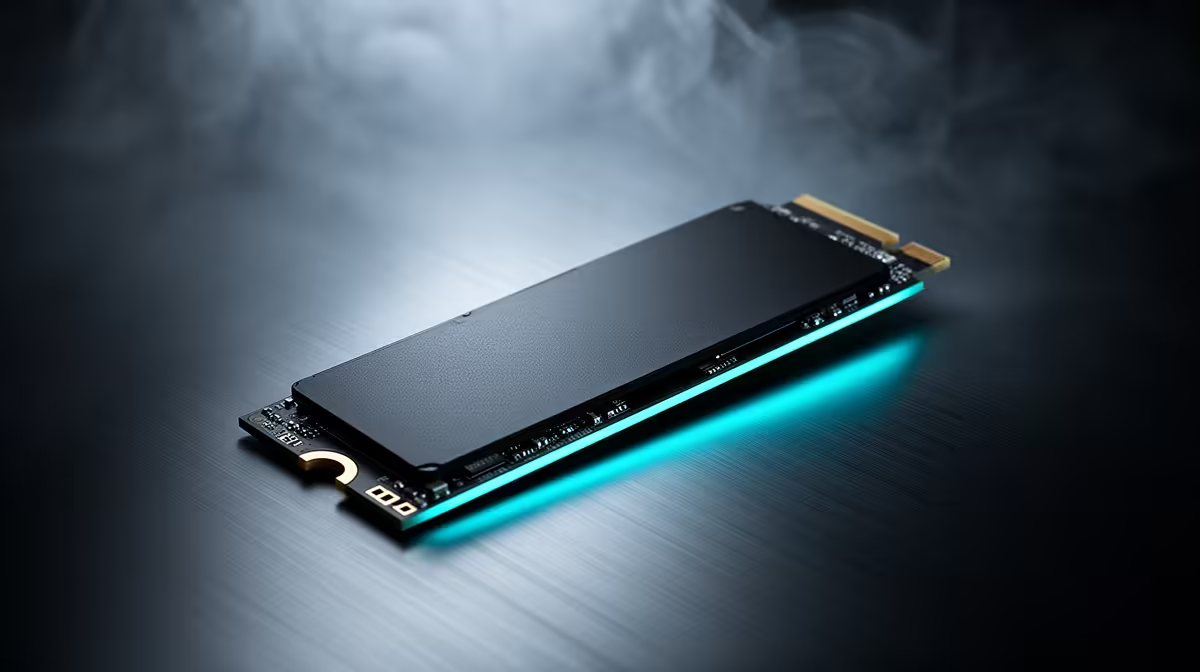
AI model files are deceptively heavy, and the NVMe SSD behind your AI art setup runs out of room far sooner than most people expect. A single Flux.1 Dev checkpoint weighs roughly 24GB at full precision, and once you start collecting alternate models, LoRAs, ControlNets and upscalers, a modest drive fills in weeks. Getting the capacity and speed right from the start saves a painful storage scramble later.
Quick Answer
For an AI model library, a Gen4 NVMe SSD with at least 2TB is the practical starting point. Flux.1 Dev alone is around 24GB at FP16, and a working library of models plus supporting files easily runs into hundreds of gigabytes, so capacity matters as much as the fast sequential speeds Gen4 provides for loading large checkpoints quickly.
Why AI Model Storage Adds Up So Fast
It is the supporting cast that eats the space. A base model like Flux at full precision is around 24GB, but a real library is never just one model. Add alternate checkpoints, multiple LoRAs, the VAEs and text encoders these workflows need, plus ControlNets and upscaler models, and a serious setup comfortably lands in the 200GB to 500GB range. People consistently underestimate this and buy a drive that is full before they have properly started experimenting.
A useful planning rule is to budget several times the size of your largest model to leave room for alternate versions and the tooling around it. On that basis, 1TB is a tight minimum and 2TB is the comfortable floor for anyone building a real collection.
Speed: Why Gen4 NVMe Is The Floor
Capacity keeps your library; speed determines how long you wait every time a model loads. Loading a 24GB checkpoint off a slow drive is a noticeable pause before every session or model switch. A Gen4 NVMe drive, reaching sequential reads around 7,000MB/s, pulls a large model into memory far faster than a SATA SSD or an older Gen3 drive, so switching between checkpoints feels responsive rather than sluggish.
For anyone routinely loading large models on a capable GPU, Gen4 NVMe is the sensible baseline rather than a luxury. The real-world difference shows up most when you swap models often, which is exactly what experimentation involves. Pair the drive with a capable card from the GPU best sellers and the storage stops being the thing you wait on.
Capacity Tiers At A Glance
A 1TB Gen4 drive suits a small, curated library where you keep only a handful of models. A 2TB drive holds dozens of models plus their supporting files and is the value sweet spot for most builders. A 4TB drive is for heavy collectors who keep many full-precision checkpoints, alternate quantisations and large datasets without ever pruning.
Gen4 vs Gen5: Does the Newest Generation Matter?
Gen5 NVMe drives are available and carry sequential read speeds above 12,000MB/s, but for most local AI builders they are not worth the premium. The real-world gap comes down to how often you swap models. A 40GB model loads in roughly 11 seconds on a Gen4 drive and around 6 seconds on Gen5. If you load a single model at the start of a session and work with it for hours, Gen5 saves five seconds once and nothing after that. The case for Gen5 only becomes compelling if you run agent frameworks that hot-swap models dozens of times per day, where those seconds accumulate into meaningful wall-clock time. For everyone else, a high-endurance Gen4 drive is the right call and leaves budget for more VRAM or a faster GPU.
Endurance Is the Quiet Concern
AI workloads write to storage differently from gaming. Every time a model loads, large sequential reads pull gigabytes off the drive; every time a checkpoint is downloaded or a new quantisation saved, large sequential writes hit it. Drives used this way accumulate terabytes written per week rather than per month. Look at the endurance rating, measured in total bytes written (TBW), when choosing a drive for this purpose. A drive rated at 2,400 TBW for its 4TB model lasts far longer under heavy model-swapping use than one rated at 600 TBW.
What Quantised Models Change for Storage
Quantised versions of models are worth accounting for separately. A full FP16 Flux.1 Dev checkpoint is around 24GB, but the Q4 quantised version shrinks to roughly 8 to 10GB, and FP8 lands somewhere between. Running quantised models reduces VRAM requirements, which is why they matter to anyone on a 12GB or 16GB card, but the trade-off is that you often keep multiple quantisations of the same model for different tasks, and that multiplication adds up on the drive. Budget 4 times the size of your largest planned model as a planning rule: one full-precision version, alternate quantisations, the VAE, text encoders, and tooling all fit inside that envelope.
SA Buying Context
NVMe SSD prices have come down substantially over the past two years, and 2TB Gen4 drives now sit at a reasonable price point for anyone building a serious local AI rig in South Africa. The priority order for a new build is GPU first, then RAM, then storage, but storage should not be the afterthought it sometimes is. Buying a 1TB drive to save money and then spending months managing what you delete is a false economy. Start at 2TB, go 4TB if the model types you want to run are large and you know you will accumulate them.
Fitting Storage Into An AI Build
Treat the model drive as a dedicated workhorse rather than sharing it with your operating system, so model loads are not competing with everything else. If you are speccing a full machine, the prebuilt AI PC range is configured with these storage demands in mind, so the drive is matched to the GPU and memory rather than being an afterthought. Keep some free space on the drive too, since NVMe SSDs perform and last better when they are not run completely full.
Frequently Asked Questions
How big is a Flux model file?
Flux.1 Dev is roughly 24GB at full FP16 precision. Smaller quantised versions exist, but a single full-precision checkpoint already takes a meaningful chunk of any drive.
How much SSD space do I need for an AI model library?
Plan for 2TB as a comfortable starting point. A working library of models, LoRAs, ControlNets, VAEs and upscalers commonly reaches 200GB to 500GB, and that grows quickly as you experiment.
Does NVMe speed actually matter for AI art?
Yes, for load times. Faster sequential reads pull large checkpoints into memory more quickly, so switching models and starting sessions feels responsive. It does not change generation speed itself, which is the GPU's job.
Is Gen4 NVMe necessary or will SATA do?
Gen4 NVMe is the sensible floor for large models, since SATA is much slower to load 24GB checkpoints. If you load big models often, the difference in waiting time is significant.
Should the AI models share my system drive?
Better to use a dedicated drive for models. That keeps large model loads from competing with the operating system and apps, and makes it easier to size capacity purely around your library.
Do not let a small drive cap your AI art workflow. Browse the AI PC range at Evetech for builds with fast, high-capacity NVMe sized to hold a real model library.