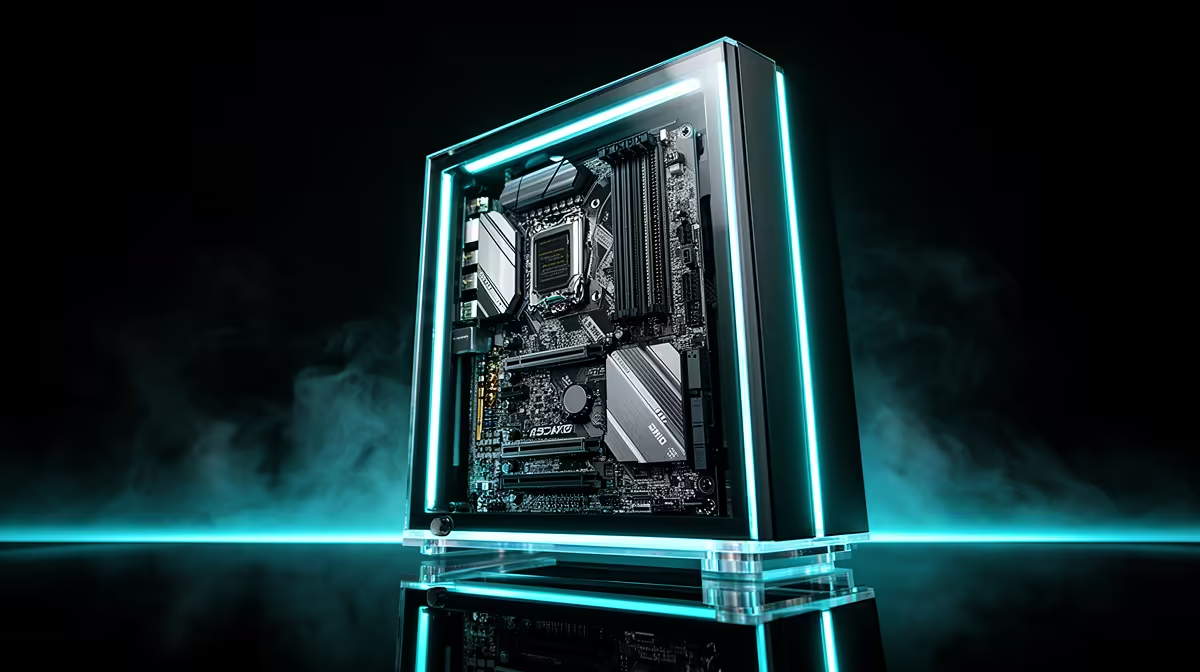
Running a capable coding model with zero internet dependency is no longer a research-lab fantasy. A workstation that holds a strong 32-billion-parameter model entirely in graphics memory can suggest code, refactor functions, and answer questions about your repo while completely cut off from any network. For South African developers on patchy fibre, or anyone working under strict data-handling rules, an offline air-gapped AI coding setup turns the model into a local tool that never phones home.
Quick Answer
A useful 32B coding model quantised to 4-bit needs roughly 20GB of VRAM to run with comfortable context headroom. A desktop RTX 5090 with 24GB covers that with room to spare, making it the practical single-card pick for a fully local rig. No internet, no API bill, no data leaving the machine.
What "Air-Gapped" Actually Demands
Air-gapped means the machine has no path to the internet at all, by policy or by physical disconnection. Everything the model needs has to live on local storage and run on local silicon. That rules out cloud APIs, hosted copilots, and any tool that streams your code to a remote server for inference.
Three things have to be in place. First, enough graphics memory to hold the model weights plus the working context. Second, a CPU and system RAM combination that can load weights off disk and feed the GPU without becoming the bottleneck. Third, a local runtime, something like a self-hosted inference server, plus an editor extension that points at localhost instead of a cloud endpoint.
The reason this matters in South Africa specifically is reliability and control. Connectivity drops, and some workplaces handle client code that simply cannot touch a third-party server. A local rig sidesteps both problems at once: it works on a farm with no signal and it keeps proprietary code on your own hardware.
VRAM Is the Wall You Hit First
Everything about local model size comes back to graphics memory. Weights that exceed the GPU's VRAM capacity spill into system RAM, and when that happens throughput collapses to a crawl because the GPU must wait on the far slower memory bus.
Sizing the model to the card
A 32B model in 4-bit quantisation lands around 18 to 20GB just for the weights. Add the context window (the running conversation and the code you have fed it) and you want a few extra gigabytes of headroom. That is why 24GB is the comfortable floor for this class of model rather than the bare minimum.
Smaller models change the maths. A 13B or 14B model quantised to 4-bit fits inside 10 to 12GB, so a card with 16GB runs it happily and leaves slack for a generous context. A 7B model is lighter still and will run on entry-level workstation cards. The trade-off is capability: larger models reason over longer functions and follow multi-step instructions more reliably.
Why the RTX 5090 24GB is the sweet spot
The RTX 5090 pairs 24GB of fast memory with the raw compute to generate tokens at a usable pace, so you are not waiting awkward seconds for each suggestion. It handles the 32B tier today and leaves headroom for the slightly larger quantised models that keep appearing. For a single-card, single-developer rig, it is the cleanest answer. The AI PC range at Evetech details the GPU and memory configurations currently available, making it a convenient reference when planning a single-card local inference build.
RAM, Storage and the Rest of the Rig
VRAM gets the headlines, but the supporting components decide whether the experience is smooth. Aim for system RAM at least equal to your VRAM, and ideally double it, so the operating system, your editor, and the model loader all have room without swapping. For a 24GB card, 32GB of system RAM is a sensible minimum and 64GB is comfortable if you keep large projects open alongside the model.
Storage is a factor many buyers underestimate. Each model file runs to many gigabytes, and a working developer typically keeps several variants on hand. A fast NVMe SSD loads weights into VRAM far quicker than a SATA drive, which shortens the wait every time you switch models or restart the runtime. Budget for capacity too; a developer collecting a few coding models and their variants can fill 500GB without trying.
The CPU does less heavy lifting during inference than the GPU, but it still handles tokenising, file indexing, and feeding the pipeline. A current mid-to-high desktop chip is plenty. Do not overspend here at the expense of VRAM, which is where every rand returns the most capability for local inference.
For developers comparing complete machines rather than assembling from parts, the PC best sellers at Evetech show how memory, storage and graphics scale together across different budgets.
Who This Setup Is Really For
This is not the right answer for everyone. If you have stable, fast internet and no data-handling restrictions, a cloud-hosted assistant is cheaper to start with and always runs the latest large models. The local route earns its keep in specific situations.
It suits developers who work where connectivity is unreliable and cannot depend on a remote endpoint mid-task. It suits anyone bound by client or regulatory rules that forbid code leaving the premises. And it suits the long game on cost: once the hardware is bought, every query is free, with no per-token billing that grows with usage. For a team that runs heavy daily volume, the rig pays for itself over time.
Frequently Asked Questions
How much VRAM do I need for a 32B coding model?
Around 20GB in 4-bit quantisation, counting both the weights and a working context window. A 24GB card such as the RTX 5090 gives you that with comfortable headroom for longer code context.
Can I run a useful coding model on a 16GB card?
Yes, at the 13B to 14B tier in 4-bit, which fits inside 10 to 12GB and leaves room for context. These models are very capable for everyday coding, though they reason over long, complex functions less reliably than a 32B model.
Does an air-gapped setup mean no internet ever?
It means the machine has no live path to the internet during use, so all weights and tooling live locally. You can prepare the rig while connected, then disconnect it for a fully self-contained workflow.
Why not just use system RAM instead of more VRAM?
Because weights that spill out of VRAM into system RAM slow generation dramatically. The GPU runs the model at speed only while everything it needs sits in graphics memory.
Is a fast SSD really necessary?
It is not strictly required, but it makes a real difference. Model files are large, and an NVMe drive loads them into VRAM far faster than a SATA disk, cutting the wait every time you start the runtime or switch models.
Ready to build a coding rig that runs entirely on your own hardware? Explore the local AI workstation builds at Evetech and match the VRAM to the model size you want to run, with no internet dependency and no data leaving your desk.