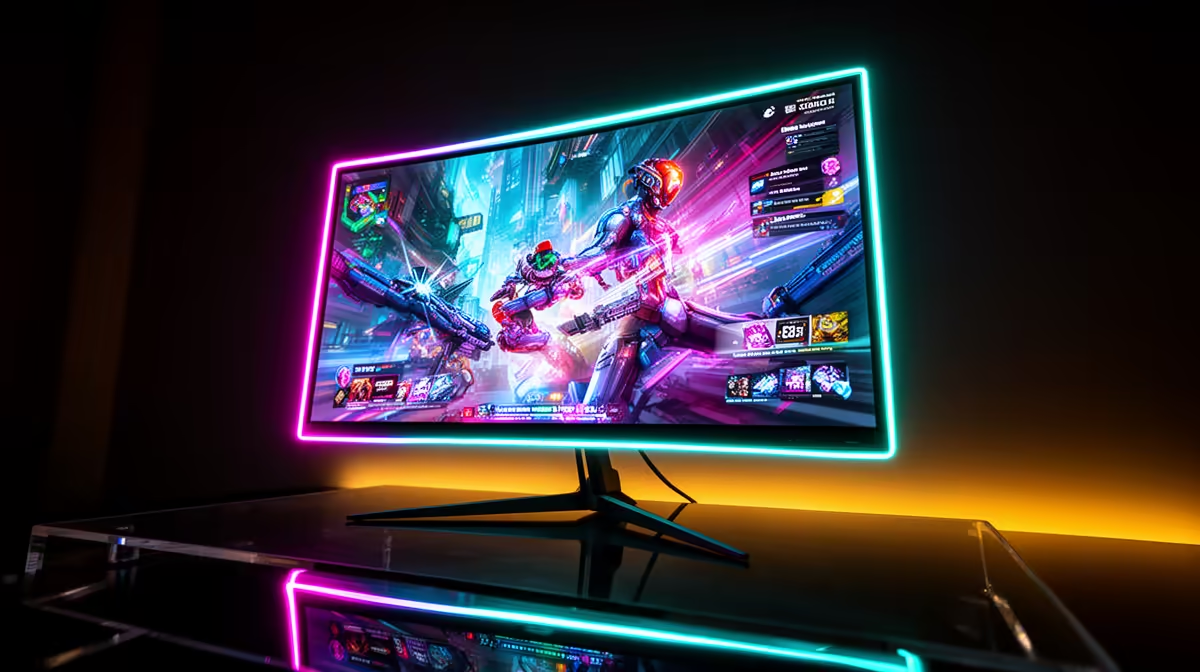
Quick Answer
Roodepoort remote workers who game in the evenings get significant value from an OLED gaming monitor over standard IPS: 0.03 ms response time eliminates motion blur in competitive titles, and infinite contrast improves dark-scene visibility in games like Cyberpunk 2077 or Elden Ring. The LG 27GR95QE-B at ~R8,500 (27-inch, 1440p, 240 Hz) is the most practical pick for combining office work and gaming on one screen.
OLED monitor recommendations for Roodepoort setups
LG 27GR95QE-B (~R8,500): 27-inch 1440p, 240 Hz, 0.03 ms. 800 nits HDR peak. Good for 1080p/1440p gaming and sharp enough for document work. USB-C with 96 W charging means a single cable to a compatible laptop — useful if you switch between desktop and laptop use.
LG UltraGear 27GS95QE (~R9,500): Minor upgrade over the 27GR — better panel calibration out of the box, improved colour gamut (DCI-P3 98.5%). Worth the extra R1,000 for Roodepoort creatives or designers who need accurate colour for client work alongside gaming.
Samsung Odyssey G6 OLED (~R6,500): 27-inch 1440p OLED at a lower price point. 360 Hz refresh rate — among the highest available for OLED. Best for competitive FPS gamers where refresh rate matters more than professional colour accuracy.
Is OLED worth it over IPS for a Roodepoort home setup?
A top-tier IPS gaming monitor costs R3,000–R5,000 for 1440p at 165 Hz. An OLED at 1440p 240 Hz starts at R8,500. The OLED advantage: infinite contrast (blacks are truly black), 0.03 ms vs 1–4 ms IPS response, and HDR that actually works. The disadvantage: burn-in risk from static work UI elements and higher price. For buyers who spend 50%+ of screen time gaming, OLED is justified.
FAQ
What is the best OLED monitor for R8,000–R10,000 in SA?
The LG 27GR95QE-B at ~R8,500 is the strongest value in this bracket — 1440p, 240 Hz, 0.03 ms, 800 nits HDR, USB-C with power delivery. It covers competitive gaming and remote-work productivity at a price that's accessible to most SA buyers at this tier.
How do I prevent burn-in on an OLED monitor used for remote work?
Use a screen saver or automatic screen-off after 5 minutes of idle. Enable the panel's built-in pixel refresh (runs at power-off on LG OLEDs). Avoid leaving static Windows taskbars, IDE sidebars, or browser chrome in fixed positions for months. Regularly change desktop layouts. Follow these steps and burn-in from typical office use is very unlikely within the 2–3 year warranty period.
Do OLED monitors need a specific GPU to run well?
OLED monitors use standard DisplayPort or HDMI connections and work with any GPU that supports the required resolution and refresh rate. For 1440p at 240 Hz, use DisplayPort 1.4 (8K bandwidth) — all RTX 30 and 40 series GPUs include at least one DisplayPort 1.4 output.
rather than HDMI when connecting an OLED monitor to a gaming PC — DisplayPort 1.4 supports 1440p at 240 Hz and HDR simultaneously, while HDMI 2.0 (found on many older GPUs) is limited to 1440p at 144 Hz without HDR.