Quick Answer
For South African gaming and creator builds, prioritise in this order: mesh front panel for airflow, GPU clearance of at least 380mm, 360mm radiator support, 25mm or deeper cable management zone, and USB 3.2 Gen 2 Type-C front panel port. These five features determine long-term thermal performance and build-day experience more than any aesthetic choice.
Airflow First: Why the Front Panel Design Matters Most 🔧
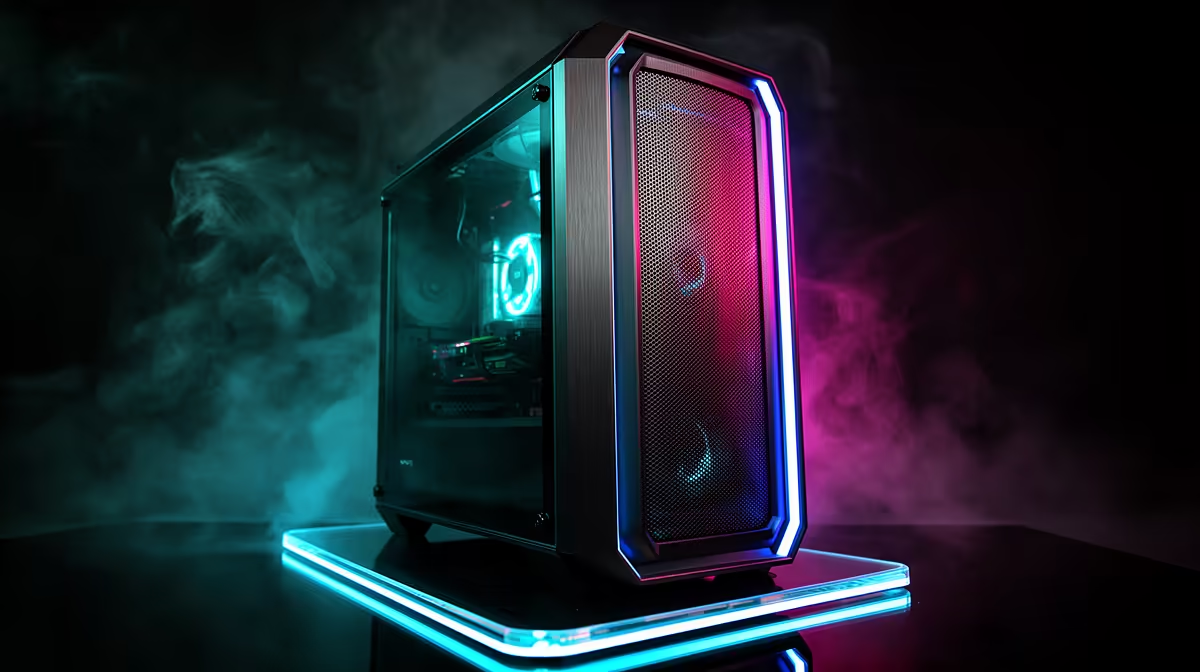
The front panel design determines how much cool air the case draws across the GPU and CPU. A mesh or perforated steel front panel with at least 70% open area allows adequate intake for even the most power-hungry RTX 5090 at 575W. Solid plastic fronts with only small side vents restrict airflow dramatically, raising GPU temperatures by 8 to 15 degrees Celsius compared to an equivalent mesh front case. In SA summer conditions where ambient room temperatures can reach 30 to 35 degrees without air conditioning, a mesh front panel is not a minor detail: it is a thermal necessity. Dust filters on mesh fronts slow dust accumulation and are removable for cleaning, taking under a minute.
Clearance Specs That Matter for SA Component Choices 🖥️
380mm GPU clearance accommodates all current consumer GPUs including the largest RTX 5090 partner cards. 360mm radiator front support allows an AIO liquid cooler that handles Ryzen 9 9950X or Core Ultra 9 285K temperatures in SA summer. CPU cooler height clearance of 165mm or above covers premium tower air coolers like the Noctua NH-D15 G2 at 168mm if you prefer air over liquid. For creator builds running Blender, Premiere Pro, or DaVinci Resolve, the 360mm AIO is the most impactful thermal choice, and the case must support it at the front panel where intake air is coolest.
Cable Management and Connectivity Features 🔌
A 25mm rear cable routing zone separates a clean, serviceable build from a chaotic tangle that blocks airflow and makes GPU or drive upgrades painful. Velcro strap anchor points, cable routing cutouts behind each major connector cluster (CPU 8-pin, 24-pin ATX, GPU 12VHPWR, SATA), and a PSU shroud with a large cable entry hole all contribute to cable management quality. The front panel USB 3.2 Gen 2 Type-C port delivers 10 Gbps for file transfers from cameras and portable SSDs, relevant for SA creators moving large raw photo or video files daily. This port requires a USB 3.2 Gen 2 header on the motherboard, so verify compatibility before purchase.
Skip RGB If Budget Is Tight ⚡
ARGB fans and tempered glass add R300 to R1,000 to a case's cost over an equivalent plain case. If your total build budget is under R15,000, a plain mesh-front mid-tower without ARGB lighting frees that money for a higher-tier GPU. RGB does not add a single frame per second to game performance.
FAQ
Is dust filtration important for SA gaming PCs?
Yes. SA interior environments, especially in Gauteng and drier interior regions, accumulate dust faster than coastal areas. Front mesh panels with magnetic or removable dust filters protect fans and heatsinks. Clean filters every four to six weeks to maintain airflow.
What PSU length does a mid-tower case typically support?
Most mid-tower ATX cases support PSUs up to 180mm in length, covering the majority of ATX power supplies. High-wattage units for RTX 5090 builds (1,000W to 1,200W) are available in standard ATX lengths within this limit.
Do I need a modular PSU for good cable management in a mid-tower?
Yes, strongly recommended. Non-modular PSUs include fixed cables for every connector, filling the cable management zone with unused cables. Semi-modular or fully modular PSUs allow only the needed cables to be installed, dramatically improving build tidiness and airflow.
Choosing a case that handles SA conditions and your specific build requirements?
Evetech stocks mid-tower ATX cases with full spec listings for airflow, clearance, and connectivity, with local warranty and delivery across South Africa.